A light, graceful save the date
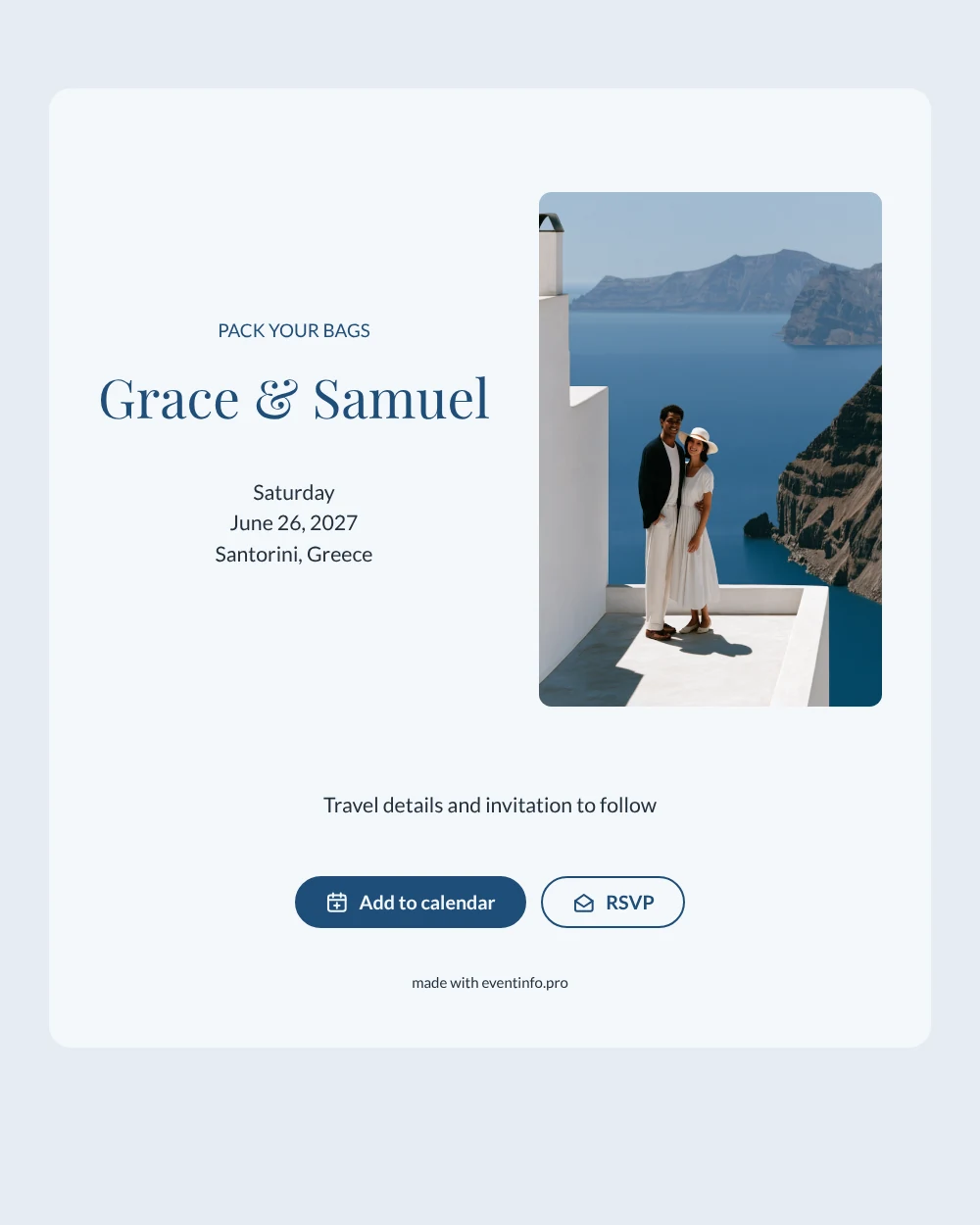
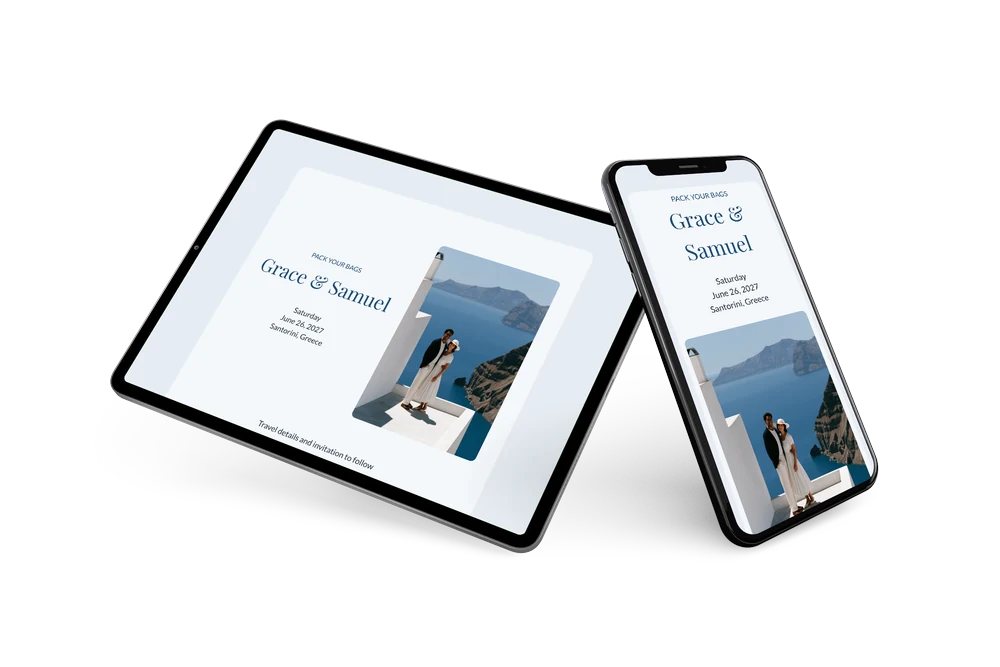
A digital save the date is a small web page sent by link that tells guests your wedding date and destination well ahead of the invitation. In this version, a photo of a couple on a terrace above the Aegean sets the scene on the left, while the right side keeps to white and Aegean blue, with classic serif names and simple lines for the day, the date and the place.
It works well for weddings in popular summer spots, where flights and rooms sell out early. Guests can save the date in one tap and let you know early whether they plan to come, which helps you reserve a block of rooms or a boat transfer. If the venue or time changes, you update it in the editor and guests see the change on the same link. See how to share the event location so guests can find the venue on a map.
Create your own online save the date
Use this design as a starting point and create a fitting save the date within minutes.
Frequently asked questions
Can I send this today?
Yes. Fill in your names, the date and the destination, check the preview and send the link straight away. Guests need no account; the link opens in any browser.
Which options do guests have?
Guests can add the date to their own calendar and reply with RSVP. You follow all answers in your dashboard.
Why does the heading say PACK YOUR BAGS?
It tells guests at once that this is a trip, not just a day out, and it matches the sea-view photo. If you prefer a classic tone, change it to “Save the date” in the editor.
Can I edit the card after sending it?
Yes. Changes appear on the same link, so guests always see the latest version. You can also swap the photo for one of your own and change the colors. Read about online RSVP for collecting replies.
What does the full invitation cost?
The save the date is free. For the full wedding invitation with more features, see the pricing for the full invitation.
Design details: fonts and colors
Fonts
- Header 1 — Lato
- Header 2 — Playfair Display
- Text — Lato
Colors
- #1F4E79 — Header 1
- #1F4E79 — Header 2
- #22303D — Text
- #F4F7FA — Card
- #E6EDF3 — Background
Use this design
Copy this design to your dashboard to use it as a starting point.