A warm, cheerful save the date
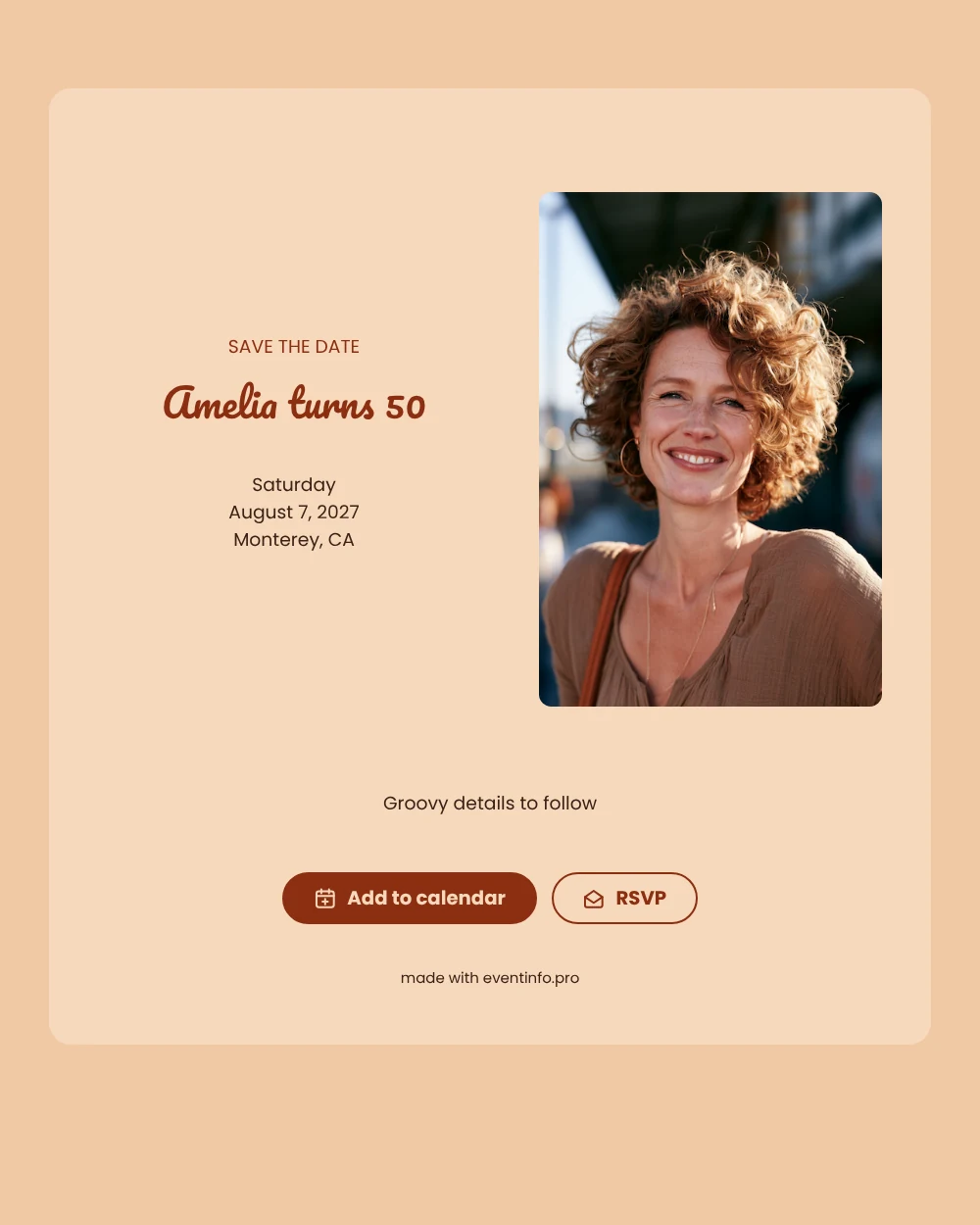
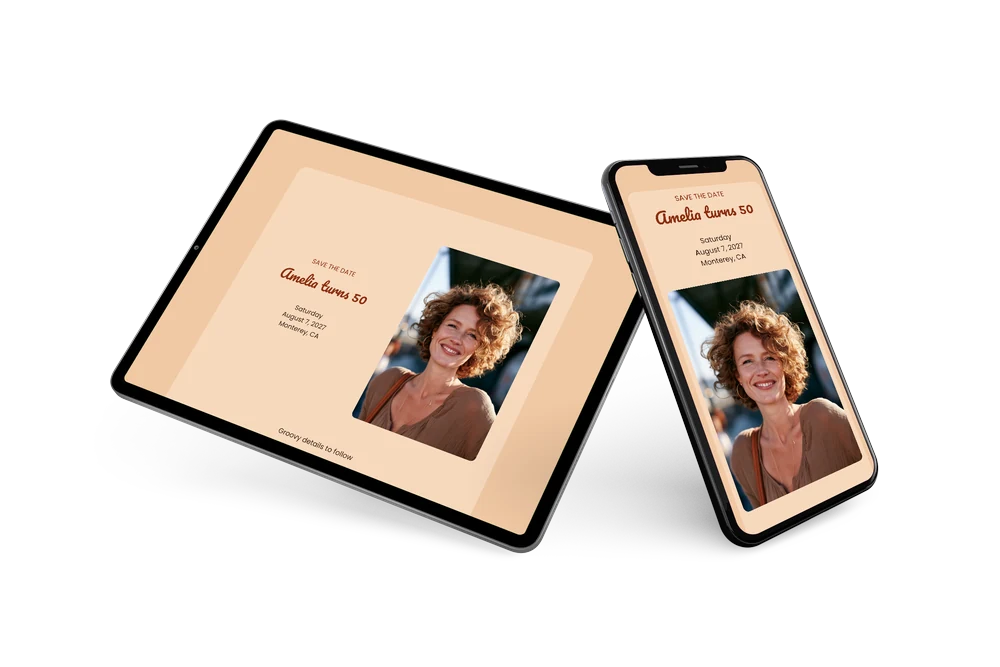
A digital save the date is the first, short message about your party: a card on its own web page that guests can open anywhere. It tells them the date and the place, and that more information will follow. In this retro version, a cheerful portrait photo and an apricot card create a sunny, nostalgic mood that suits a milestone birthday. The heading “SAVE THE DATE” is in strong rust capitals, and the closing line keeps the tone light with a nod to the seventies.
It works for someone turning 50 who loves a party with music from their youth, or for a family organizing a celebration for a parent. Send it as soon as the date and venue are fixed. Guests can add the event to their calendar with one tap and reply early, so you can plan food, music and space with more certainty. Because the card is online, a change of venue is updated on the same link. Old friends who live further away will be glad of the early notice.
Create your own online save the date
Use this design as a starting point and create a fitting save the date within minutes.
Frequently asked questions
Can I send this today?
Yes. Enter the details, check the preview and share the link right away by text, email or WhatsApp. Open the link yourself first to see how it looks for your guests.
Which options do guests have?
Guests can save the date in their own calendar and reply with RSVP. You keep track of all replies in your dashboard.
Should I use a photo of the person turning 50?
That works well. The sample shows a smiling woman with curly hair in a tall portrait frame next to the text. Replace it with a favorite photo of the guest of honor, recent or from their younger years, to make the card personal.
Can I change the heading or the closing line?
Yes. Both are free text, so you can write your own heading or swap “Groovy details to follow” for something else. The date and place are filled in from your details. In the full invitation you can later share the party location with guests.
What does the full invitation cost?
The save the date itself is free. For the full birthday invitation, see the pricing for the full invitation.
Design details: fonts and colors
Fonts
- Header 1 — Poppins
- Header 2 — Pacifico
- Text — Poppins
Colors
- #8C2F12 — Header 1
- #8C2F12 — Header 2
- #3A2216 — Text
- #F7D9BD — Card
- #F0C8A3 — Background
Use this design
Copy this design to your dashboard to use it as a starting point.