A crisp, formal save the date
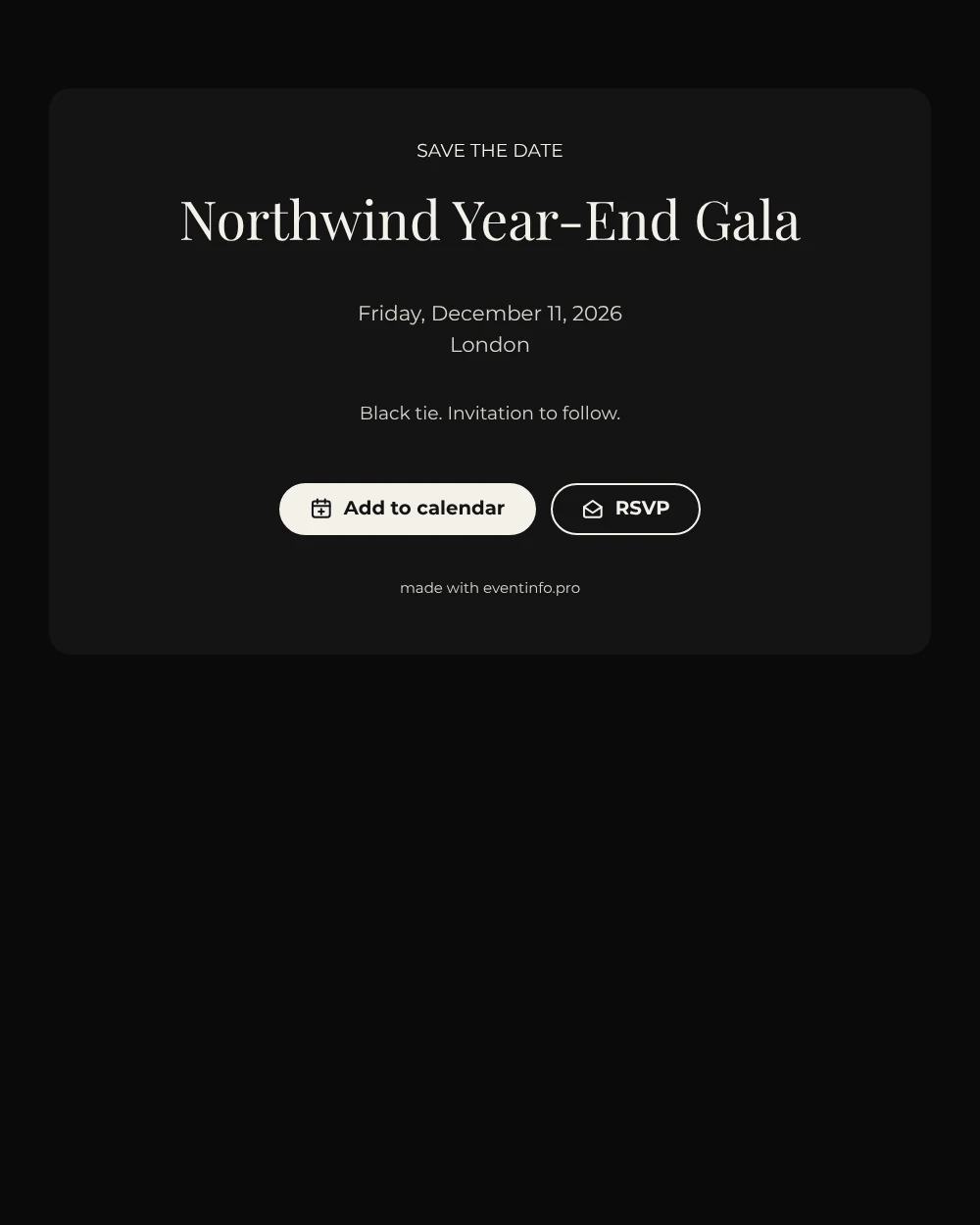
A digital save the date is a short web page sent by link, so guests can reserve the date of your gala long before the program is final. Here the tone is black tie from the first glance: a black card on a black background, ivory lettering, a sharp serif for the event name and generous space around every line.
It works well for organizations that want a polished first message without printing anything. Send it before the holiday calendars fill up, then follow with the full invitation once speakers or the menu are known. Guests can save the date in one tap and give an early yes or no, which helps with numbers for the venue. If the location changes, you update it in the editor and everyone sees the new details on the same link. See how to share the event location with guests.
Create your own online save the date
Use this design as a starting point and create a fitting save the date within minutes.
Frequently asked questions
Can I send this today?
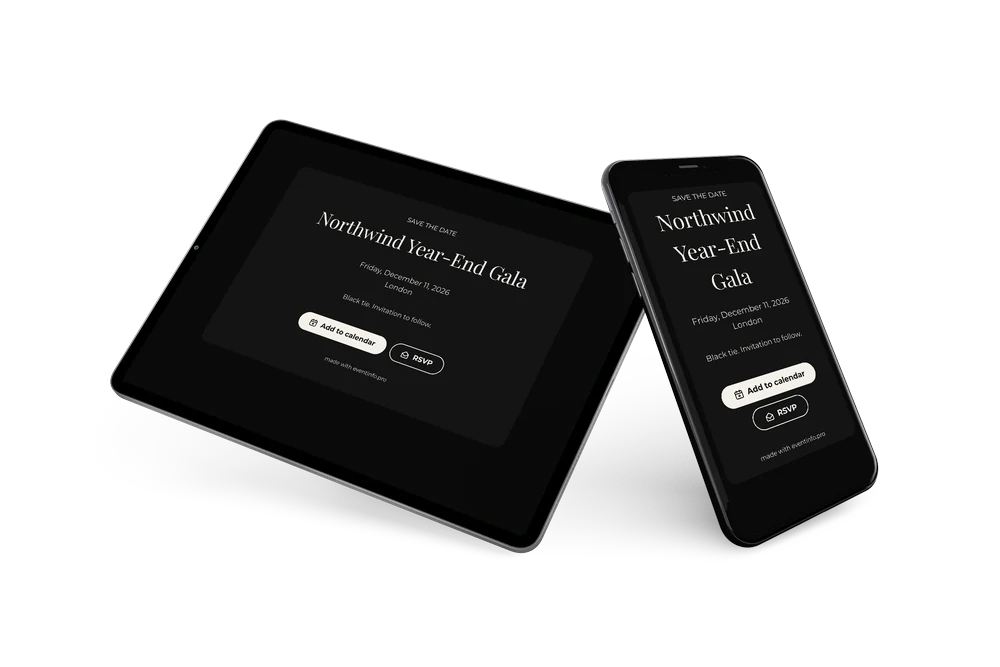
Yes. Fill in the name, the date and the city, look at the preview and send the link right away. The link works on any phone, tablet or laptop, so guests do not need an app.
Which options do guests have?
Guests can add the date to their own calendar and reply with RSVP. You keep track of all answers in your dashboard.
Why does the design use no color at all?
Black and ivory echo the black-tie dress code and look the same on every screen. Leaving out color also makes the card easy to combine with any company identity.
Can I edit the card after sending it?
Yes. Changes show up on the same link, so guests always see the latest version. You can also change the colors and the heading. See how guests can add an event to their calendar.
What does the full invitation cost?
The save the date is free. For the full gala invitation with more features, see the pricing for the full invitation.
Design details: fonts and colors
Fonts
- Header 1 — Montserrat
- Header 2 — Playfair Display
- Text — Montserrat
Colors
- #F4F1EA — Header 1
- #F4F1EA — Header 2
- #D9D6CF — Text
- #141414 — Card
- #0A0A0A — Background
Use this design
Copy this design to your dashboard to use it as a starting point.