A playful, bright save the date
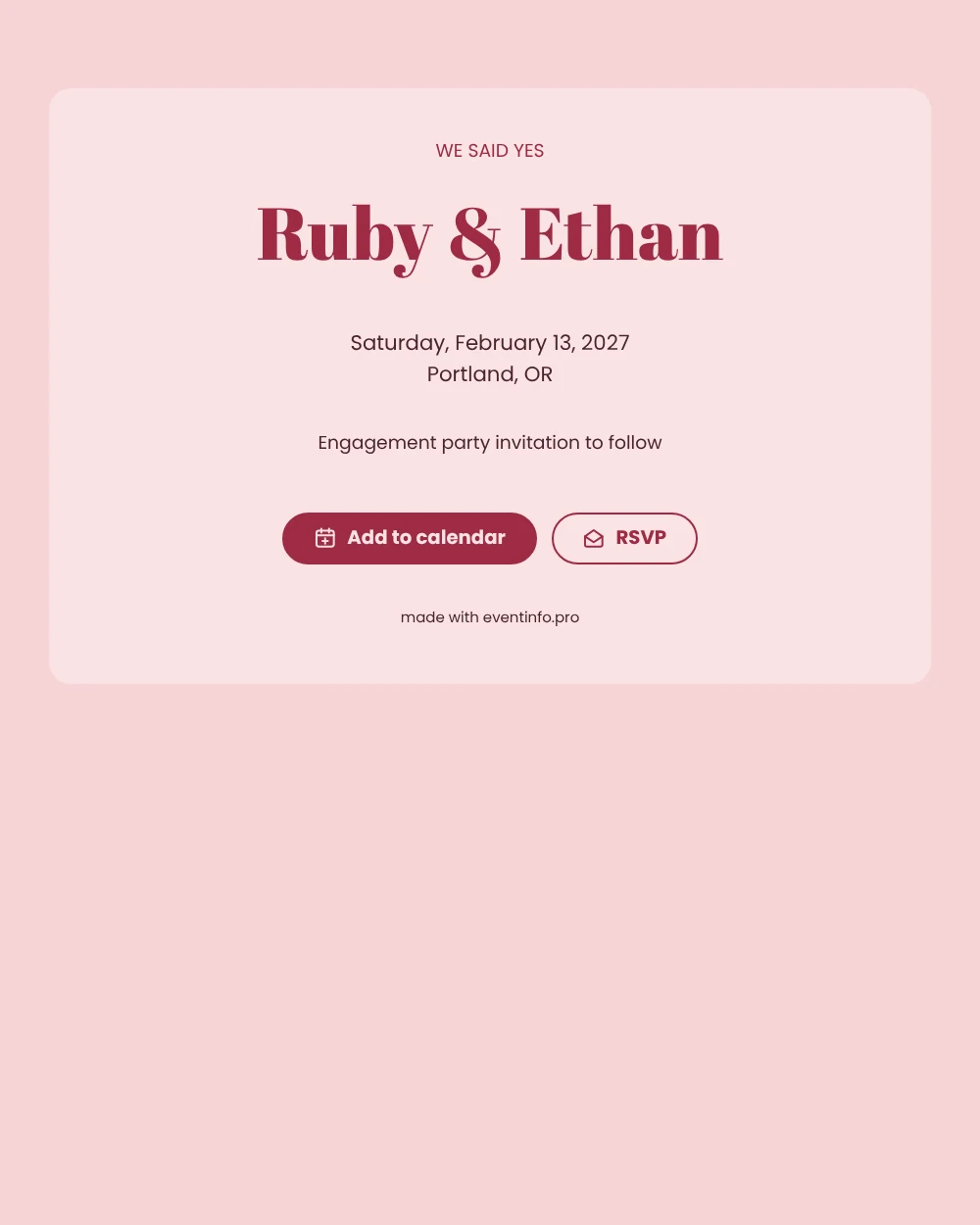
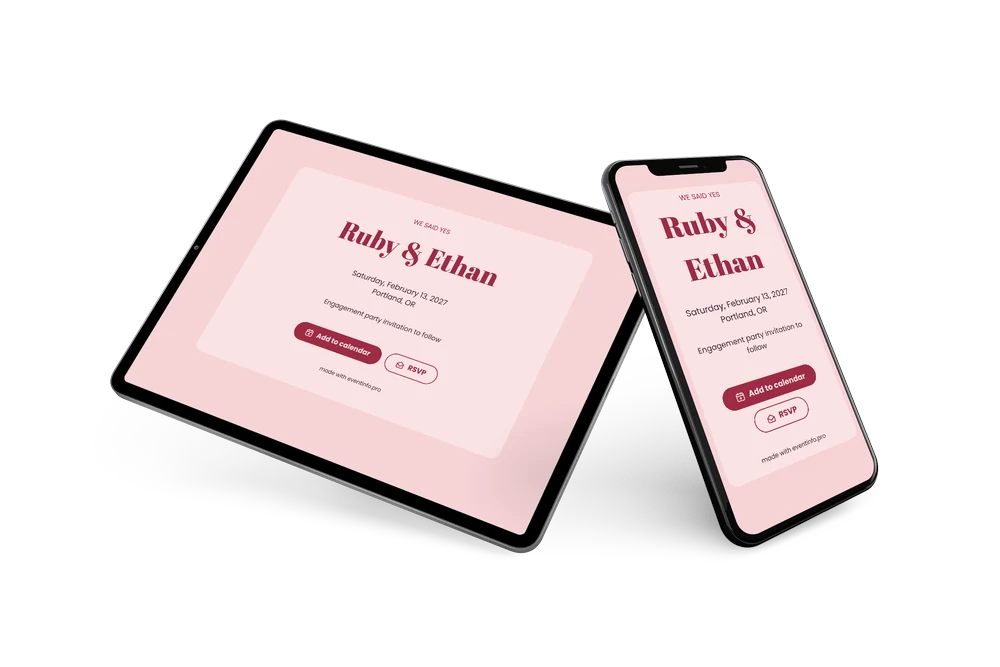
A digital save the date is a small web page you share by link to fix a date in your guests’ plans long before the details are ready. Here it carries engagement news: pink on pink, a raspberry “WE SAID YES” across the top and your names in a striking display letter that feels both happy and a little bit grand.
It works well when guests are spread over different cities or when the party falls in a busy period, such as just before the holidays. An early message gives everyone time to arrange travel or a sitter. Guests can save the date in one tap and send you a quick reply, and you keep an overview of who is coming. If the restaurant or time changes, you update it in the editor and the same link shows the new details. See how answers are collected with online RSVP.
Create your own online save the date
Use this design as a starting point and create a fitting save the date within minutes.
Frequently asked questions
Can I send this today?
Yes. Fill in your names, the date and the city, check the preview and share the link right away. Many couples send it the same week they announce the news.
Which options do guests have?
Guests can add the date to their calendar and reply with RSVP. You track all replies in your dashboard.
Why is there no photo on this design?
The card relies on the bold heading and the two names. Without a photo it stays light, loads fast on any phone and keeps the focus on your news.
Can I edit the card after sending it?
Yes. Changes appear on the same link, so guests always see the latest version. You can also change the colors, the heading and the closing line. Learn how guests can add an event to their calendar.
What does the full invitation cost?
The save the date is free. For a full invitation with more features, see the pricing for the full invitation.
Design details: fonts and colors
Fonts
- Header 1 — Poppins
- Header 2 — Abril Fatface
- Text — Poppins
Colors
- #9E2B45 — Header 1
- #9E2B45 — Header 2
- #4A2530 — Text
- #FBE3E4 — Card
- #F6D3D6 — Background
Use this design
Copy this design to your dashboard to use it as a starting point.