A cozy, inviting save the date
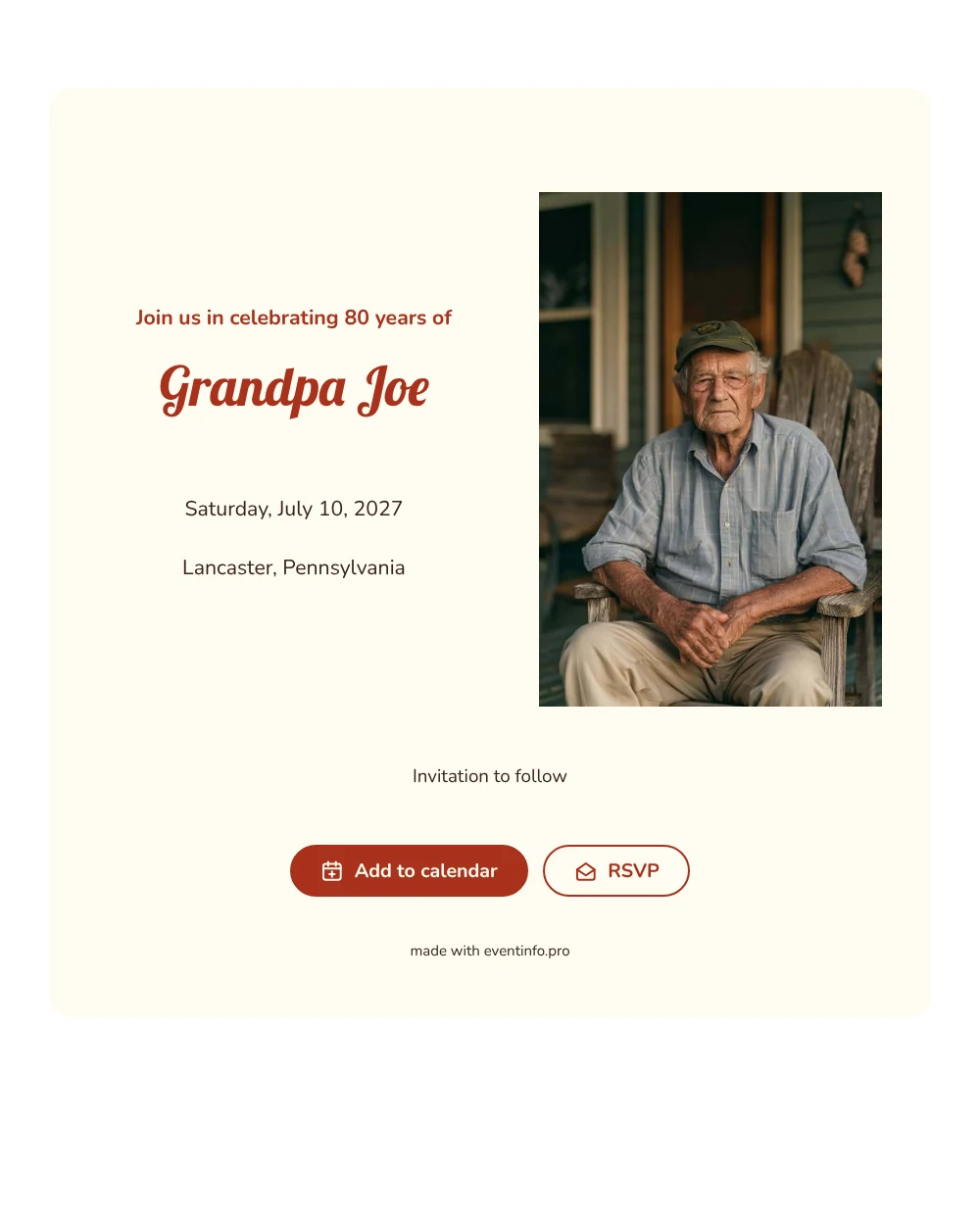
A digital save the date is a small page you share by link so guests can reserve a date long before the invitation arrives. In this version, the sample photo shows an older man with glasses smiling in a wooden rocking chair on a porch, a calm and homely image that fits a birthday for someone who has seen eight decades. The heading ’Join us in celebrating 80 years of’ leads into the name in a warm, playful script, and the date and place follow in clean, rounded letters.
It works well for a birthday lunch, a garden party or a dinner in a favorite restaurant, especially when the guest list includes relatives who need to arrange travel or care. Guests can put the date straight into their calendar and send an early answer, which helps you estimate seating and catering. If plans change, you edit the card and everyone sees the update on the same link. Read how answers are collected with online RSVP.
Create your own online save the date
Use this design as a starting point and create a fitting save the date within minutes.
Frequently asked questions
Can I send this today?
Yes. Fill in the name, the date and the town, look at the preview and share the link straight away.
Which options do guests have?
Guests can add the date to their own calendar and reply through RSVP. You keep track of all replies in your dashboard.
Why is the photo on the left and not on top?
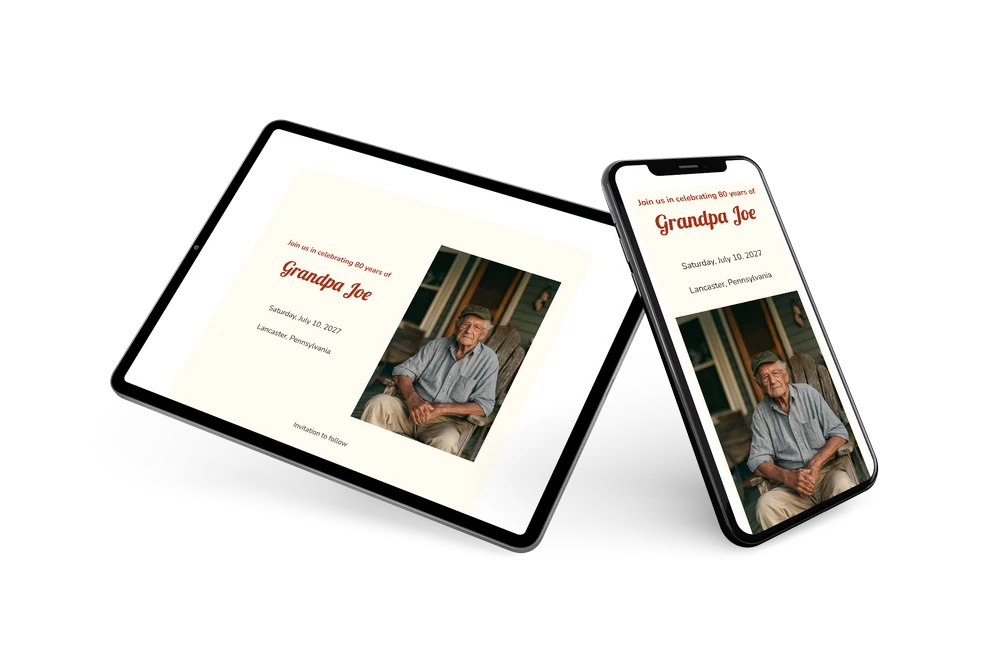
This layout places a portrait image next to the text, so the face and the name are seen together at a glance. On a phone, the photo appears first and the text follows below it. You can upload your own portrait in place of the sample.
Can I edit the card after sending it?
Yes. Changes show up on the same link, so everyone sees the latest version. You can also change the colors, the photo and the heading. Start with a free save the date to try it.
What does the full invitation cost?
The save the date itself is free. For the full birthday invitation with more features, see the pricing for the full invitation.
Design details: fonts and colors
Fonts
- Header 1 — Nunito
- Header 2 — Lobster
- Text — Nunito
Colors
- #A8321C — Header 1
- #A8321C — Header 2
- #36241C — Text
- #FFFCF2 — Card
- #FFFFFF — Background
Use this design
Copy this design to your dashboard to use it as a starting point.