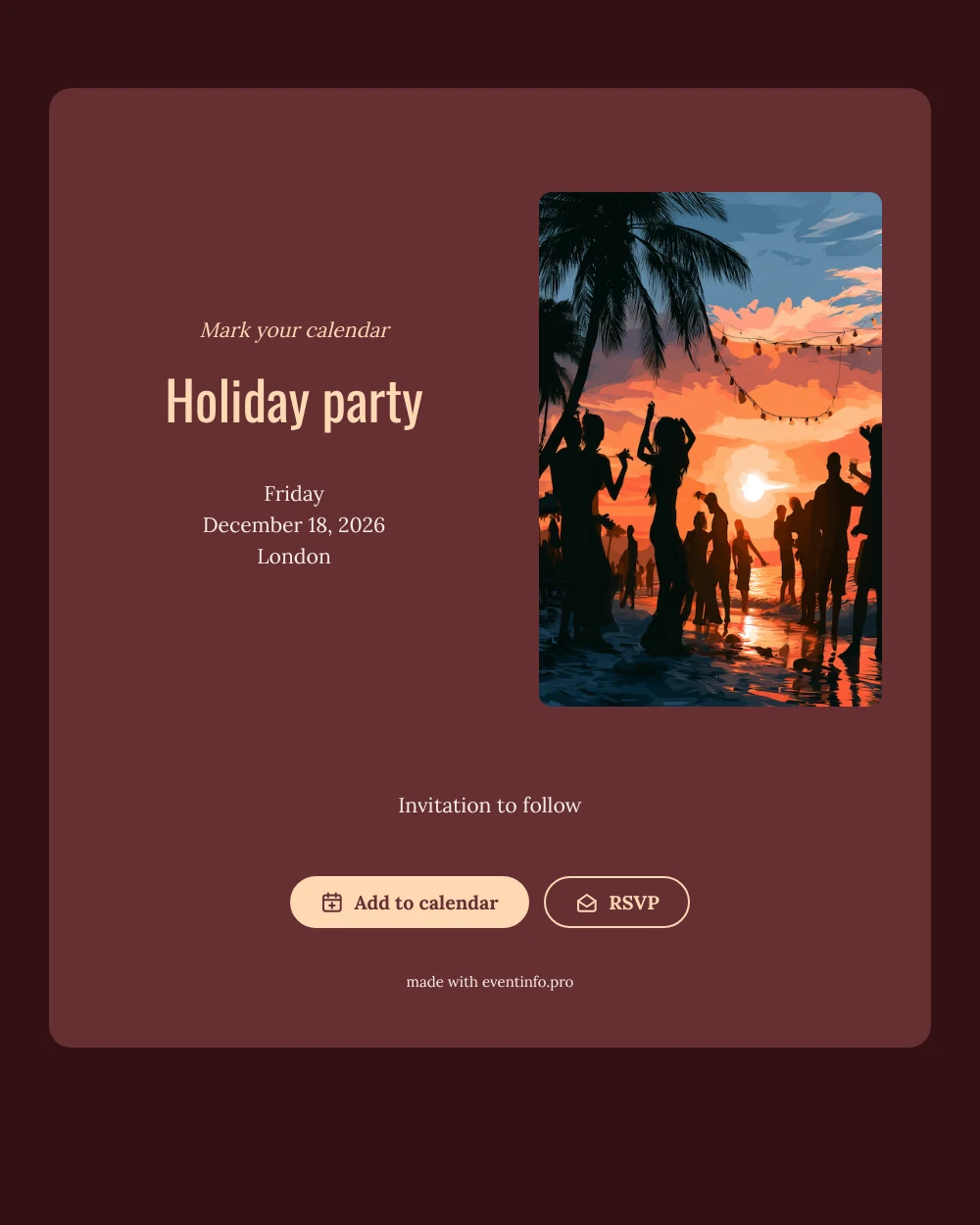
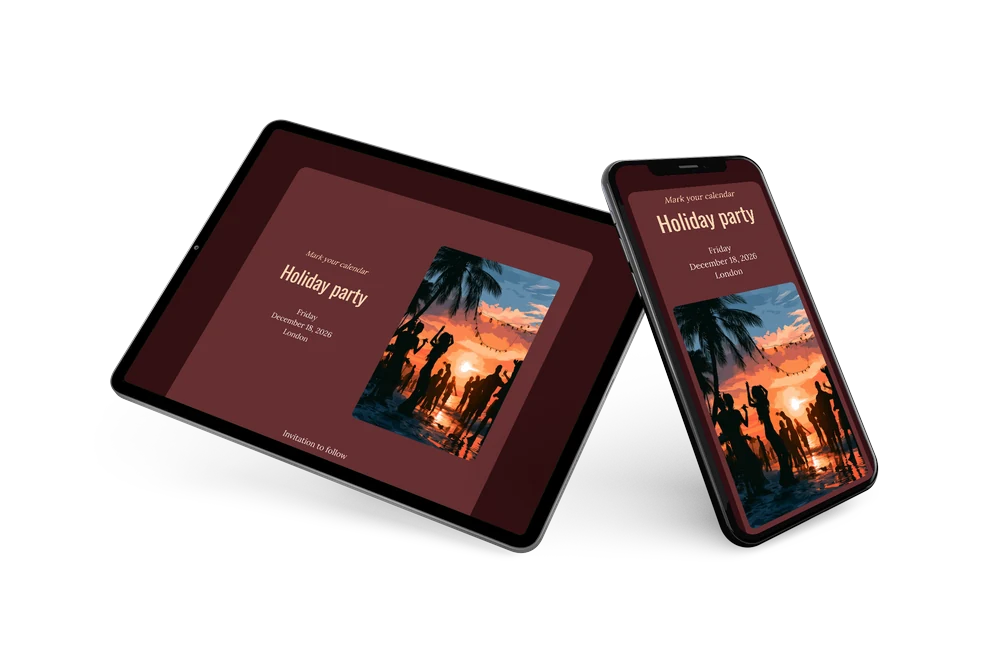
A rich, upbeat save the date
A digital save the date is a small online card that tells people when and where you are celebrating, long before the full invitation is ready. It is sent as a link, so it reaches everyone at once and needs no stamps or printing. In this festive version, an illustration of a beach party at sunset in orange and teal stands beside a wine-red card. Peach lettering asks guests to mark their calendar, and the weekday, date and city follow in a calm serif below.
It is a good fit for hosts who plan a larger holiday gathering: a family Christmas lunch with relatives from out of town, a December party for a sports team or a festive evening for a group of friends. Send it as soon as you have a date, ideally six to eight weeks ahead. Guests can save it in their calendar and send an early answer through RSVP online, which helps you plan food and drinks. The full invitation can follow later on Eventinfo.pro in the same burgundy style.
Create your own online save the date
Use this design as a starting point and create a fitting save the date within minutes.
Frequently asked questions
Can I send it today?
Yes. Fill in the name, the date and the city, look at the preview and share the link right away. Open the link yourself first to see how it looks for your guests.
What do guests get from the link?
They can add the date to their calendar with one tap and reply through RSVP. You see every reply in your dashboard.
Does a beach party illustration fit a winter party?
It gives a winter party a playful, warm-weather twist, which suits a tropical theme or a party that wants to escape the cold. If you prefer a seasonal look, swap it for your own photo in the editor.
Can I edit the card after sending it?
Yes. Changes appear on the same link, so guests always see the latest version. The date and place are filled in from your details, and you can also rewrite the heading, swap the image and change the colors. In the full invitation you can later share the event location with guests.
What does the full invitation cost?
The save the date is free. For the full invitation with more features, see the pricing for the full invitation.
Design details: fonts and colors
Fonts
- Header 1 — Lora
- Header 2 — Oswald
- Text — Lora
Colors
- #FED8B4 — Header 1
- #FED8B4 — Header 2
- #F7EBE8 — Text
- #652F32 — Card
- #321012 — Background
Use this design
Copy this design to your dashboard to use it as a starting point.