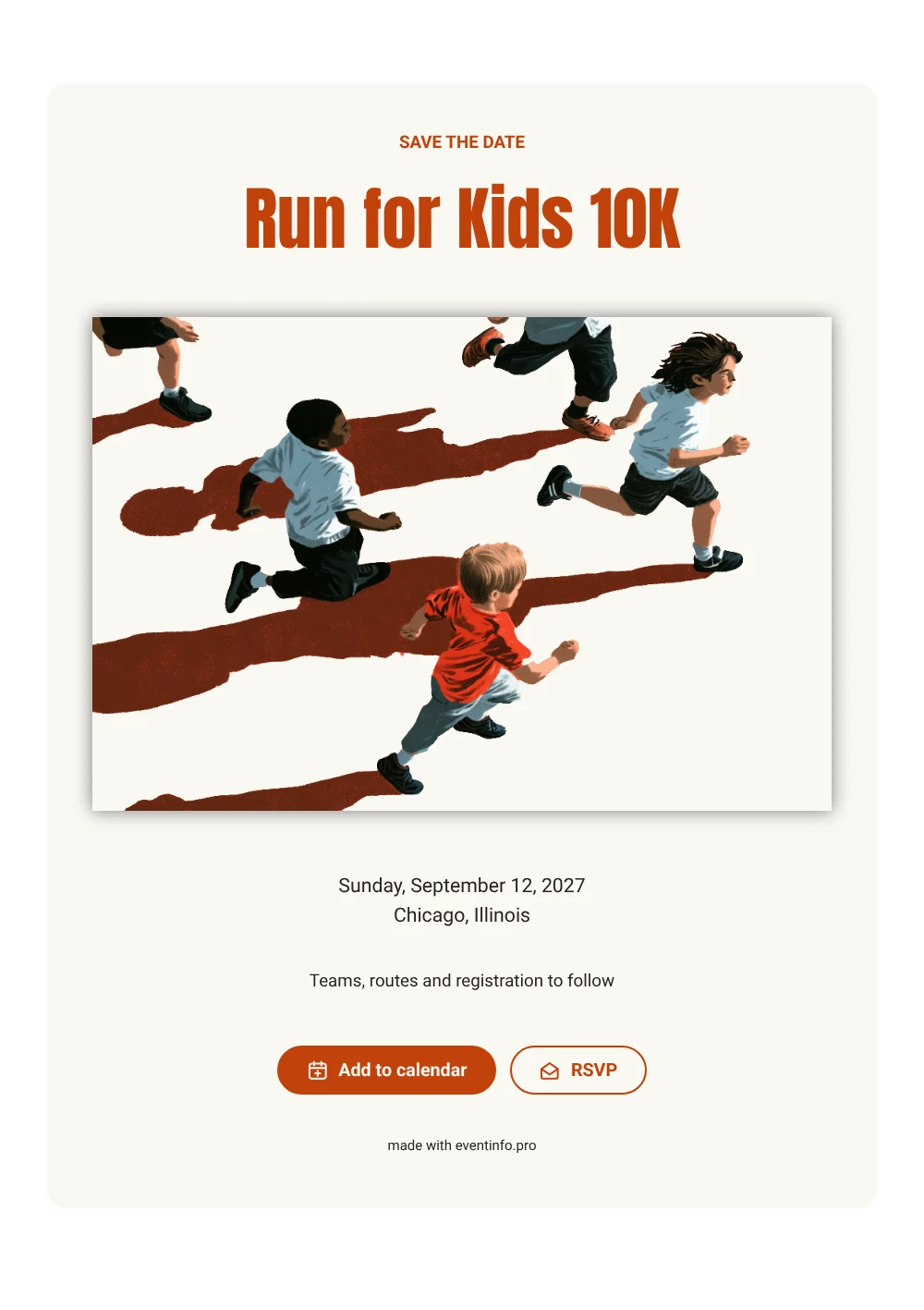
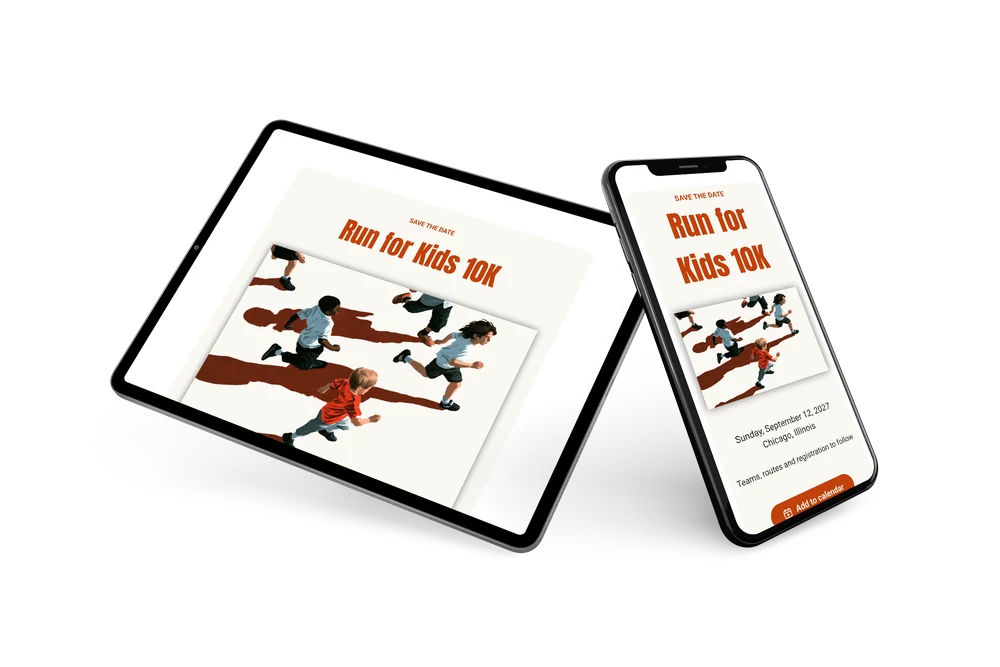
A spirited, bold save the date
A digital save the date is a small page you send by link so people can reserve a date before the event details are out. In this version, an illustration of running kids with long, low-sun shadows and big orange capitals make it clear at once that this is about running for a good cause. Under the name of the run come the weekday, date and city, and a closing line about teams, routes and registration.
It works for a charity 10K, a school fun run, a corporate relay or a neighborhood race. People can put race day straight into their calendar and reply early, which helps you plan bibs, water stations and volunteers. When routes and registration are ready, you can send a full invitation on Eventinfo.pro in the same orange look. If the date or city changes, you update the card and everyone sees it on the same link. Learn how to add an event to a calendar for your runners.
Create your own online save the date
Use this design as a starting point and create a fitting save the date within minutes.
Frequently asked questions
Can I send this today?
Yes. Fill in the name of the run, the date and the city, check the preview and share the link right away.
Which options do people have?
They can add the date to their calendar and reply through RSVP. You keep track of all replies in your dashboard.
Is the orange headline easy to read on a phone?
Yes. The condensed capitals are tall and heavy, so the name stands out even on a small screen. The details are in a plain dark font on a light card.
Can I edit the card after sending it?
Yes. Changes show up on the same link, so everyone sees the latest version. You can also change the image, colors and heading. Try it with a free save the date.
What does the full invitation cost?
The save the date itself is free. For a full invitation with more features, see the pricing for the full invitation.
Design details: fonts and colors
Fonts
- Header 1 — Roboto
- Header 2 — Anton
- Text — Roboto
Colors
- #C2410C — Header 1
- #C2410C — Header 2
- #2A2420 — Text
- #FAF8F3 — Card
- #FFFFFF — Background
Use this design
Copy this design to your dashboard to use it as a starting point.