A bold, dramatic save the date
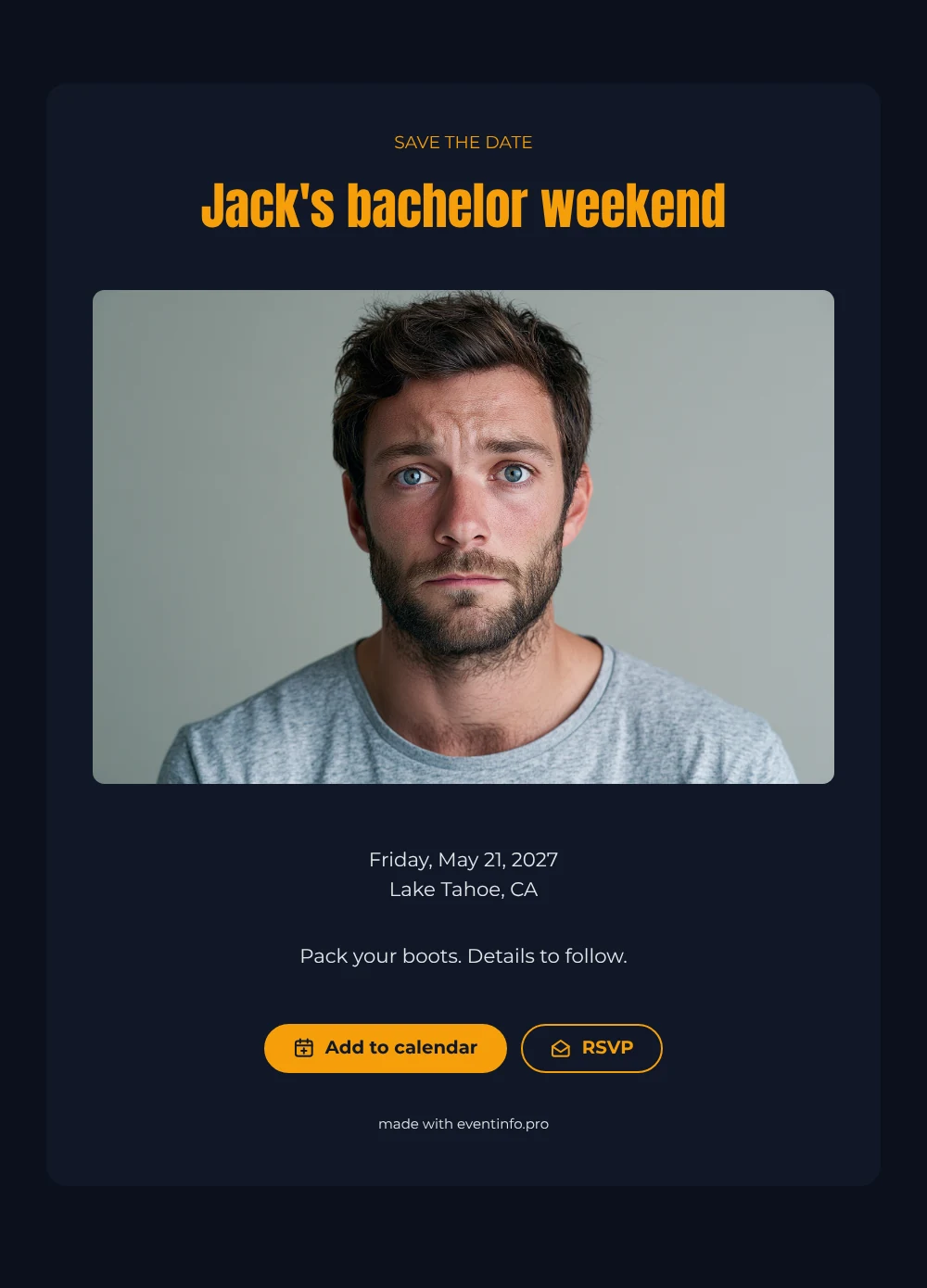
A digital save the date is a small online card that lets guests know the date and place of an event in advance, with details to follow. You send it as a link, so it fits right into a group chat. In this design, a portrait of a bearded young man with a serious expression sets the tone at the top, and a near-black card with amber and light gray text gives it a strong, masculine character. The heading is set in heavy, condensed capitals that are easy to spot at a glance.
It works for a groom who prefers hiking boots over a nightclub, or for a group that wants a quiet weekend of fishing, grilling and catching up. Send it as soon as the weekend is fixed. Friends can save the date and give an early answer through RSVP online, so you know how many beds you need. The full invitation can follow later on Eventinfo.pro in the same dark style. If plans shift, you edit the card once and the whole group sees the update on the same link.
Create your own online save the date
Use this design as a starting point and create a fitting save the date within minutes.
Frequently asked questions
Can I send this today?
Yes. Fill in the details, check the preview and share the link right away. Open the link yourself first to see how it looks for your guests.
Which options do guests have?
Guests can add the date to their calendar with one tap and reply with RSVP. All replies show up in your dashboard.
Does this design also work for a bachelorette weekend?
Yes. Change the name and the closing line, and perhaps lighten the colors. Then swap the sample portrait for a photo of the bride or of your destination.
Can I edit the card after sending it?
Yes. Changes appear on the same link, and the date and place are filled in from your details. You can also change the heading, colors and photo. In the full invitation you can later share the event location so nobody gets lost.
What does the full invitation cost?
The save the date is free. For the full invitation, see the pricing for the full invitation.
Design details: fonts and colors
Fonts
- Header 1 — Montserrat
- Header 2 — Anton
- Text — Montserrat
Colors
- #F59E0B — Header 1
- #F59E0B — Header 2
- #E5E7EB — Text
- #111827 — Card
- #0B111C — Background
Use this design
Copy this design to your dashboard to use it as a starting point.