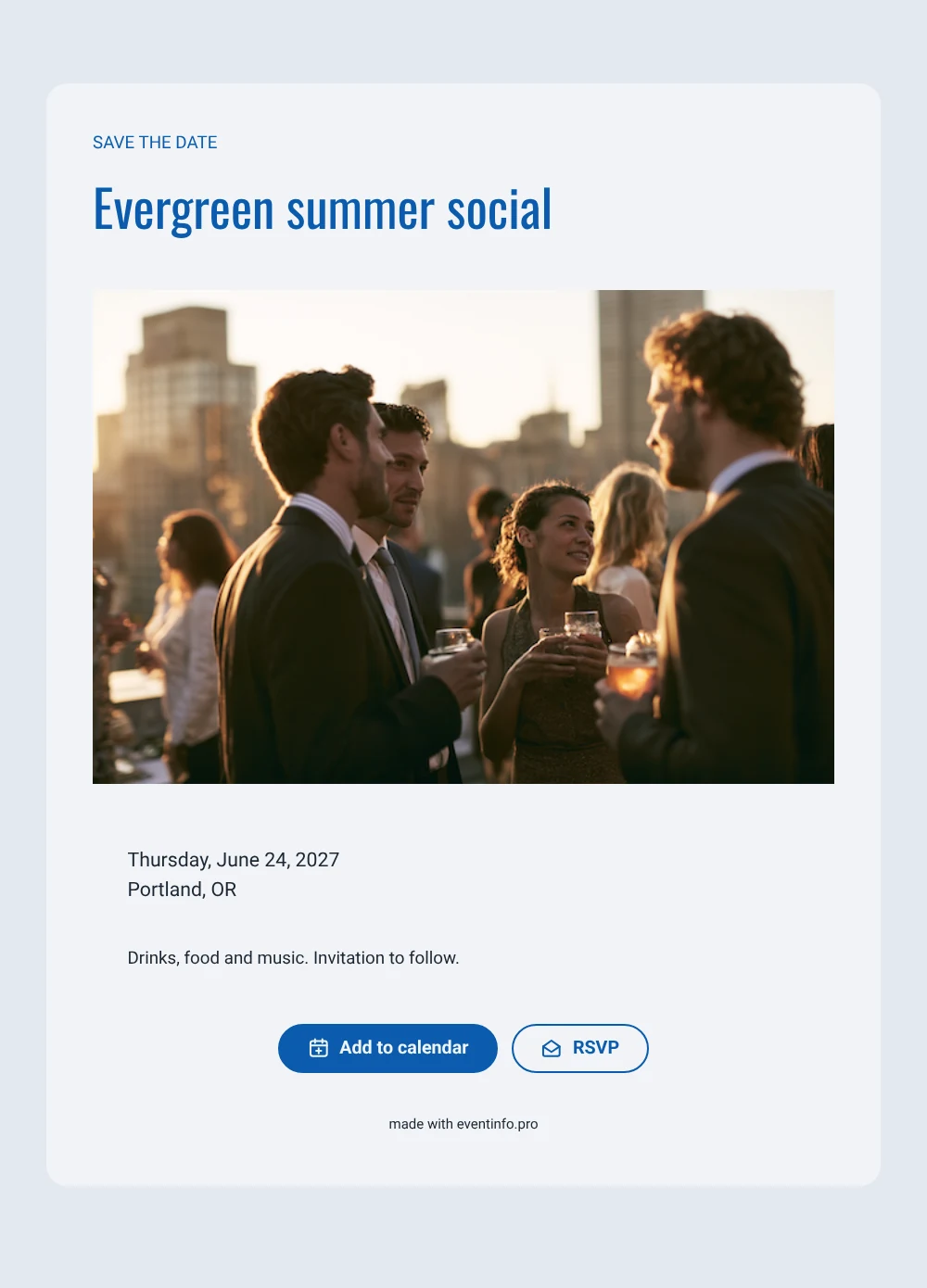
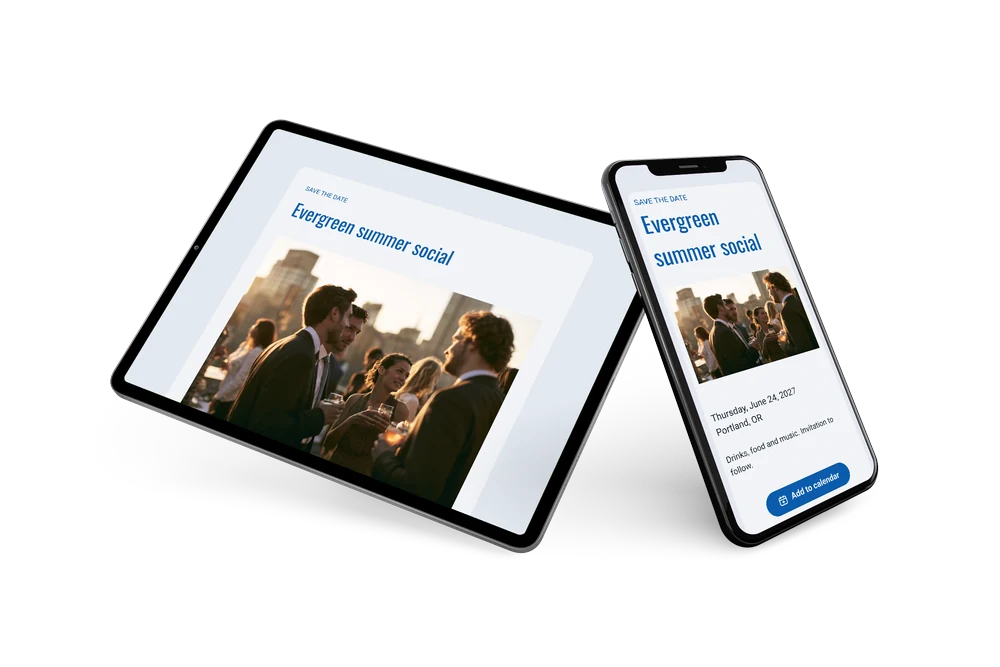
A sleek, lively save the date
A digital save the date is a small online card that reserves a date in people’s calendars before the invitation goes out. For a company summer party it is a friendly first signal that something fun is coming. This design combines a sunset rooftop photo of colleagues with a clean gray card, cobalt blue headings and the words “SAVE THE DATE” in tall capitals. The look is modern and orderly, which suits a corporate setting without feeling stiff.
It fits companies of every size, from a start-up throwing its first summer party to a larger firm hosting staff and partners on a rooftop. Send it as soon as the venue is booked. Colleagues can save the date and reply early, and when the full invitation follows on Eventinfo.pro you can also share the event location so everyone knows how to get there. Because the card is online, a change of venue is updated once and everyone sees it on the same link. The calm layout leaves room for your own teaser line about the evening.
Create your own online save the date
Use this design as a starting point and create a fitting save the date within minutes.
Frequently asked questions
Can I send this today?
Yes. Fill in the name, the date and the location, check the preview and share the link. Open the link yourself first to see how it looks for your guests.
Which options do guests have?
Guests can add the date to their calendar with one tap and reply with RSVP. You track all replies in your dashboard.
Is this design suitable for a client event too?
Yes. The neutral gray card and the blue accents keep it professional, so it works for client drinks or a partner event as well. Adjust the heading and closing line to match the audience.
Can I edit the card after sending it?
Yes. Changes appear on the same link, and the date and place come from your details. You can also change the colors and photo. See the options for a full business invitation online.
What does the full invitation cost?
The save the date is free. For the full invitation, see the pricing for the full invitation.
Design details: fonts and colors
Fonts
- Header 1 — Roboto
- Header 2 — Oswald
- Text — Roboto
Colors
- #0B5CAD — Header 1
- #0B5CAD — Header 2
- #1C2733 — Text
- #F2F4F7 — Card
- #E3E8EF — Background
Use this design
Copy this design to your dashboard to use it as a starting point.