A soft, graceful save the date
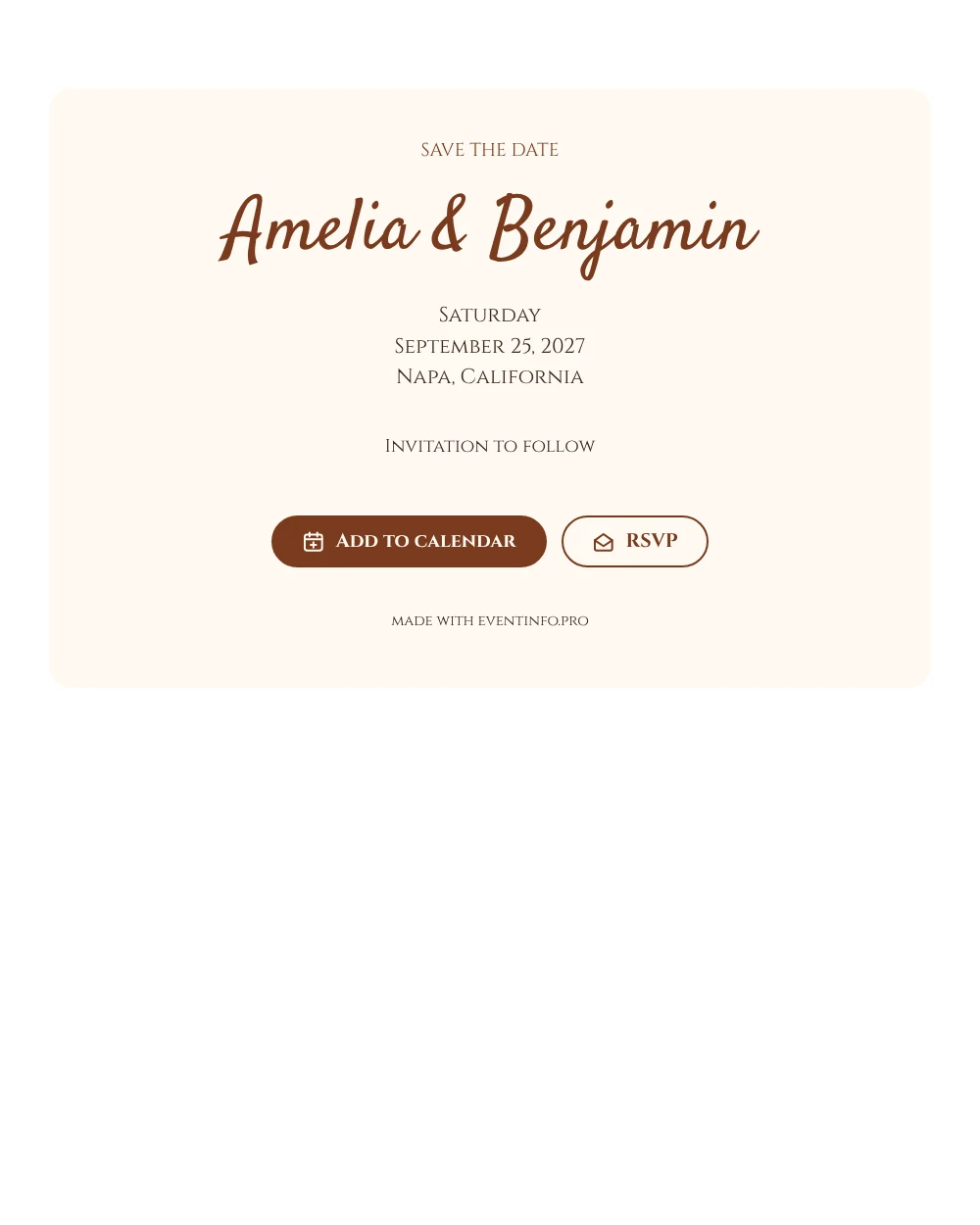
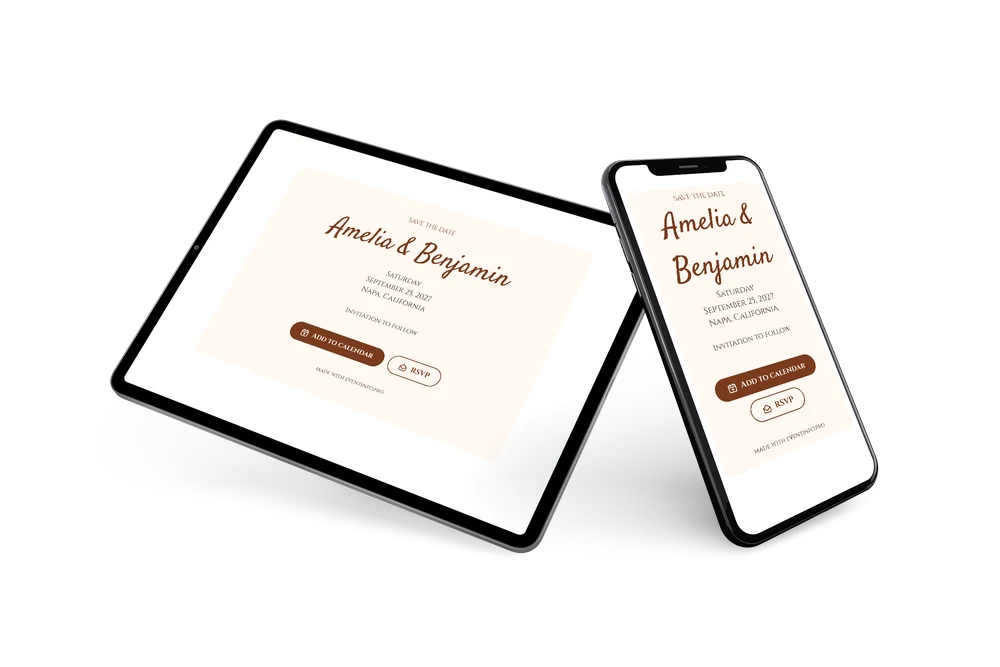
A digital save the date is a small page you share by link to announce your wedding date ahead of the invitation. This version leans on lettering alone. Classical capitals give the heading and the details a sense of occasion, and a softer script for the names keeps it personal. On the light cream card the rust brown text feels warm, a good match for an autumn wedding or a wine country weekend.
It works well for couples who want something calm and personal rather than bold. Sending early gives guests time to book flights or a hotel near the venue. They save the date with one tap and give an early reply, which helps you plan the guest list. A short personal note in the closing line, such as a hint about the season, makes it feel even more your own. If something changes, you edit the card and everyone sees it on the same link. Guests can also add the event to their calendar in Google, Apple or Outlook.
Create your own online save the date
Use this design as a starting point and create a fitting save the date within minutes.
Frequently asked questions
Can I send it today?
Yes. Fill in your names, the date and the location, check the preview and send the link right away.
Which options do guests have?
Guests can save the date in their calendar and reply through RSVP. You keep track of all answers in your dashboard.
Why are there no photos on this card?
The design relies on the pairing of capitals and script. Leaving out an image keeps the attention on your names and date, and the page loads fast on any phone. The cream card and rust brown text give enough warmth on their own.
Can I edit the card after sending it?
Yes. Text and colors can be changed whenever you like, and the date and place come from your details. Guests always see the newest version on the same link.
What does the full invitation cost?
The save the date itself is free. For the full wedding invitation, see the pricing for the full invitation.
Design details: fonts and colors
Fonts
- Header 1 — Cinzel
- Header 2 — Satisfy
- Text — Cinzel
Colors
- #7A3B1E — Header 1
- #7A3B1E — Header 2
- #3B2A20 — Text
- #FFF9F2 — Card
- #FFFFFF — Background
Use this design
Copy this design to your dashboard to use it as a starting point.