A soft, natural save the date
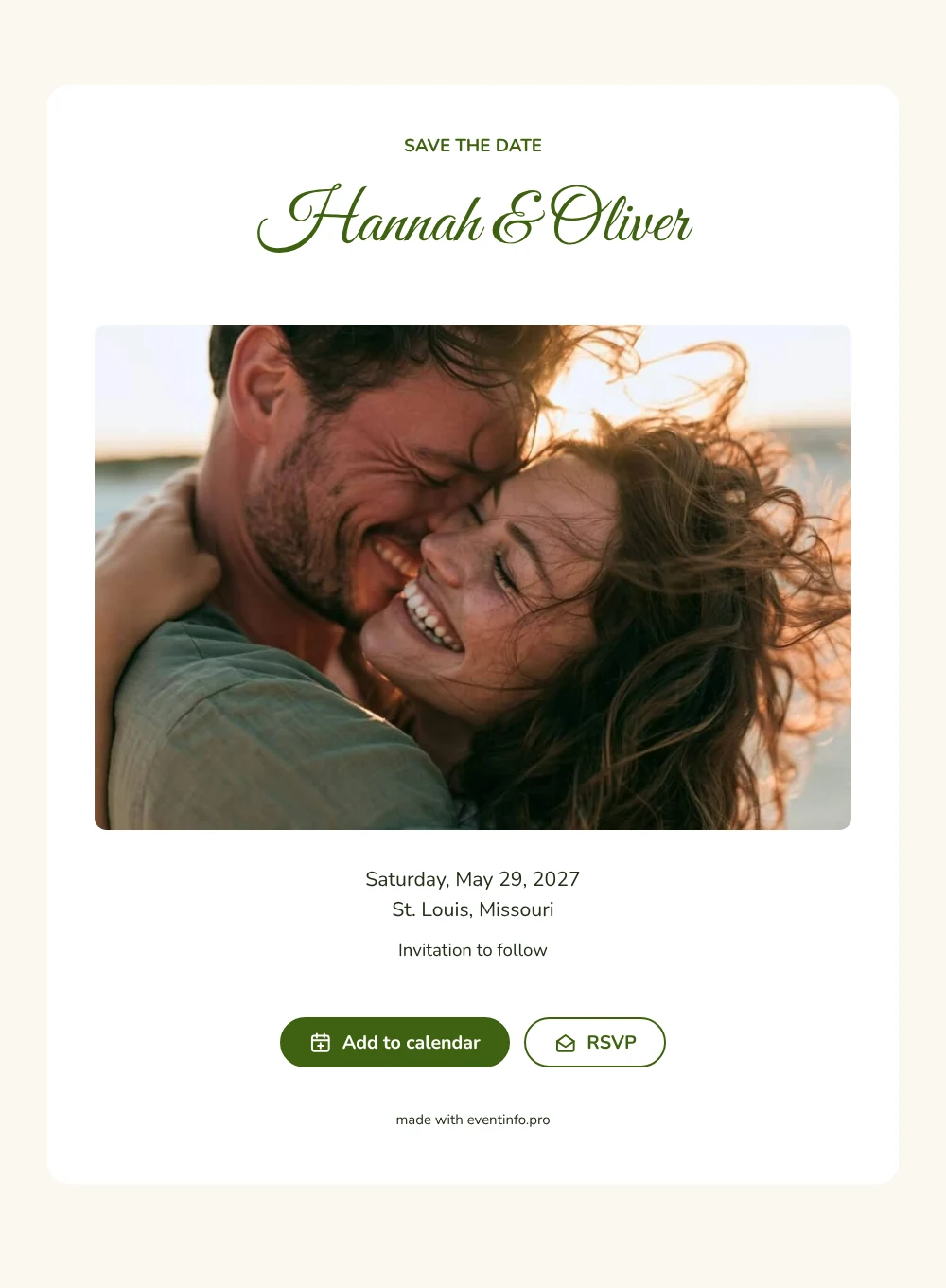
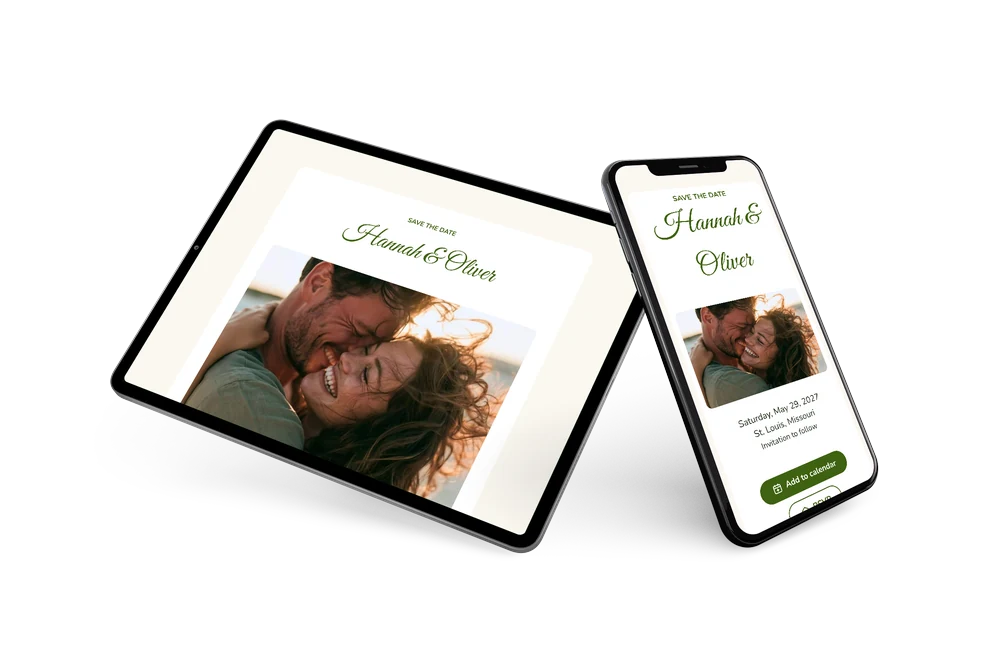
A digital save the date is a small page you send by link, so guests know your wedding date long before the invitation arrives. In this version, a candid photo of a couple laughing in warm sunlight opens the page and gives it a personal, relaxed tone. The names in fern green calligraphy carry the romance, while the rest of the card stays quiet and white, ending with a simple ’Invitation to follow’.
It works well for a botanical garden, a conservatory or a garden wedding in spring or summer. Guests can put the date straight into their calendar and give an early answer, which helps you plan seating and catering. If the venue or time changes, you edit the card and everyone sees it on the same link. Once you know the schedule, the full wedding invitation can be made on Eventinfo.pro in the same green style, so the two belong together. Read how replies are collected with online RSVP.
Create your own online save the date
Use this design as a starting point and create a fitting save the date within minutes.
Frequently asked questions
Can I send this today?
Yes. Fill in your names, the date and the city, check the preview and share the link right away.
Which options do guests have?
Guests can add the date to their own calendar and reply through RSVP. You keep track of all replies in your dashboard.
Why does the photo sit above the text?
This layout starts with a wide header image, so your faces are the first thing guests see. The names and details follow below, which reads naturally when scrolling on a phone. Swap in your own photo to make it personal.
Can I edit the card after sending it?
Yes. Changes show up on the same link, so guests always see the latest version. You can also change the photo, colors and heading. Try it with a free save the date.
What does the full invitation cost?
The save the date itself is free. For the full wedding invitation with more features, see the pricing for the full invitation.
Design details: fonts and colors
Fonts
- Header 1 — Nunito
- Header 2 — Great Vibes
- Text — Nunito
Colors
- #3F6212 — Header 1
- #3F6212 — Header 2
- #24301C — Text
- #FFFFFF — Card
- #FBF8F1 — Background
Use this design
Copy this design to your dashboard to use it as a starting point.