A fresh, romantic save the date
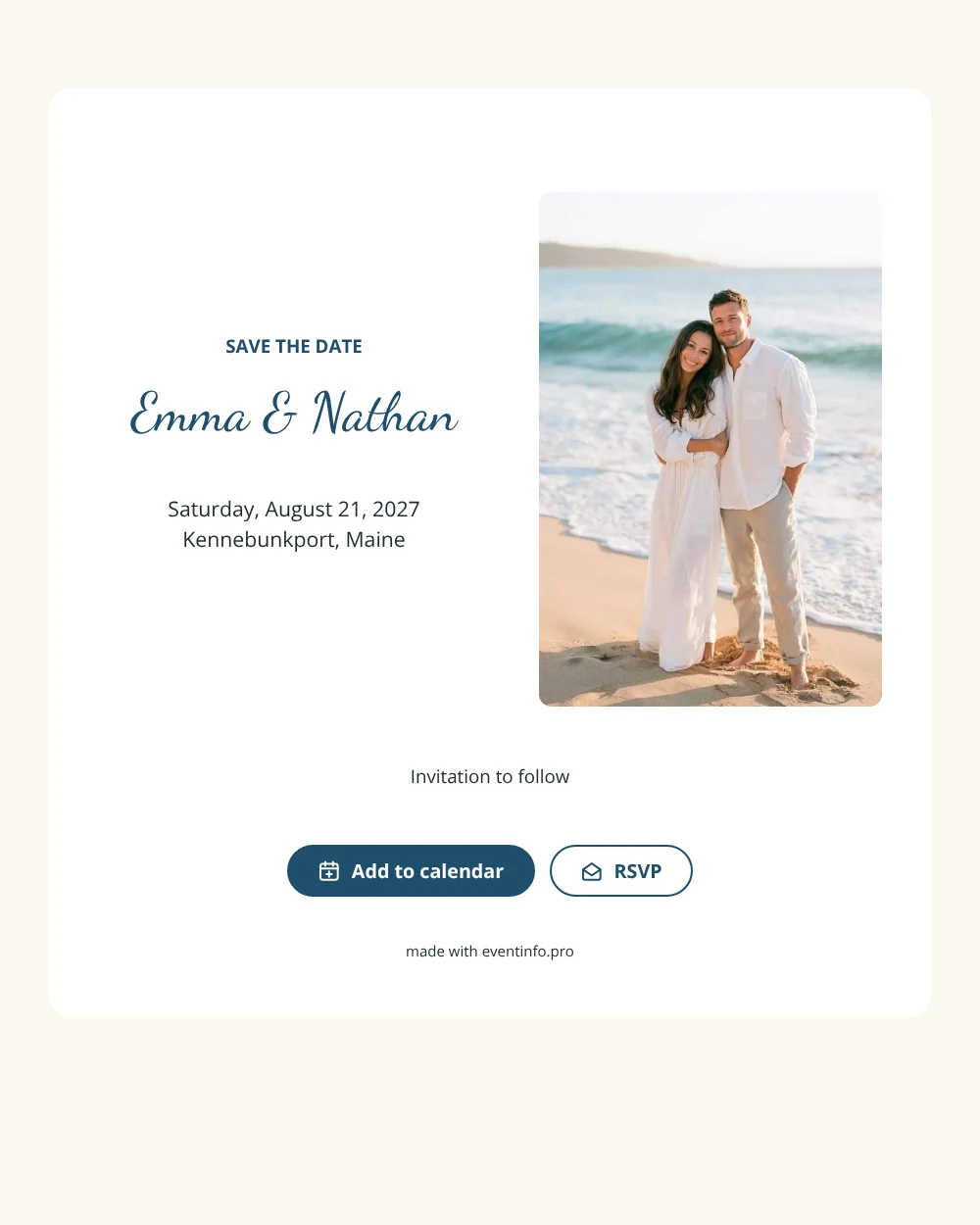
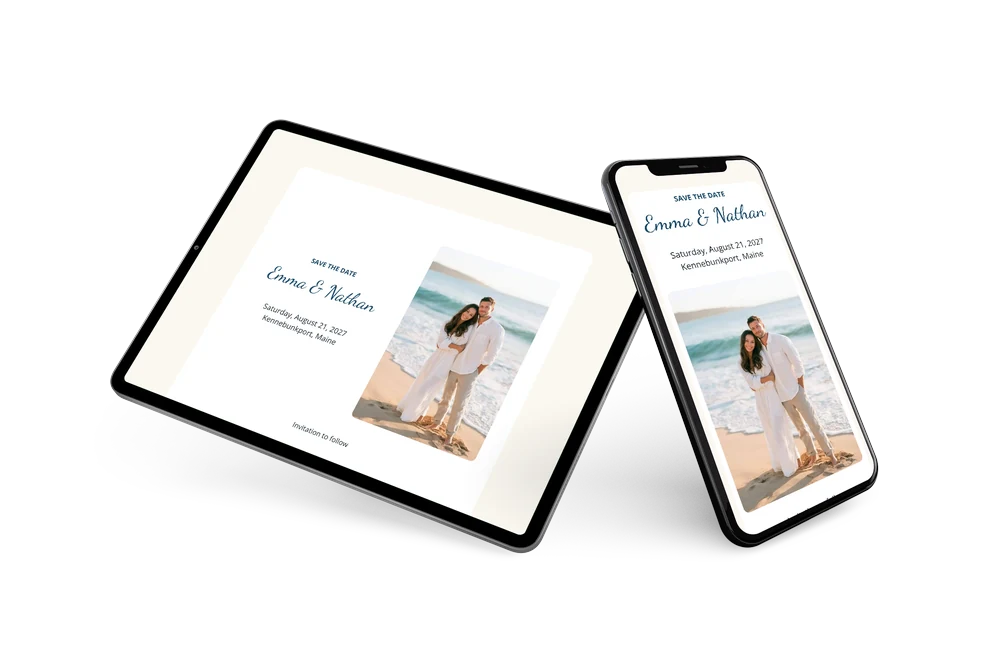
A digital save the date is a small web page you send by link so guests keep your wedding date free before the invitation comes. This version is romantic and relaxed at once. The photo on the left shows a couple in a close embrace where the waves meet the sand, and the harbor blue text on the right gives a cool, fresh contrast against the white card. The short closing line, “Invitation to follow”, keeps the message simple.
Use it for a wedding on the beach, on an island or in any seaside town. Early notice helps guests who need to take a ferry, rent a cottage or plan a long drive. They save the date with one tap and can answer early. If you move the reception to another spot along the shore, you update the card and everyone sees it on the same link. In the full invitation you can also share the event location on a map.
Create your own online save the date
Use this design as a starting point and create a fitting save the date within minutes.
Frequently asked questions
Can I send it today?
Yes. Fill in your names, the date and the town, check the preview and share the link straight away. Directions and the schedule can wait for the invitation.
Which options do guests have?
Guests can add the date to their calendar and send an RSVP. You keep track of all replies in your dashboard.
Why is the photo placed on the left?
In this layout the image runs the full height of the card, which gives the beach scene a tall, striking presence. The names and details keep their own clean space on the right, and a photo of the two of you fits in the same spot.
Can I edit the card after sending it?
Yes. Text, colors and photo can be changed at any time. Date and place come from your details, so guests always see the latest version.
What does the full invitation cost?
The save the date itself is free. For the full wedding invitation, see the pricing for the full invitation.
Design details: fonts and colors
Fonts
- Header 1 — Open Sans
- Header 2 — Dancing Script
- Text — Open Sans
Colors
- #1F4E6B — Header 1
- #1F4E6B — Header 2
- #1F2B33 — Text
- #FFFFFF — Card
- #FBF8F1 — Background
Use this design
Copy this design to your dashboard to use it as a starting point.