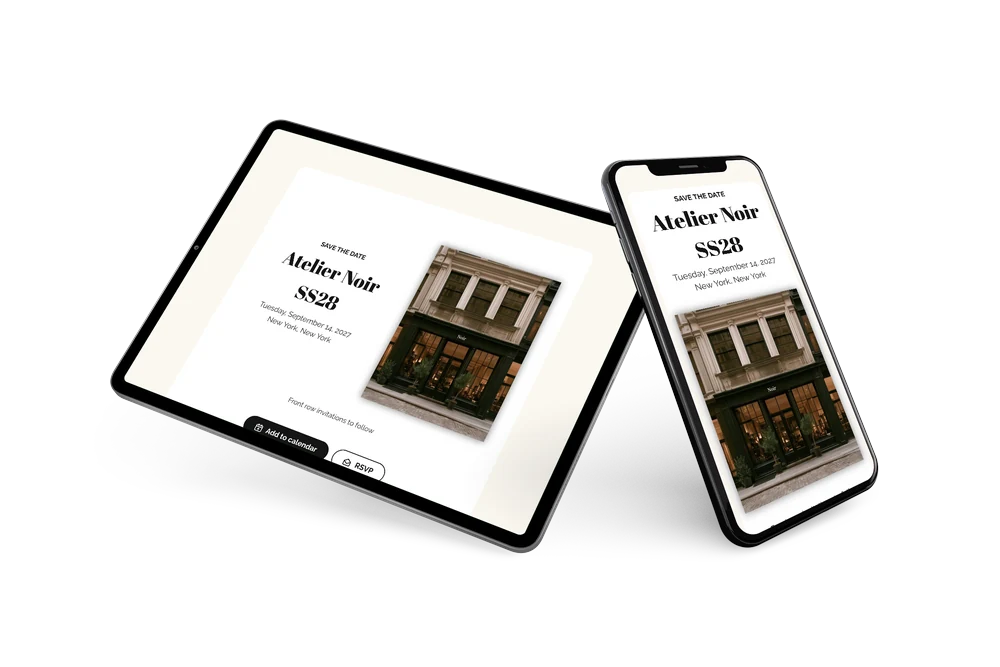
A sleek, modern save the date
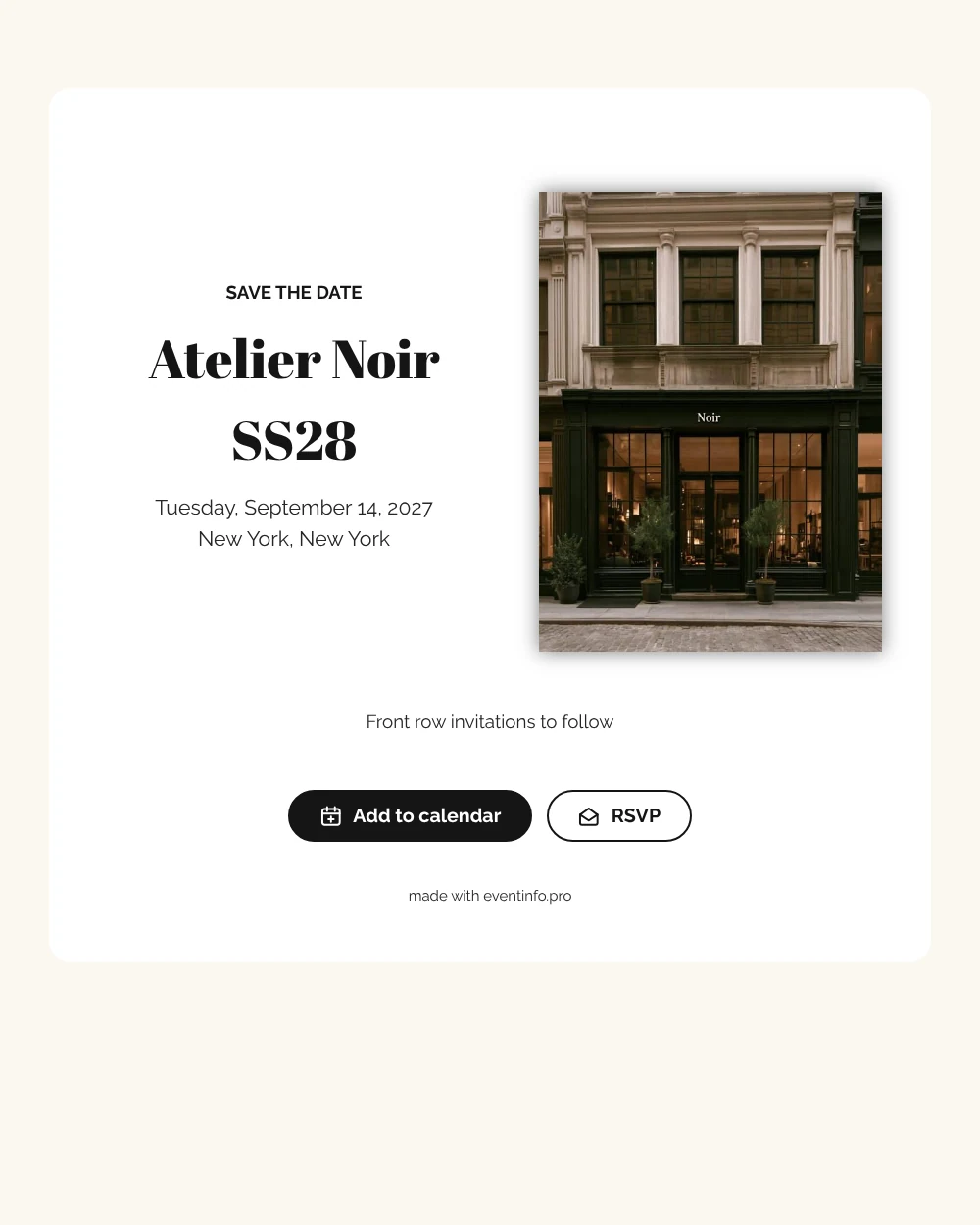
A digital save the date is a small web page you share by link so guests reserve a date before the formal invitation arrives. This version is built for a fashion house: a moody photo of an atelier front with large windows on the left, a white card on the right and black lettering throughout. The collection name in a thick, editorial serif reads like a magazine cover line, while the date and place stay plain and readable. It feels confident without any decoration.
Use it for a seasonal collection, a graduation show at a fashion school or a charity runway night. Early notice helps guests plan around other shows and travel during fashion week. They save the date in one tap and can reply early. If the venue changes, you update the card and everyone sees the new address on the same link. Guests can also add the event to their calendar in Google, Apple or Outlook from the page.
Create your own online save the date
Use this design as a starting point and create a fitting save the date within minutes.
Frequently asked questions
Can I send it today?
Yes. Fill in the show name, the date and the city, check the preview and share the link right away. The line-up and seating can follow in the invitation.
Which options do guests have?
Guests can put the date in their calendar and reply through RSVP. All answers are collected in your dashboard.
Why pair a dark photo with a white card?
The deep tones of the storefront and the bright white card create a strong contrast, the way fashion brands often present themselves. If you swap in a colorful campaign image, it stands out even more against the black and white text. All colors can be changed in the editor.
Can I edit the card after sending it?
Yes. Text, colors and photo can be changed at any time. Date and place come from your details, and guests always see the newest version.
What does the full invitation cost?
The save the date is free. For the full invitation with extra features, see the pricing for the full invitation.
Design details: fonts and colors
Fonts
- Header 1 — Raleway
- Header 2 — Abril Fatface
- Text — Raleway
Colors
- #151515 — Header 1
- #151515 — Header 2
- #262626 — Text
- #FFFFFF — Card
- #FBF8F1 — Background
Use this design
Copy this design to your dashboard to use it as a starting point.