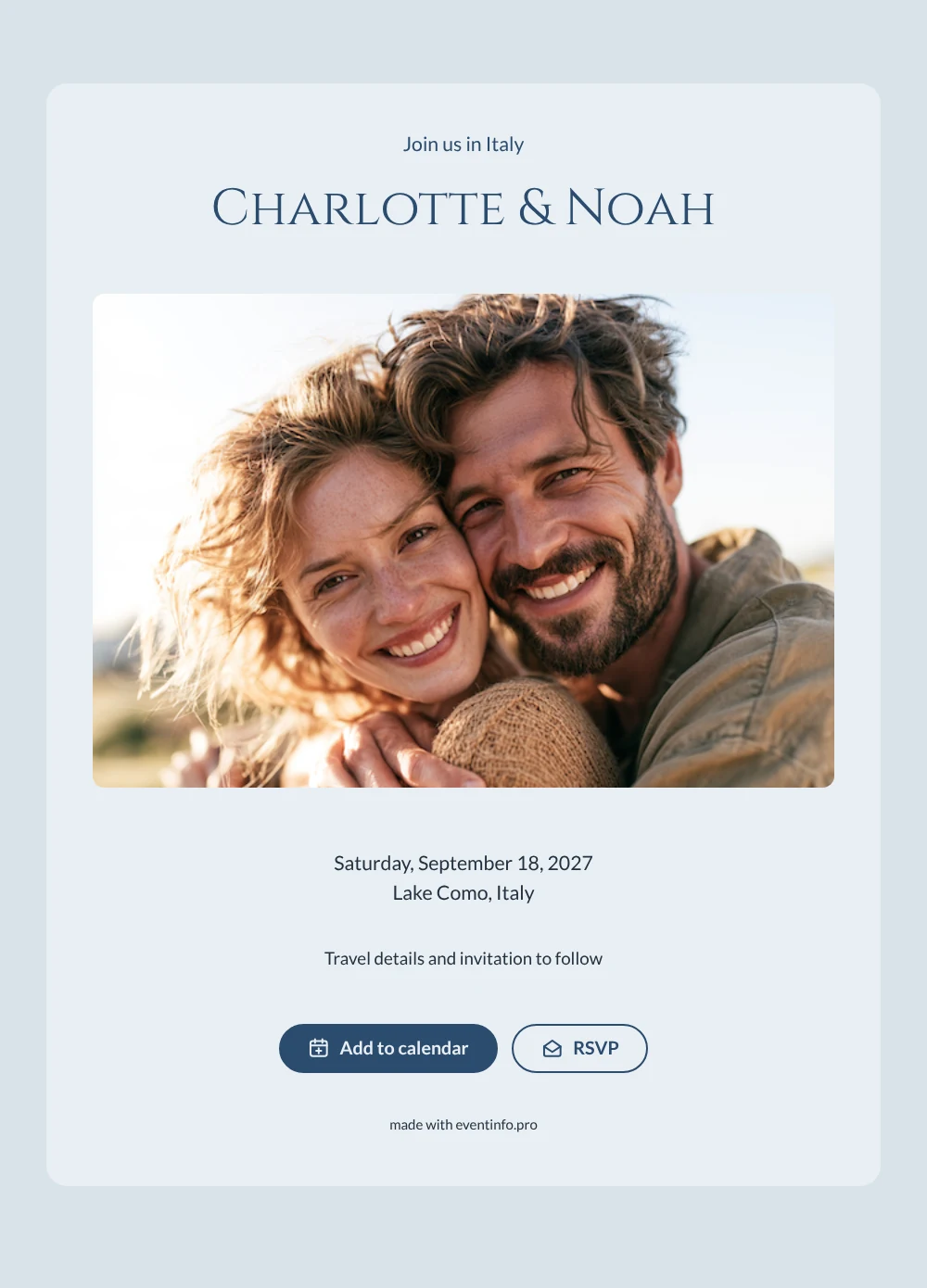
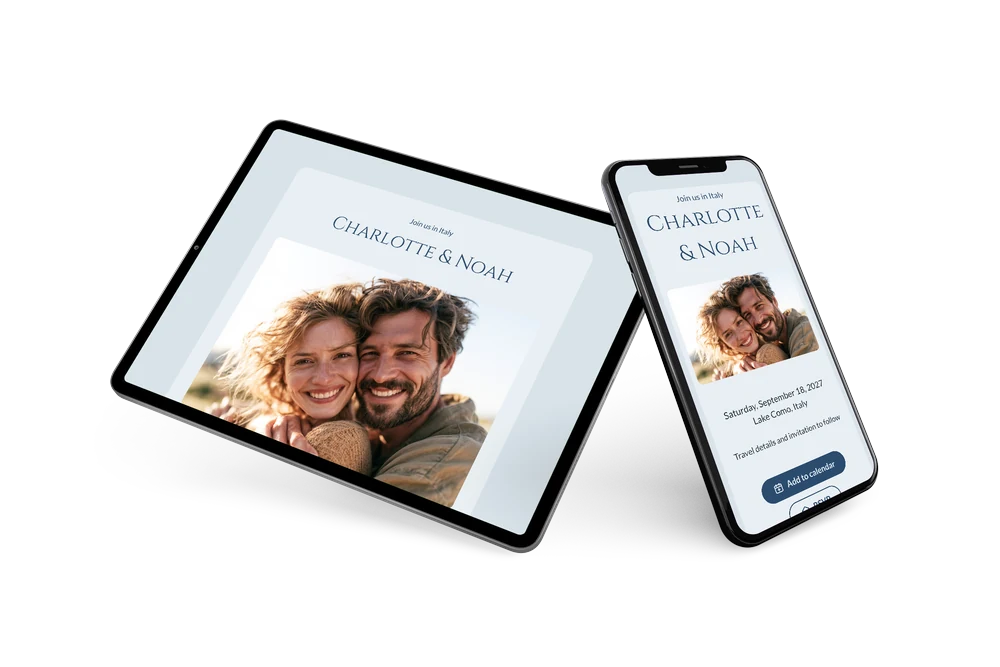
A serene, formal save the date
A digital save the date is an online card that gives guests the date and place of your wedding before anything else is final. It is sent as a link and opens on any phone. This design is calm and cool: a daylight photo of a couple embracing at the top, cool blue tones throughout and the names in elegant, Roman-inspired capitals. The heading “Join us in Italy” makes clear from the first line that this is a trip, not just a date.
It fits couples planning a destination wedding with family and friends coming from several countries. Send it as soon as the venue is confirmed, so guests can compare flights and book rooms early. They can save the date with one tap and send a quick reply, which helps you plan accommodation and transport. Want to try it? Start with a free save the date and use this blue design as your base. If the date or venue changes, you update the card once and everyone sees the new version.
Create your own online save the date
Use this design as a starting point and create a fitting save the date within minutes.
Frequently asked questions
Can I send this today?
Yes. Fill in your names, the date and the place, check the preview and share the link. Open the link yourself first to see how it looks for your guests.
Which options do guests have?
Guests can add the date to their own calendar and reply with RSVP. You keep track of all answers in your dashboard.
Should I replace the sample couple with our own photo?
That is the idea. The sample shows a couple embracing outdoors; upload a photo of the two of you, or a picture of your venue by the lake. Use a wide landscape image, because it runs across the full width at the top of the card.
Can I edit the card after sending it?
Yes. Changes appear on the same link, and the date and place are filled in from your details. You can also change the heading, the colors and the closing line. Later you can send an online wedding invitation in the same style.
What does the full invitation cost?
The save the date is free. For the full wedding invitation, see the pricing for the full invitation.
Design details: fonts and colors
Fonts
- Header 1 — Lato
- Header 2 — Cinzel
- Text — Lato
Colors
- #2B4C6F — Header 1
- #2B4C6F — Header 2
- #23313F — Text
- #E9EFF3 — Card
- #D9E3EA — Background
Use this design
Copy this design to your dashboard to use it as a starting point.