A sparkling, modern save the date
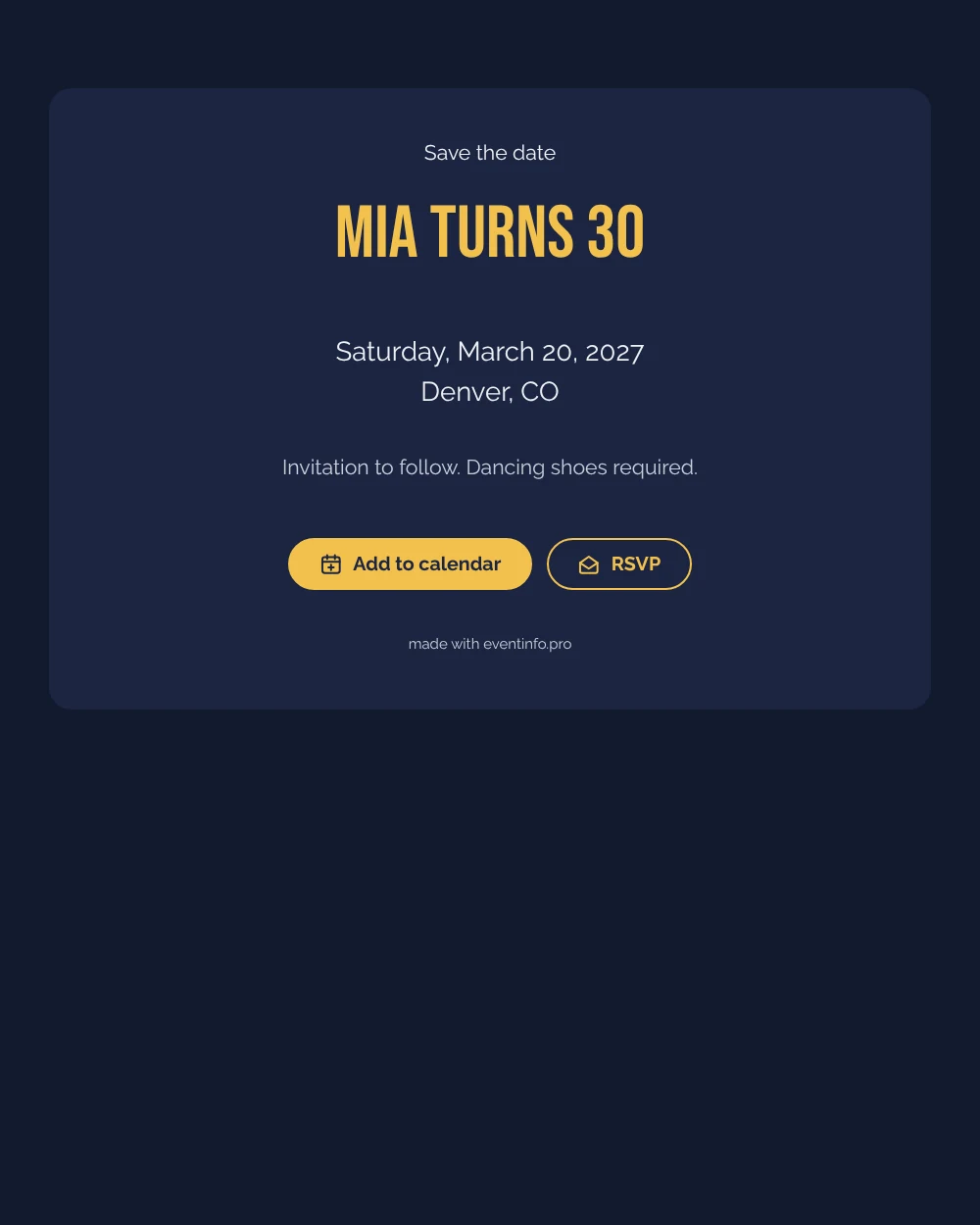
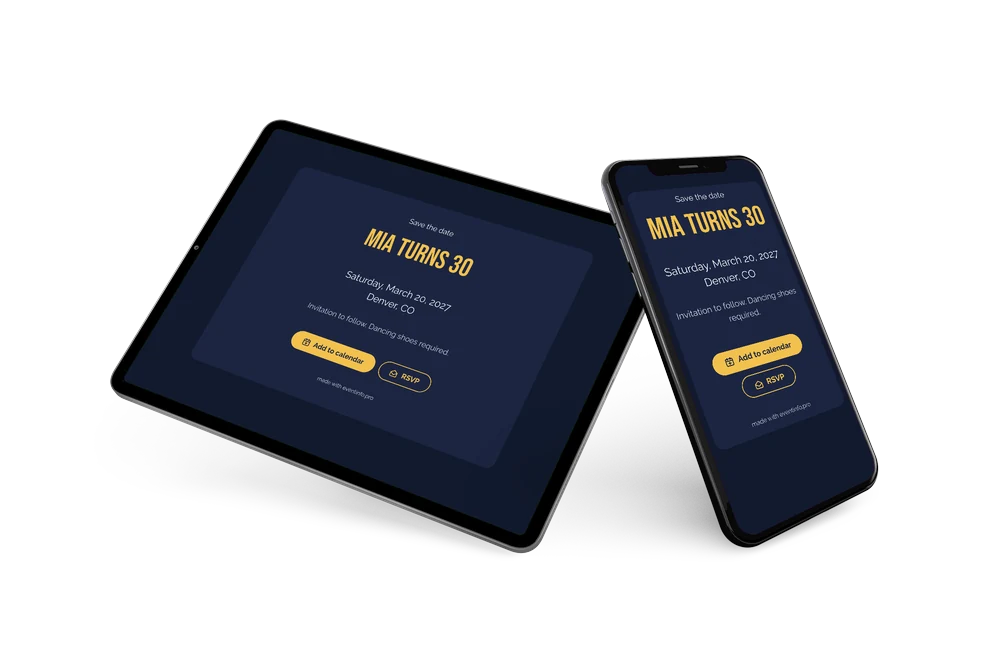
A digital save the date is the first, short message about your party: the date, the place and a promise that more will follow. You send it by link, so it arrives in seconds. In this version a deep midnight blue card carries gold capitals for the name and light text for the rest, the kind of look that fits a cocktail bar, a rooftop or a dance floor.
It works well for a 30th that falls in a busy month, or when friends need to travel or arrange childcare. An early message gives everyone a fair chance to be there. Guests can put the party straight into their calendar and give you an early yes or no, which helps with numbers for food and drinks. If the venue changes, you fix it in the editor and everyone sees the update on the same link. See how replies are gathered with online RSVP.
Create your own online save the date
Use this design as a starting point and create a fitting save the date within minutes.
Frequently asked questions
Can I send this today?
Yes. Fill in the name, the date and the city, look at the preview and share the link straight away.
Which options do guests have?
Guests can add the date to their own calendar and reply with RSVP. You keep track of every answer in your dashboard. The quiet part of the card, the date and the city, stays in a neat sans-serif, so the gold name is the one thing that shines.
Does the closing line have to mention dancing?
No. “Invitation to follow. Dancing shoes required.” is just the sample line. You can replace it with a dress code, a hint about the venue or simply “Invitation to follow.”
Can I edit the card after sending it?
Yes. Changes show up on the same link, so guests always see the latest version. You can also change the colors and the heading. Later you can turn it into a full online birthday invitation in the same style.
What does the full invitation cost?
The save the date itself is free. For the full birthday invitation with more features, see the pricing for the full invitation.
Design details: fonts and colors
Fonts
- Header 1 — Raleway
- Header 2 — Bebas Neue
- Text — Raleway
Colors
- #EEF0F5 — Header 1
- #F2C14E — Header 2
- #EEF0F5 — Text
- #1C2541 — Card
- #121A2E — Background
Use this design
Copy this design to your dashboard to use it as a starting point.