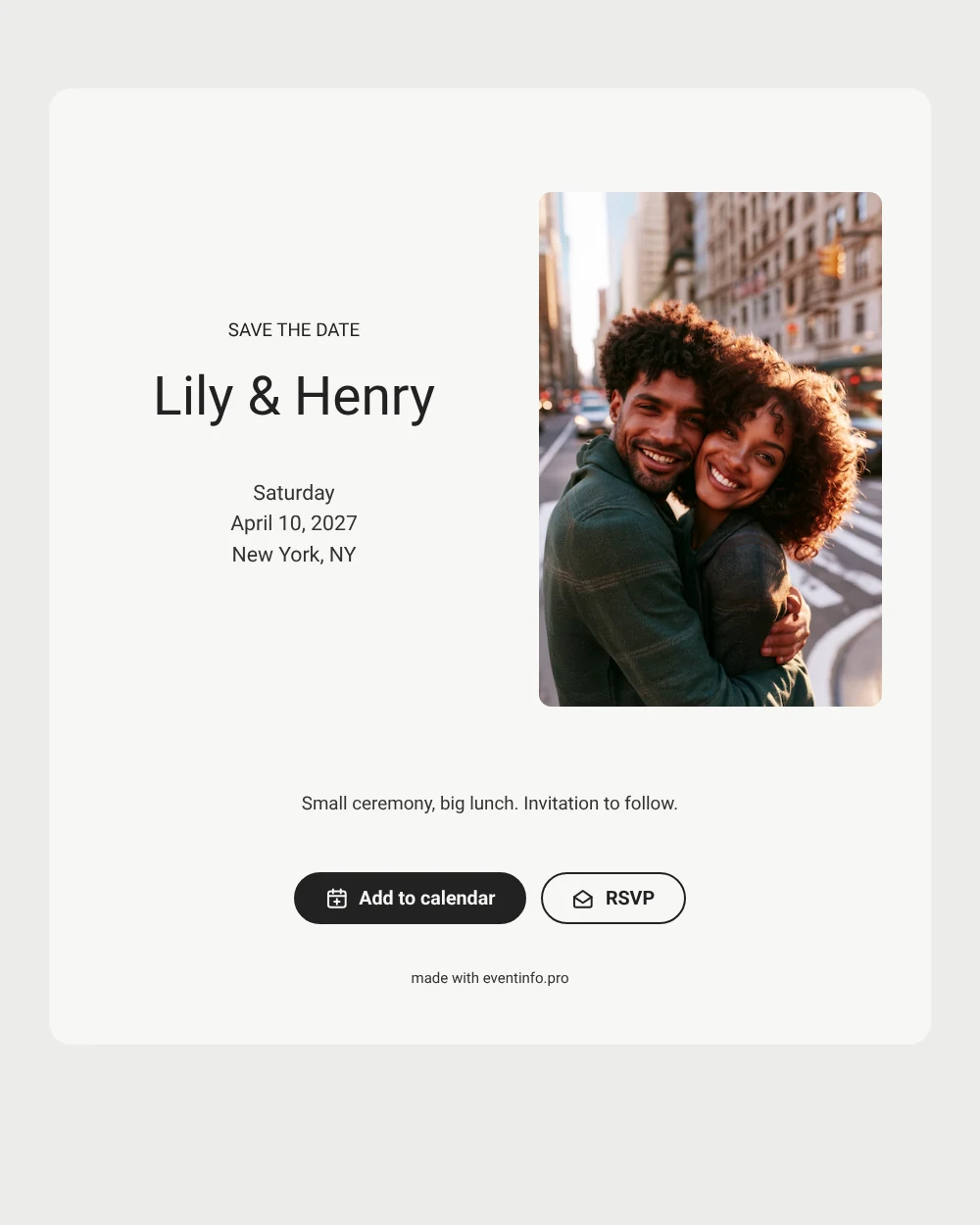
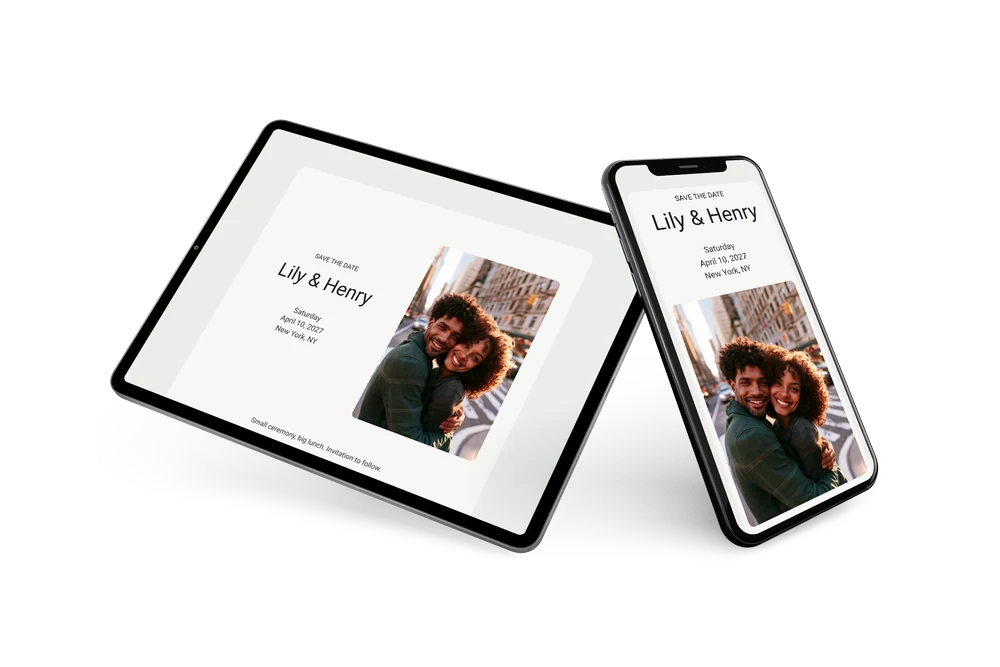
A sober, modern save the date
A digital save the date is a small online card that tells guests the day and the city of your wedding, with an invitation to follow. It is sent as a link, so there is nothing to print or post. This version is all about simplicity: a street photo of a laughing couple, a light card, dark gray text and no decoration. The heading “SAVE THE DATE” is set in plain capitals above the names, which gives it a quiet, modern look.
It works well for couples who want a stylish but no-frills announcement, for example for a weekday ceremony in the city with a lunch afterward. Send it once the appointment at city hall is confirmed. Guests can put the date straight into their calendar and give an early answer through online RSVP, so you know how many seats to book for lunch. The full invitation can follow later on Eventinfo.pro in the same style. A link also suits a short guest list: you send it to the people who matter without ordering printed cards.
Create your own online save the date
Use this design as a starting point and create a fitting save the date within minutes.
Frequently asked questions
Can I send this today?
Yes. Enter your names, the date and the city, check the preview and share the link right away. Open the link yourself first to see how it looks for your guests.
Which options do guests have?
Guests can add the date to their own calendar with one tap and reply with RSVP. All replies are listed in your dashboard.
Can I change the closing line about the lunch?
Of course. The closing line is free text, so you can write about a dinner, drinks or simply “Invitation to follow”. Keep it short so the card stays as clean as the design intends.
Can I edit the card after sending it?
Yes. Changes in the editor appear on the same link, and the date and place are filled in from your details. You can also swap the photo and change the colors. Learn how guests add the event to their calendar.
What does the full invitation cost?
The save the date is free. For the full wedding invitation, see the pricing for the full invitation.
Design details: fonts and colors
Fonts
- Header 1 — Roboto
- Header 2 — Roboto
- Text — Roboto
Colors
- #222222 — Header 1
- #222222 — Header 2
- #333333 — Text
- #F7F7F5 — Card
- #EDEDEA — Background
Use this design
Copy this design to your dashboard to use it as a starting point.