A dignified, modern save the date
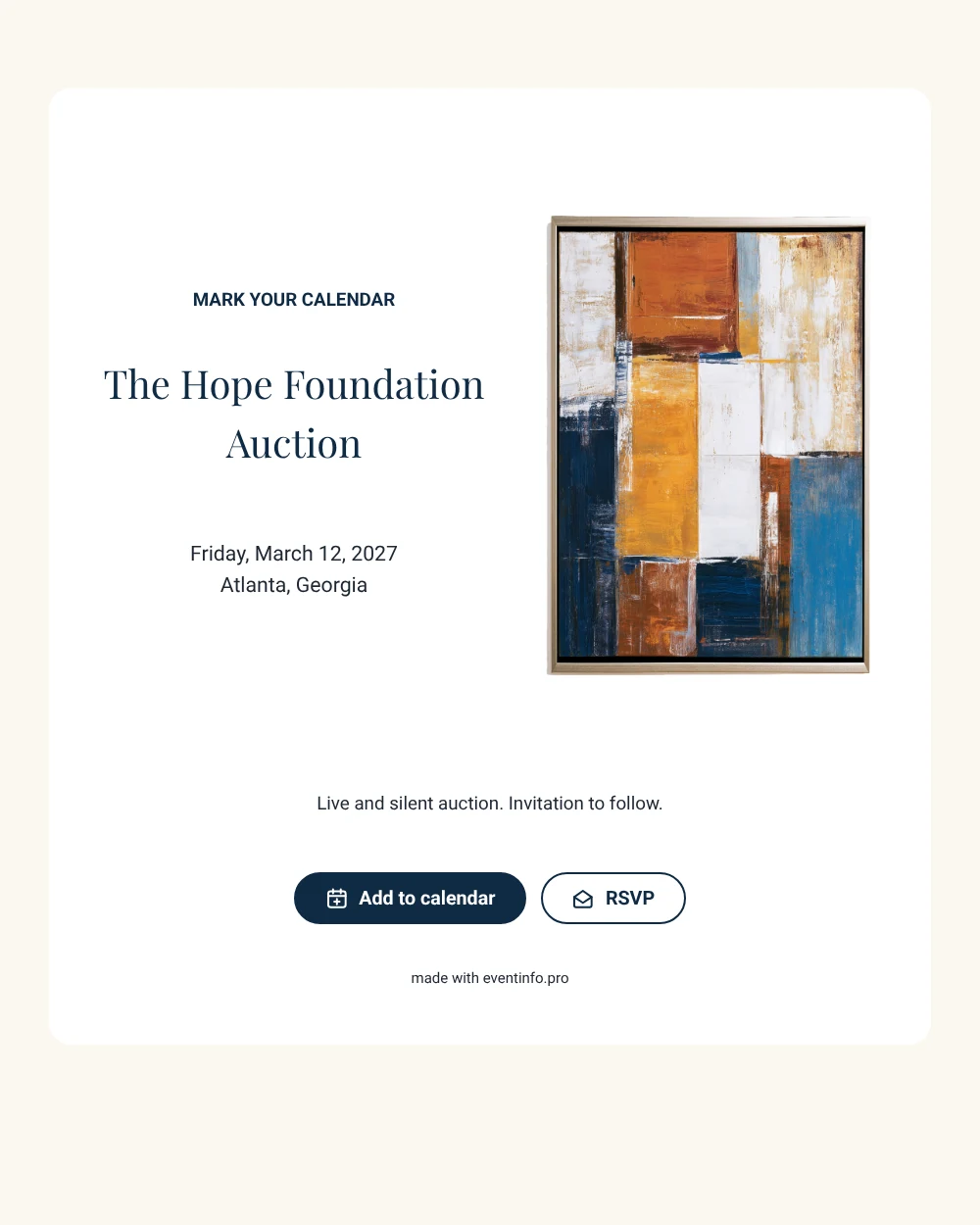
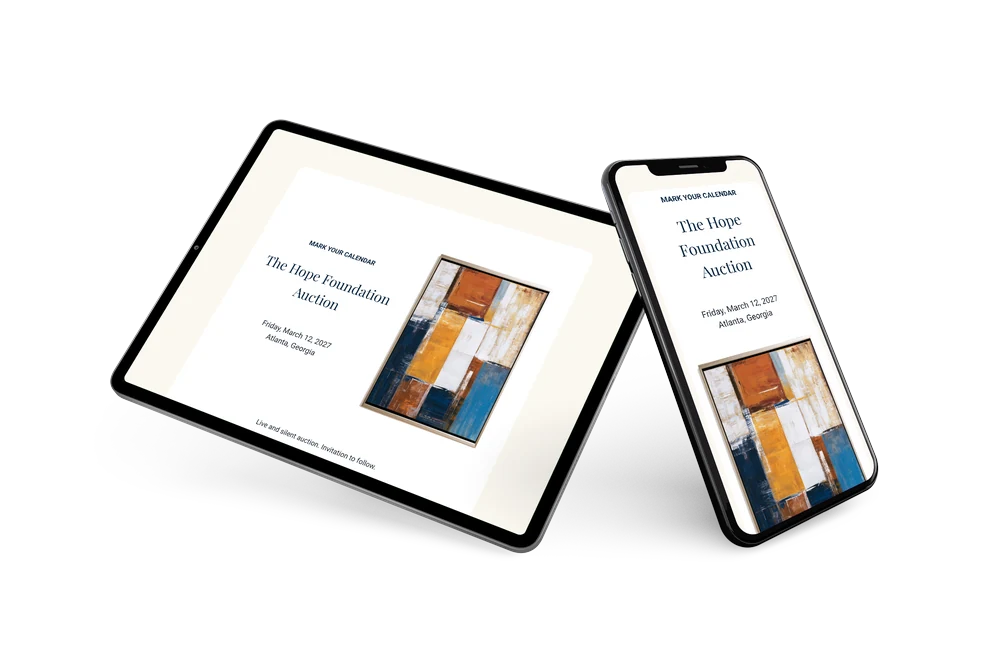
A digital save the date is a small page you share by link so people reserve a date before the formal invitation is ready. For a benefit auction, this version strikes a careful balance: serious enough for donors and sponsors, inviting enough for a night out. The colorful abstract artwork on the left sets an artistic tone, and the navy text on a white card keeps the details crisp and businesslike.
Use it for an art auction, a gallery benefit, a school fundraiser or a foundation dinner. Early notice helps guests plan around work travel and other evening commitments. They save the date in one tap and can reply early. If the venue changes, you edit the card and everyone sees the new address on the same link. Guests can also add the event to their calendar in Google, Apple or Outlook straight from the page.
Create your own online save the date
Use this design as a starting point and create a fitting save the date within minutes.
Frequently asked questions
Can I send it today?
Yes. Enter the event name, the date and the city, check the preview and share the link immediately.
Which options do guests have?
Guests can add the date to their own calendar and answer through RSVP. All answers are collected in your dashboard.
What does the closing line say?
The sample ends with “Live and silent auction. Invitation to follow.” It tells supporters what kind of evening to expect. You can replace it with your own line, for example the cause you are raising money for or the name of a main sponsor.
Can I edit the card after sending it?
Yes. Text, colors and the image can be changed at any time. Date and place are filled in from your details, and the update appears on the same link.
What does the full invitation cost?
The save the date is free. For the full invitation with extra features, see the pricing for the full invitation.
Design details: fonts and colors
Fonts
- Header 1 — Roboto
- Header 2 — Playfair Display
- Text — Roboto
Colors
- #0F2A44 — Header 1
- #0F2A44 — Header 2
- #1E2733 — Text
- #FFFFFF — Card
- #FBF8F1 — Background
Use this design
Copy this design to your dashboard to use it as a starting point.