A calm, tender save the date
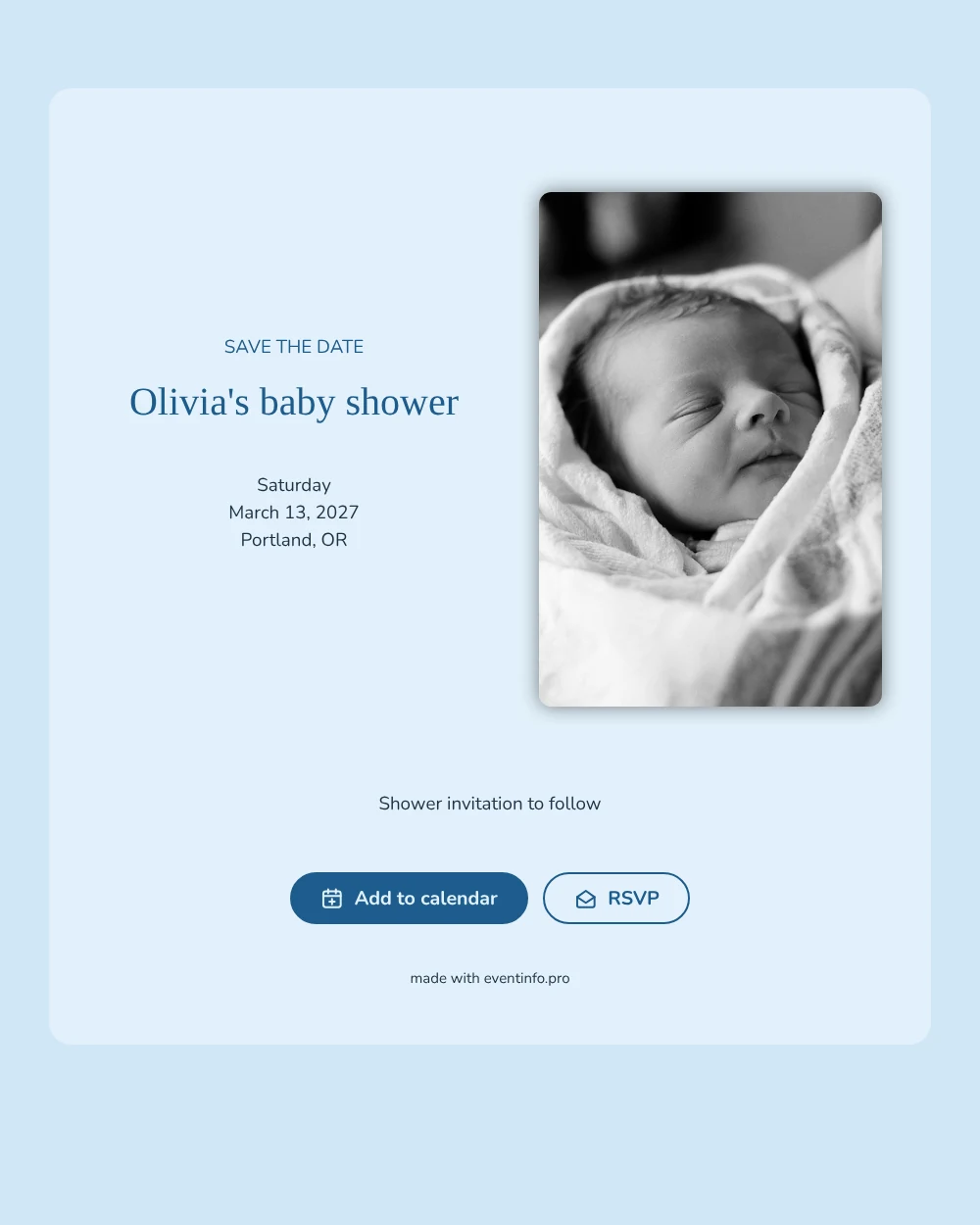
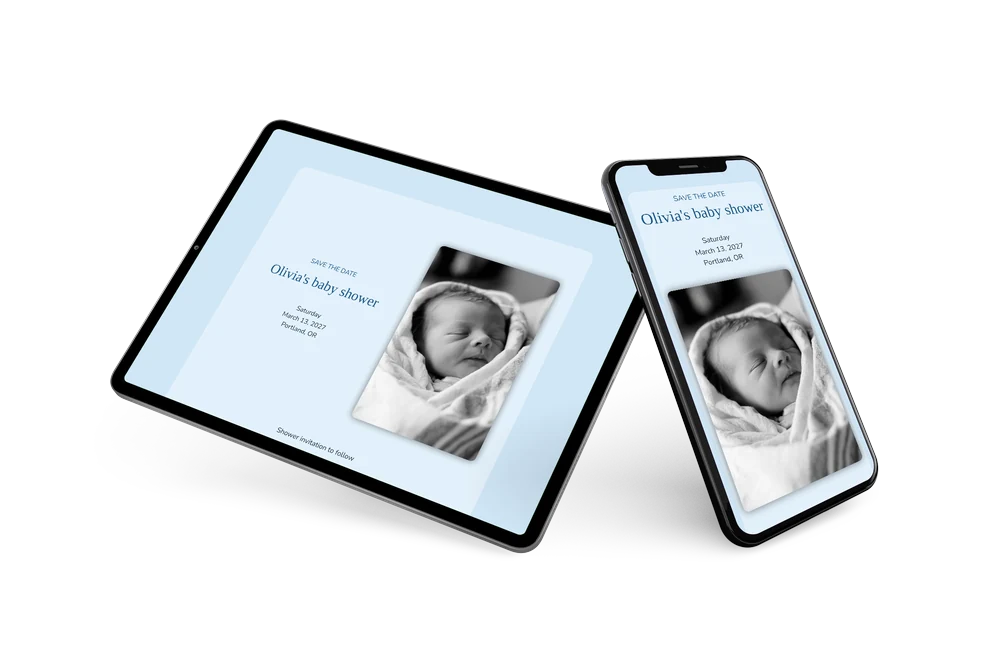
A digital save the date is a small web page you send by link, so guests can save the date of a celebration before the details are ready. In this version a baby shower gets a quiet, tender look: a black-and-white photo of a sleeping newborn on the left, light blue tones on the card and rounded letters that feel soft and friendly.
It works well when the shower falls close to the due date, or when relatives live in another city and need time to plan. Guests can put the date in their calendar with one tap and give an early reply, so the host knows how many people to expect. If the place or time changes, you update it in the editor and guests see the new details on the same link. See how to share the event location so everyone finds the house or cafe.
Create your own online save the date
Use this design as a starting point and create a fitting save the date within minutes.
Frequently asked questions
Can I send this today?
Yes. Fill in the name, the date and the city, check the preview and share the link straight away. Grandparents can open it just as easily as friends; no app or account is needed.
Which options do guests have?
Guests can add the date to their own calendar and reply with RSVP. You keep track of every answer in your dashboard.
Can I replace the newborn photo with a picture of our own?
Yes. You can upload your own portrait photo, for example a bump picture or an ultrasound, to replace the sample. The blue card and the text stay the same.
Can I edit the card after sending it?
Yes. Changes appear on the same link, so guests always see the latest version. You can also change the colors and the heading. Read about online RSVP for collecting replies.
What does the full invitation cost?
The save the date is free. For a full invitation with more features, see the pricing for the full invitation.
Design details: fonts and colors
Fonts
- Header 1 — Nunito
- Header 2 — Fredoka One
- Text — Nunito
Colors
- #1D5C8C — Header 1
- #1D5C8C — Header 2
- #1E3346 — Text
- #E3F1FB — Card
- #D0E6F6 — Background
Use this design
Copy this design to your dashboard to use it as a starting point.