A sleek, festive save the date
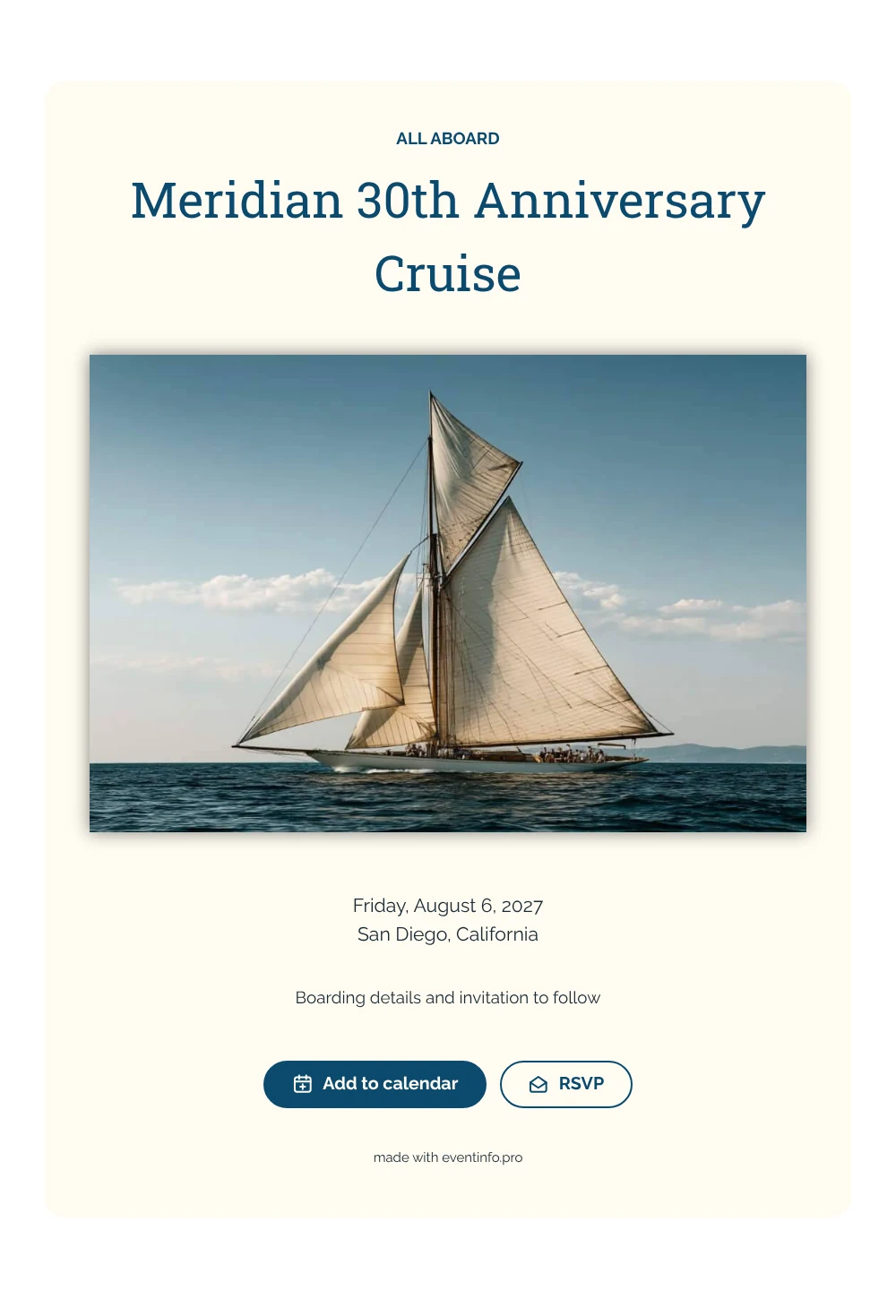
A digital save the date is a small web page you share by link so guests know the date of your event before the invitation is ready. This version is styled for an anniversary on the water: a classic yacht under white sails on top, then ’ALL ABOARD’ in ocean blue, the name of the event and the date and port in clean text on a cream card.
It fits a company jubilee, a client cruise or a club anniversary where guests need to be on time at the pier. Guests can put the date straight into their calendar and send an early answer, so you know how many people to expect on board. Boarding times and the full program can follow later in a matching invitation on Eventinfo.pro. If the date or port changes, you update the card and everyone sees it on the same link. Learn how guests can add an event to a calendar.
Create your own online save the date
Use this design as a starting point and create a fitting save the date within minutes.
Frequently asked questions
Can I send this today?
Yes. Fill in the event name, the date and the city, check the preview and share the link straight away.
Which options do guests have?
Guests can add the date to their calendar and reply through RSVP. You keep track of all replies in your dashboard.
Is the light text on cream easy to read?
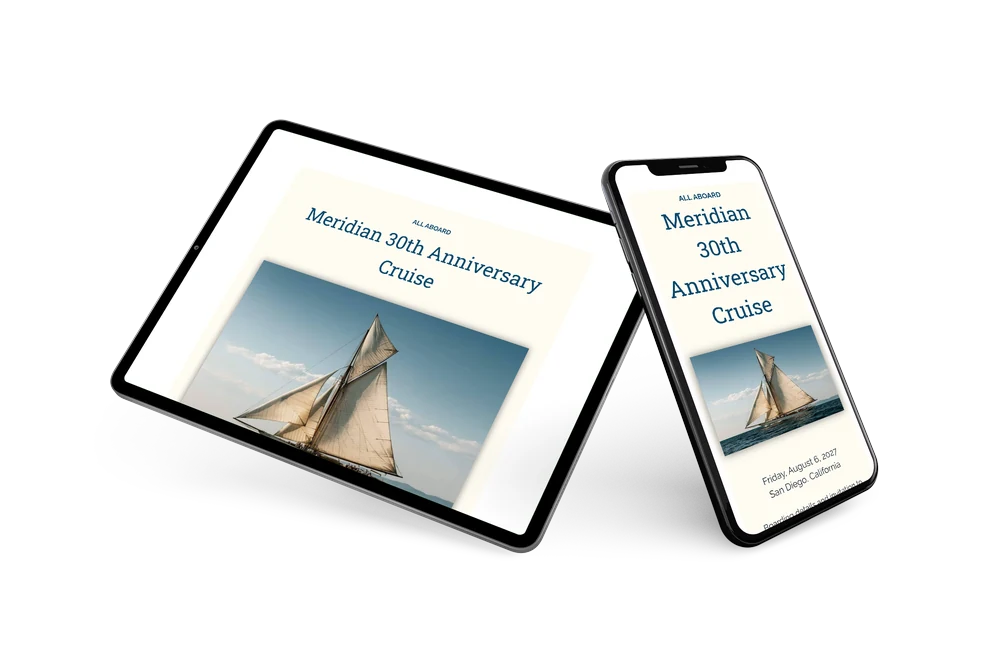
Yes. The heading and name are set in a strong slab serif in dark blue, and the details use a light sans-serif in near-black on cream. The contrast stays clear on phones and laptops.
Can I edit the card after sending it?
Yes. Changes show up on the same link, so everyone sees the latest version. You can also replace the yacht photo and change the colors and heading. Try it with a free save the date.
What does the full invitation cost?
The save the date itself is free. For a full invitation with more features, see the pricing for the full invitation.
Design details: fonts and colors
Fonts
- Header 1 — Raleway
- Header 2 — Roboto Slab
- Text — Raleway
Colors
- #0C4A6E — Header 1
- #0C4A6E — Header 2
- #1C2A33 — Text
- #FFFCF2 — Card
- #FFFFFF — Background
Use this design
Copy this design to your dashboard to use it as a starting point.