A relaxed outdoor save the date
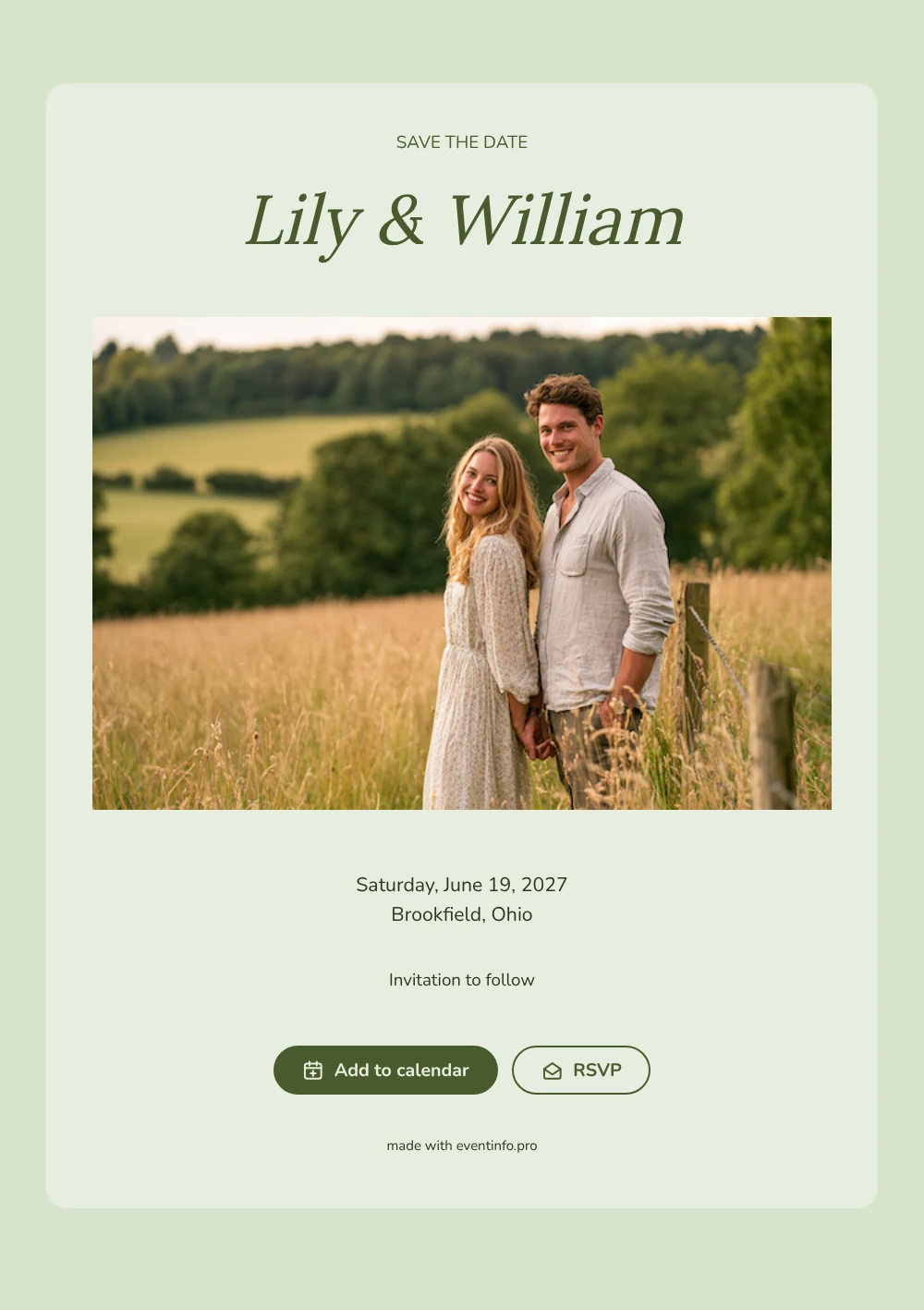
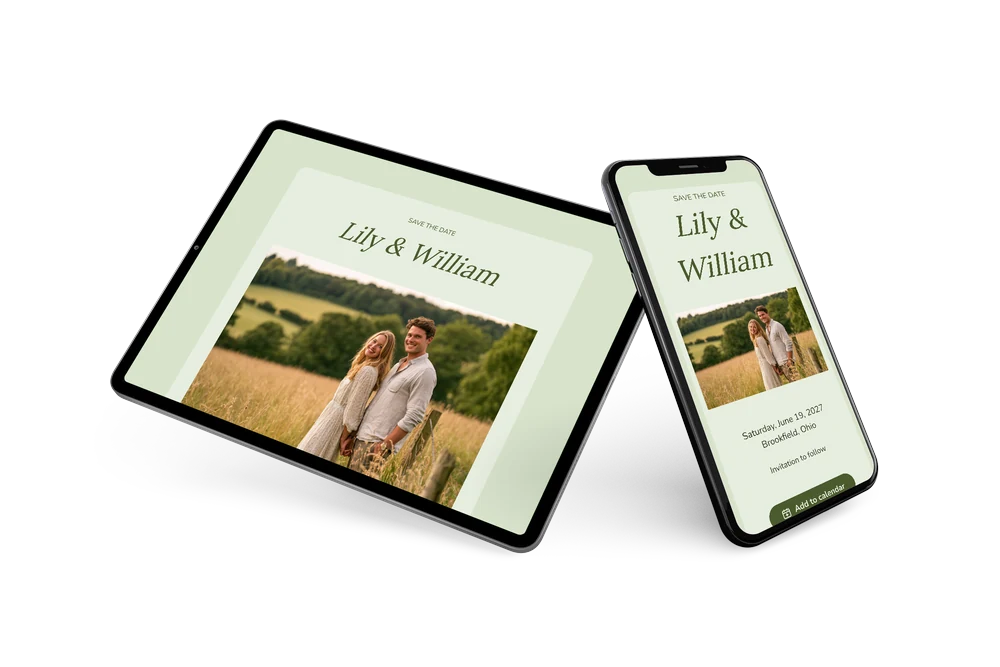
A digital save the date is a small page you share by link to fix the wedding date in guests’ minds before the invitation goes out. In this version a sunny photo comes first: a wide image of a couple in a summer meadow sits above the text and sets a light, outdoor mood. The card underneath is pale green, the names are set in a warm serif and the line “Invitation to follow” closes it off.
Choose it for a wedding at a farm, a park pavilion, a vineyard terrace or the family garden. Sending early helps guests who need to arrange a babysitter, book a room nearby or plan a long drive. They can put the day straight into their calendar and reply early, and if the town or date shifts, you change it in the editor and everyone sees the update on the same link. Read more about how guests can add the event to their calendar.
Create your own online save the date
Use this design as a starting point and create a fitting save the date within minutes.
Frequently asked questions
Can I send it today?
Yes. Enter your names, the date and the town, check the preview and share the link right away by WhatsApp, text or email.
Which options do guests have?
They can save the date in Google, Apple or Outlook calendar and answer through RSVP. You follow all replies in your dashboard.
Why does this design start with a photo instead of the names?
The image sets the scene before guests read anything: a couple outdoors in summer light. The names follow directly below. If you use a photo of the two of you, the card becomes personal at first glance; any wide picture can replace the sample.
Can I edit the card after sending it?
Yes. Text, colors and the header photo can be changed at any time, and the date and place come from your details. Guests always see the latest version on the same link.
What does the full invitation cost?
The save the date itself is free. For the full wedding invitation with extra features, see the pricing for the full invitation.
Design details: fonts and colors
Fonts
- Header 1 — Nunito
- Header 2 — Lora
- Text — Nunito
Colors
- #4A5B2E — Header 1
- #4A5B2E — Header 2
- #2E3622 — Text
- #E7EEDF — Card
- #D8E3CC — Background
Use this design
Copy this design to your dashboard to use it as a starting point.