A bold, warm save the date
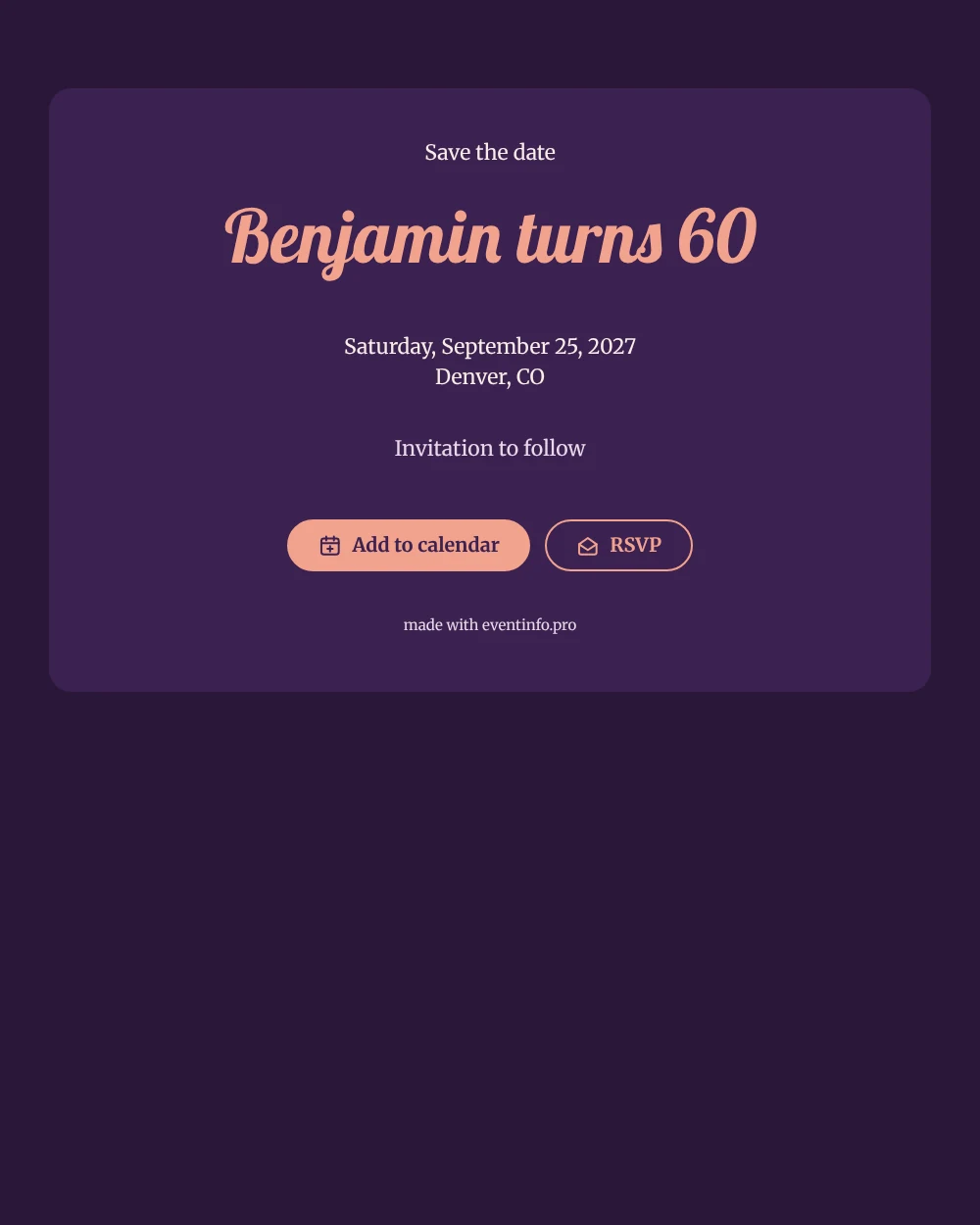
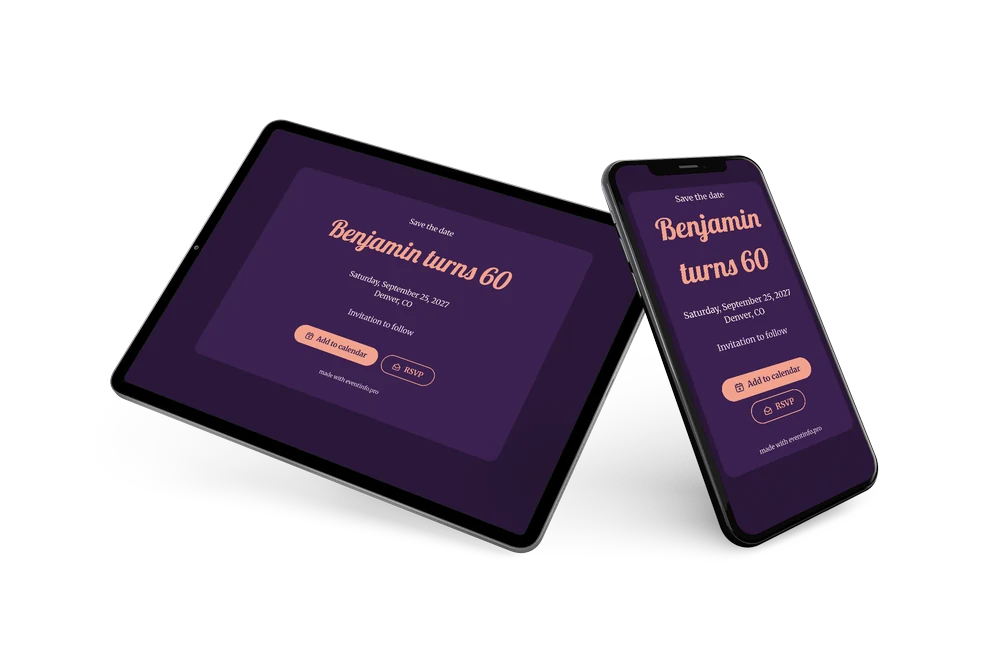
A digital save the date is a small web page you share by link to let guests know, early and simply, that a celebration is coming. In this version, a 60th birthday gets a retro touch: a plum card on an even darker background, a coral script name that looks like a neon sign, and a short “Invitation to follow” at the bottom.
It works well when the party falls in a holiday month or when relatives need to travel. Sending the date early gives everyone the chance to be there. Guests can add the date to their calendar in one tap and let you know early whether they will come, which helps you book the right space and catering. If the venue changes, you fix it in the editor and the same link shows the update. See how replies are collected with online RSVP.
Create your own online save the date
Use this design as a starting point and create a fitting save the date within minutes.
Frequently asked questions
Can I send this today?
Yes. Fill in the name, the date and the city, check the preview and share the link straight away. Guests do not need an account or an app to open it.
Which options do guests have?
Guests can add the date to their calendar and reply with RSVP. You follow all replies in your dashboard.
Can I change the closing line?
Yes. “Invitation to follow” is the sample text. You can add a theme such as “Seventies dress welcome” or a short note about the time of day.
Can I edit the card after sending it?
Yes. Changes appear on the same link, so guests always see the latest version. You can also change the colors and the heading, and later turn it into a full online birthday invitation.
What does the full invitation cost?
The save the date is free. For a full birthday invitation with more features, see the pricing for the full invitation.
Design details: fonts and colors
Fonts
- Header 1 — Merriweather
- Header 2 — Lobster
- Text — Merriweather
Colors
- #F8EDE6 — Header 1
- #F2A38E — Header 2
- #F8EDE6 — Text
- #3B2150 — Card
- #2A1838 — Background
Use this design
Copy this design to your dashboard to use it as a starting point.