A soft, heartfelt save the date
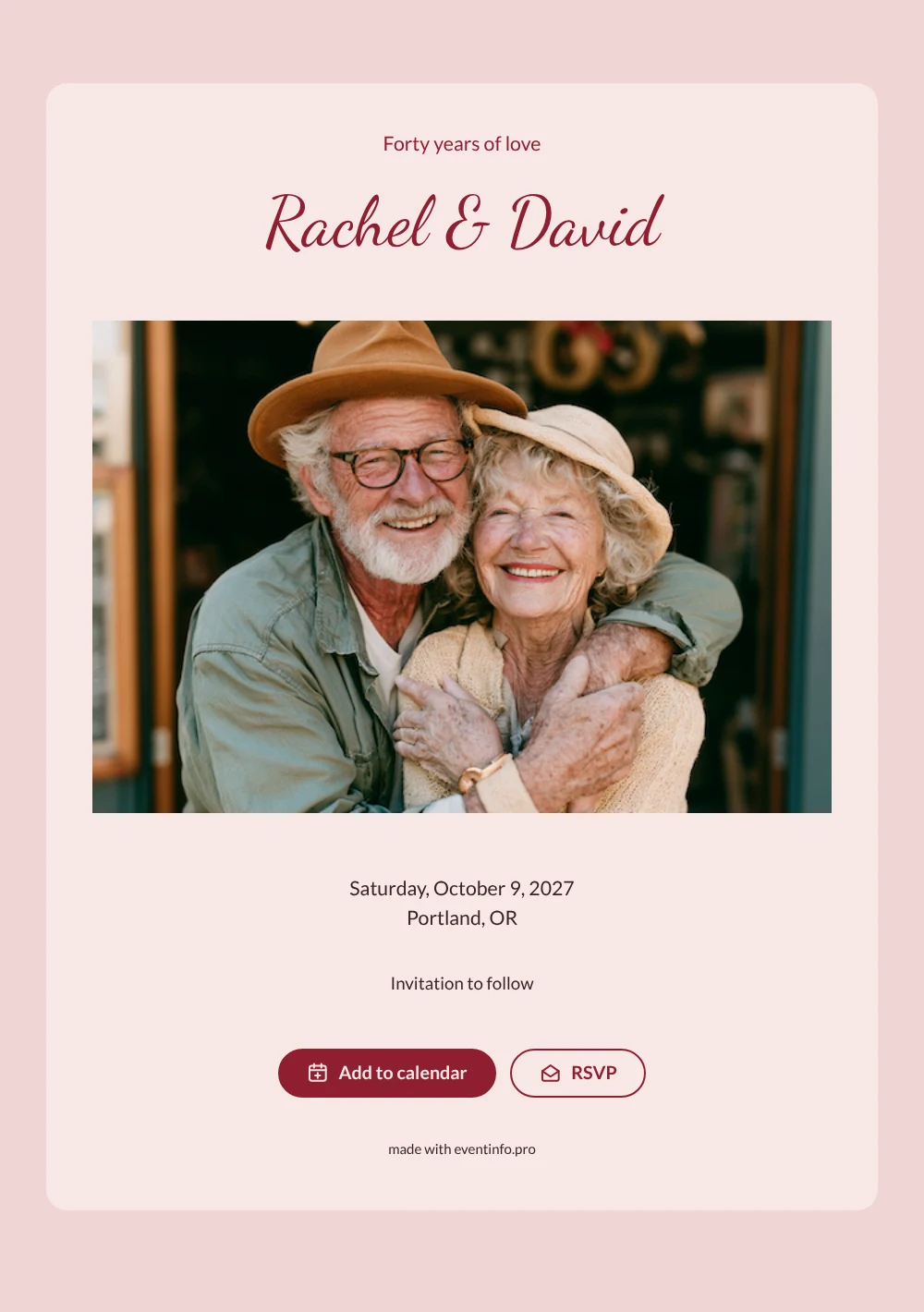
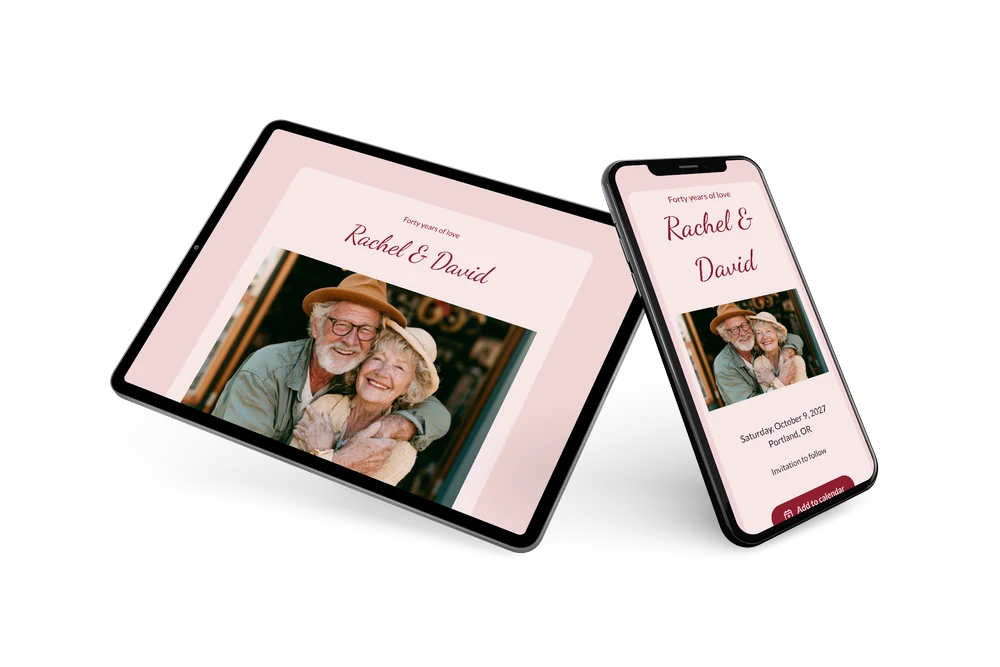
A digital save the date is a short online card that gives guests the date of a celebration early, with the formal invitation to follow. It is sent as a link and can be updated at any time. In this romantic design, a photo of a laughing older couple in a warm embrace opens the card, and the heading “Forty years of love” leaves no doubt about the occasion. The blush card and ruby lettering give it a warm, classic feel that fits a milestone anniversary.
It is a good fit for a fortieth wedding anniversary, a ruby celebration with the whole family or a vow renewal after many years. Send it as soon as the date and venue are known. Guests can save the day in their calendar and give an early answer through RSVP online, which makes it easier to plan seating and a menu. The full invitation can follow later on Eventinfo.pro in the same ruby style. Because it is a link, family members abroad receive it at the same moment as everyone nearby.
Create your own online save the date
Use this design as a starting point and create a fitting save the date within minutes.
Frequently asked questions
Can I send this today?
Yes. Fill in the names, the date and the place, check the preview and share the link. Open the link yourself first to see how it looks for your guests.
Which options do guests have?
Guests can add the date to their own calendar and reply with RSVP. You follow all replies in your dashboard.
Is the handwritten script easy to read?
Yes. The names are set large in a flowing script in deep red on a light pink card, which gives good contrast. The date and place are in a plain sans-serif font, so the details are clear on any screen.
Can I edit the card after sending it?
Yes. Changes show up on the same link, and the date and place come from your details. You can also change the heading, colors and image. In the full invitation you can later share the event location with your guests.
What does the full invitation cost?
The save the date is free. For the full invitation, see the pricing for the full invitation.
Design details: fonts and colors
Fonts
- Header 1 — Lato
- Header 2 — Dancing Script
- Text — Lato
Colors
- #8E1F2F — Header 1
- #8E1F2F — Header 2
- #3B2226 — Text
- #F8E7E7 — Card
- #F0D5D5 — Background
Use this design
Copy this design to your dashboard to use it as a starting point.