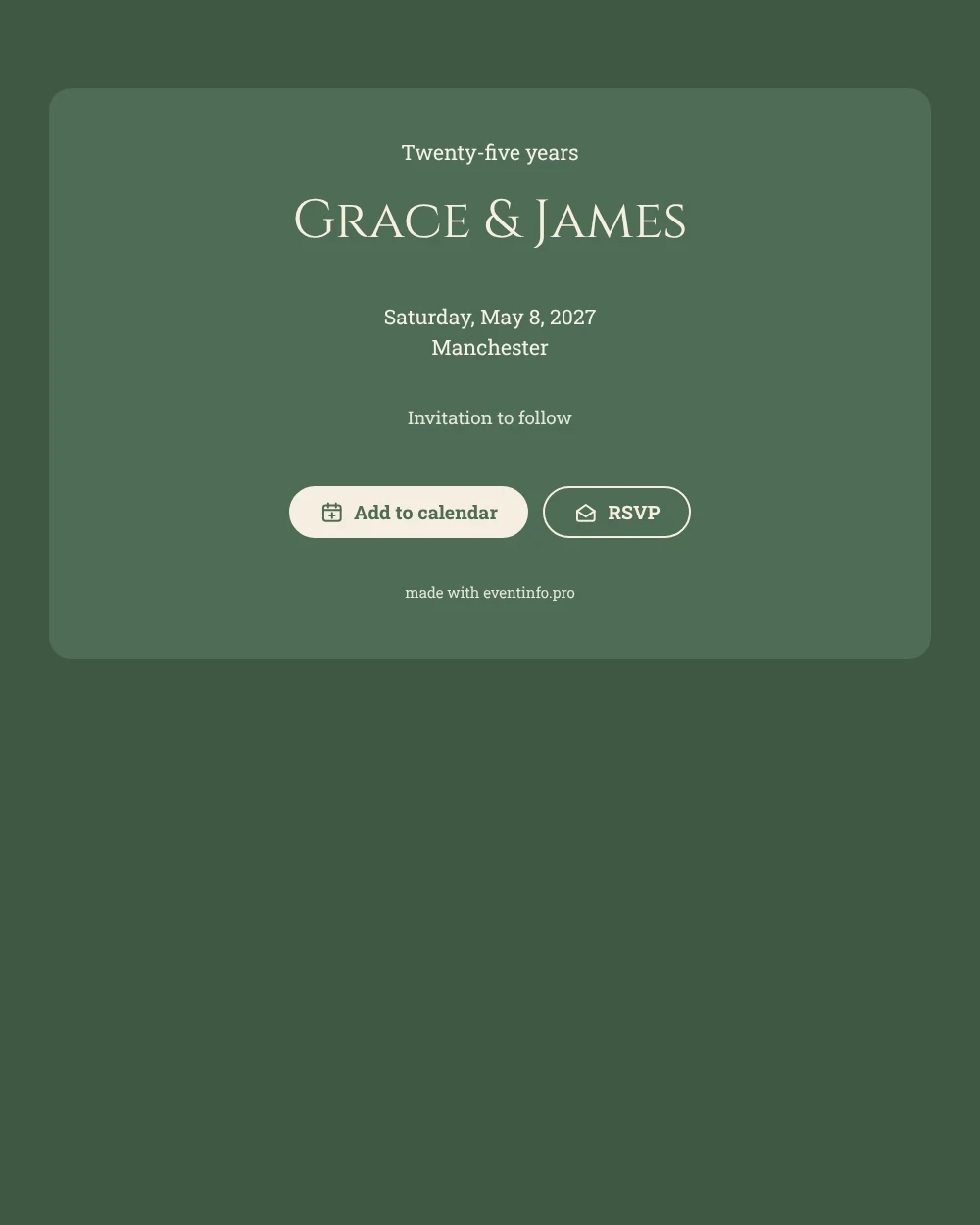
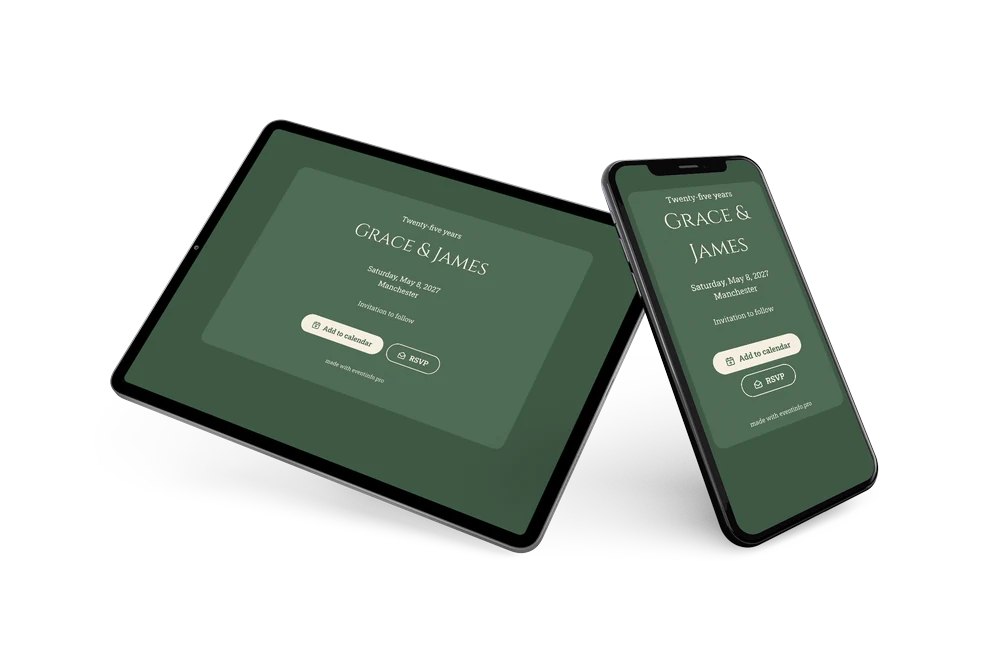
A sober, warm save the date
A digital save the date is a small web page that you send as a link, so guests know the date of your party long before the invitation arrives. This one marks a silver anniversary with restraint. Sage green and cream set a calm tone, “Twenty-five years” sits at the top, and the names in classical capitals give it the feel of an engraved plaque.
It works well for a party that brings several generations together, or when the date falls in the busy summer months. Sending it early helps relatives book time off and travel. Guests can put the date in their calendar right away and give you an early answer, which makes it easier to plan seating and food. If the restaurant changes, you update it in the editor and everyone sees the same link. See how replies are gathered with online RSVP.
Create your own online save the date
Use this design as a starting point and create a fitting save the date within minutes.
Frequently asked questions
Can I send this today?
Yes. Enter your names, the date and the city, check the preview and share the link straight away. No account is needed for guests; they just open the link.
Which options do guests have?
Guests can add the date to their own calendar and reply with RSVP. You follow all replies in your dashboard.
Why is the card green and not silver?
Sage green with cream gives a soft, natural look that photographs well on a phone, while the “Twenty-five years” heading already tells guests it is a silver anniversary. You can add a gray tone in the editor if you prefer.
Can I edit the card after sending it?
Yes. Your changes show up on the same link, so guests always see the latest version. Later you can send a full online event invitation in the same colors.
What does the full invitation cost?
The save the date itself is free. For the full invitation with more features, see the pricing for the full invitation.
Design details: fonts and colors
Fonts
- Header 1 — Roboto Slab
- Header 2 — Cinzel
- Text — Roboto Slab
Colors
- #F3F1EA — Header 1
- #F5EFE0 — Header 2
- #F3F1EA — Text
- #4F6B55 — Card
- #3F5845 — Background
Use this design
Copy this design to your dashboard to use it as a starting point.