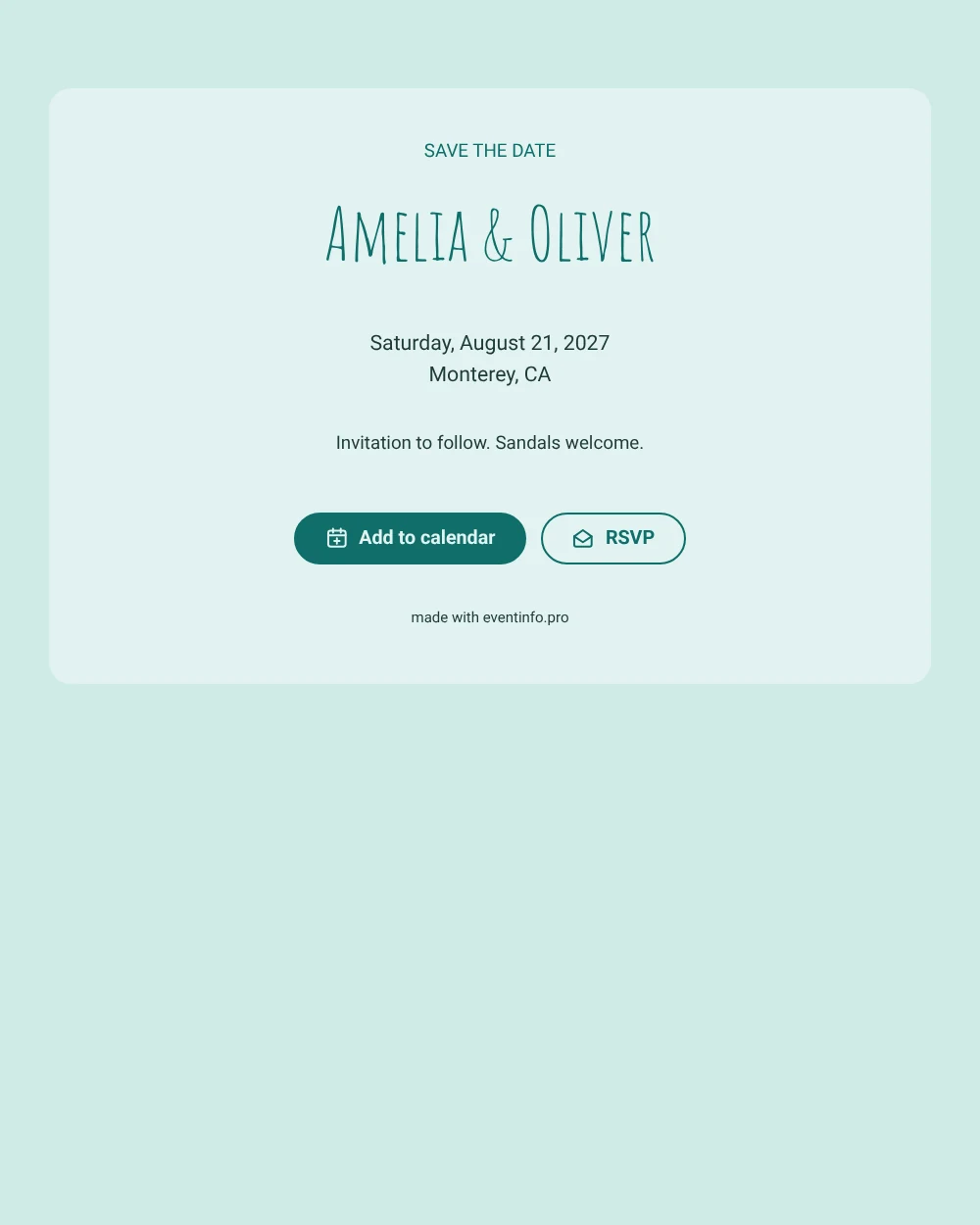
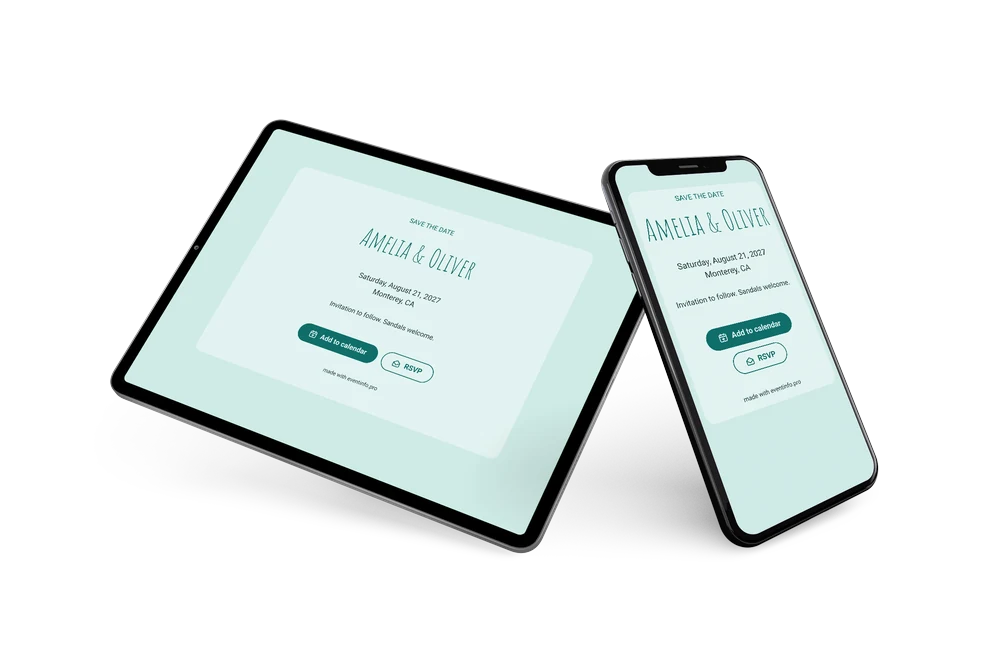
A light, sunny save the date
A digital save the date is a small web page you send by link, so guests can mark the date of your wedding long before the full details are known. This version has a summer-by-the-sea feel: pale seafoam and deep teal, simple centered text, and names in tall, thin hand-lettering that looks drawn rather than printed.
It works well for summer dates, when beach towns are busy and guests need to book early. Sending the date ahead gives everyone a fair chance to be there. Guests can put it in their calendar with one tap and give you an early answer, so you get a feel for numbers sooner. If the venue or start time changes, you update the card in the editor and guests see it on the same link. See how to share the event location so nobody gets lost on the coast road.
Create your own online save the date
Use this design as a starting point and create a fitting save the date within minutes.
Frequently asked questions
Can I send this today?
Yes. Fill in your names, the date and the town, check the preview and send the link right away. Guests do not need an app; the link opens in any browser.
Which options do guests have?
Guests can add the date to their own calendar and reply with RSVP. You keep track of every answer in your dashboard.
Is there room for a photo on this design?
This layout is text only, which keeps it fresh and quick to load. If you want a photo of the beach, choose a design with an image and use the same colors.
Can I edit the card after sending it?
Yes. Changes show up on the same link, so guests always see the latest version. Read how guests can add an event to their calendar in one tap.
What does the full invitation cost?
The save the date itself is free. For the full wedding invitation with more features, see the pricing for the full invitation.
Design details: fonts and colors
Fonts
- Header 1 — Roboto
- Header 2 — Amatic SC
- Text — Roboto
Colors
- #0F6E6A — Header 1
- #0F6E6A — Header 2
- #1F3B3A — Text
- #E2F3F1 — Card
- #CFEAE6 — Background
Use this design
Copy this design to your dashboard to use it as a starting point.