A warm, celebratory save the date
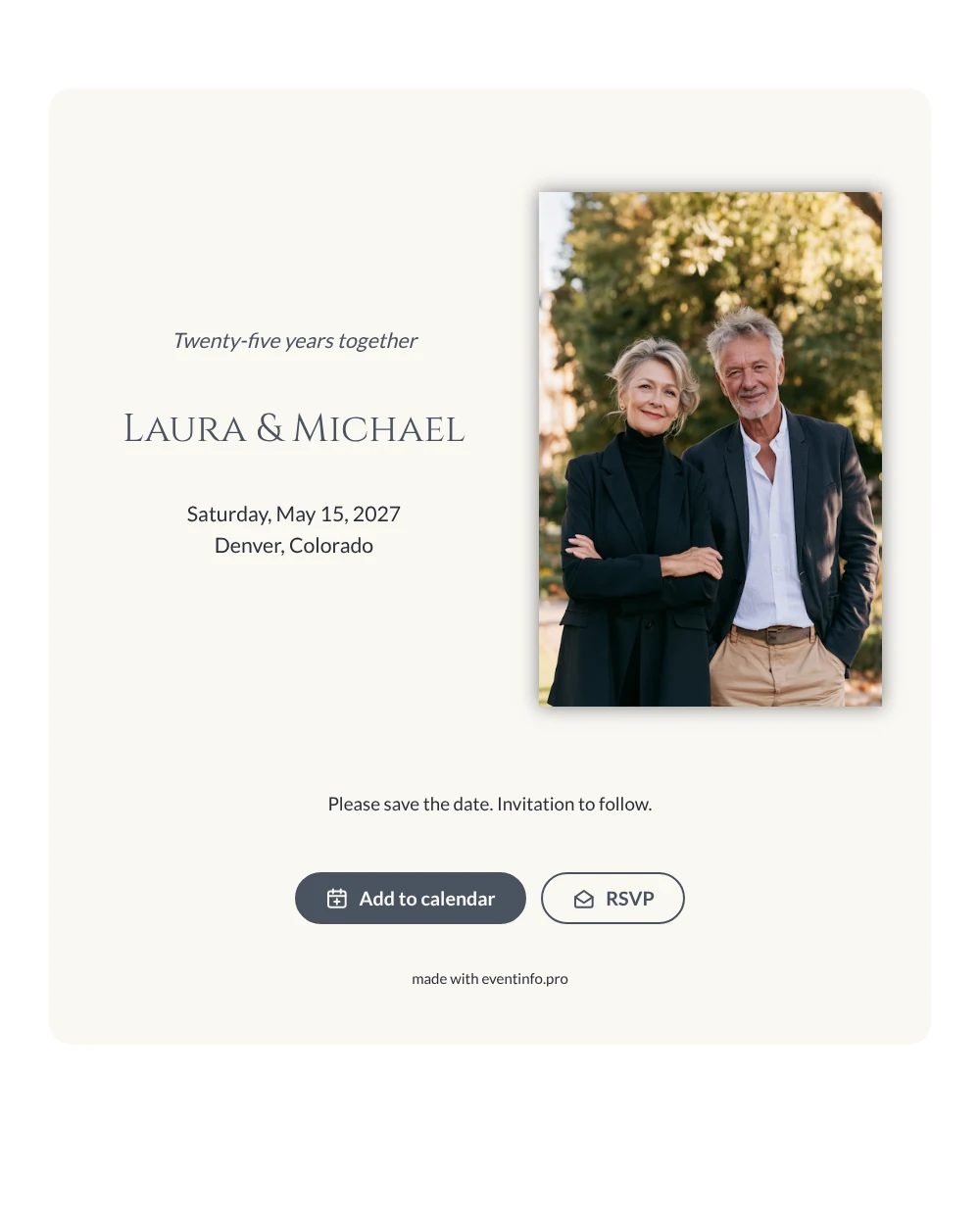
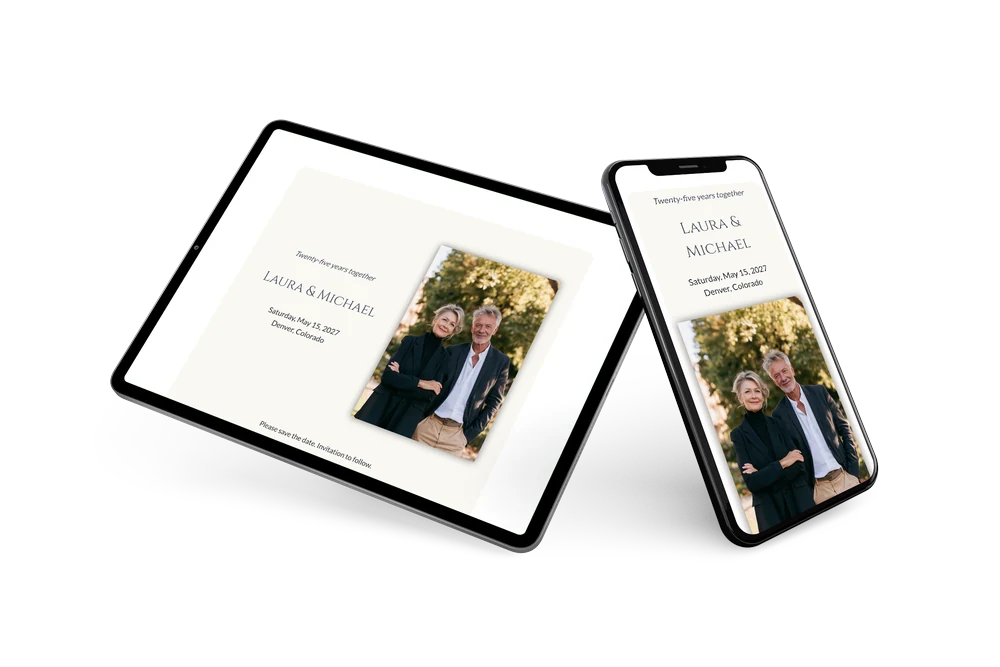
A digital save the date is a small web page you send by link, so loved ones set aside a date before the full invitation arrives. This version is made for a silver wedding anniversary and puts the couple first. A portrait of two people smiling in a garden fills the left side, and the right side carries a personal heading about twenty-five years together, the names in Roman capitals and a closing line that asks guests to keep the date free.
Choose it for a party at home, a restaurant dinner or a weekend away with the people who were there twenty-five years ago. Sending early helps guests plan around holidays and travel. They save the date in their calendar with one tap and can answer right away. If the restaurant changes, you edit the card and everyone sees it on the same link. In the full invitation you can also share the event location with directions.
Create your own online save the date
Use this design as a starting point and create a fitting save the date within minutes.
Frequently asked questions
Can I send it today?
Yes. Enter your names, the date and the city, check the preview and share the link straight away. You don’t need the menu or the program yet.
Which options do guests have?
Guests can add the date to their calendar and send an RSVP. You keep an overview of all replies in your dashboard.
Why is the color scheme grey and ivory?
The slate grey text echoes the silver of a 25th anniversary, while the ivory card keeps it warm next to the green of the garden photo. Together they look festive without bright colors, and both are easy to change in the editor.
Can I edit the card after sending it?
Yes. Text, colors and photo can be changed at any time, and a short personal message works well in the closing line. Date and place come from your details, so guests always see the latest version.
What does the full invitation cost?
The save the date itself is free. For the full anniversary invitation, check the pricing for the full invitation.
Design details: fonts and colors
Fonts
- Header 1 — Lato
- Header 2 — Cinzel
- Text — Lato
Colors
- #4A5260 — Header 1
- #4A5260 — Header 2
- #2B2F36 — Text
- #FAF8F3 — Card
- #FFFFFF — Background
Use this design
Copy this design to your dashboard to use it as a starting point.