A polished, smart save the date
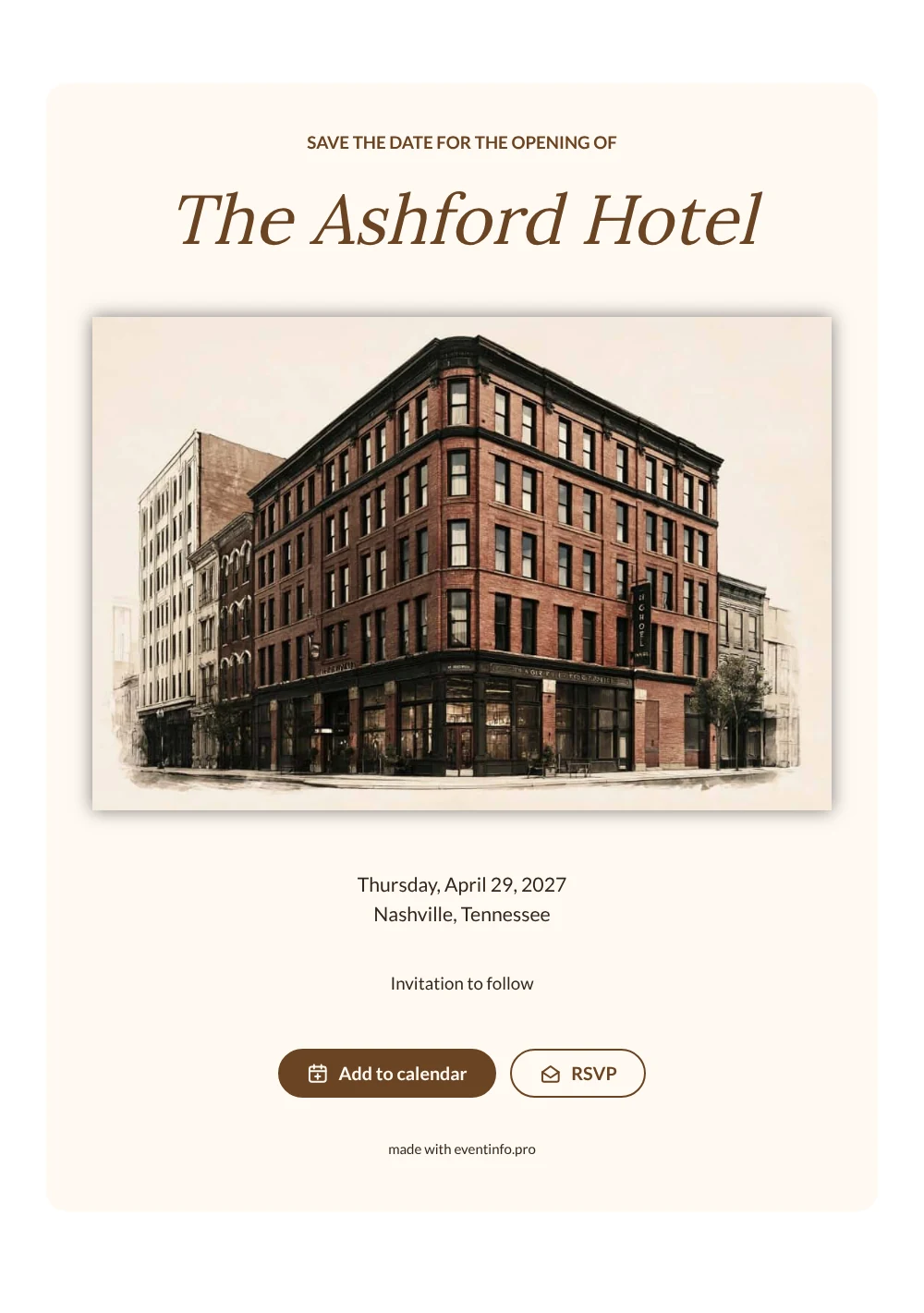
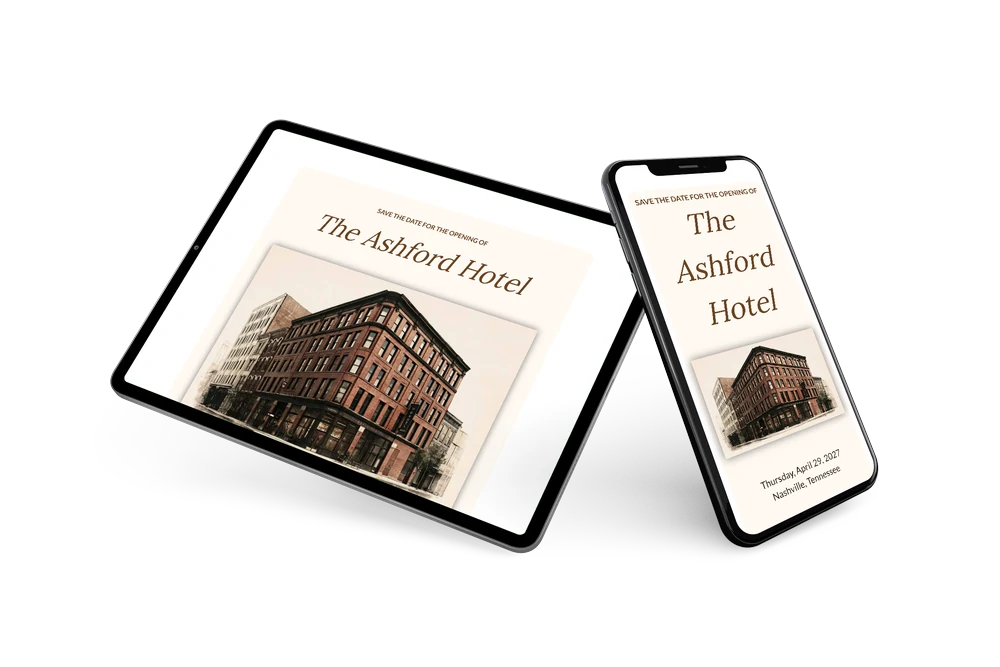
A digital save the date is a small page you share by link, so your guests know the date of an event before the invitation is out. In this version, a sepia picture of a tall brick hotel gives the page a classic, slightly nostalgic feel, and the walnut brown heading and serif name keep it calm and upscale. Everything below stays simple: weekday, date and city on a soft ivory card.
It works for the opening of a hotel, restaurant, wine bar or event venue, and for a relaunch after a renovation of a historic building. Guests can put the date straight into their calendar and give an early answer, which helps you plan staff, drinks and press moments. The full invitation, with the program, dress code and parking details, can follow later in the same walnut style. If the date shifts, you edit the card and everyone sees it on the same link. Learn how guests can add an event to a calendar.
Create your own online save the date
Use this design as a starting point and create a fitting save the date within minutes.
Frequently asked questions
Can I send this today?
Yes. Fill in the venue name, the date and the city, check the preview and share the link right away.
Which options do guests have?
Guests can add the date to their calendar and reply through RSVP. You keep track of all replies in your dashboard.
Does the brown text stay readable?
Yes. The walnut tone is used for the heading and the name, set large. The details are in a dark brown sans-serif on a light card, so they read clearly on any screen.
Can I edit the card after sending it?
Yes. Changes show up on the same link, so everyone sees the latest version. You can also change the image, colors and heading. Try it with a free save the date.
What does the full invitation cost?
The save the date itself is free. For a full invitation with more features, see the pricing for the full invitation.
Design details: fonts and colors
Fonts
- Header 1 — Lato
- Header 2 — Lora
- Text — Lato
Colors
- #6B4423 — Header 1
- #6B4423 — Header 2
- #33261C — Text
- #FFF9F2 — Card
- #FFFFFF — Background
Use this design
Copy this design to your dashboard to use it as a starting point.