A warm, laid-back save the date
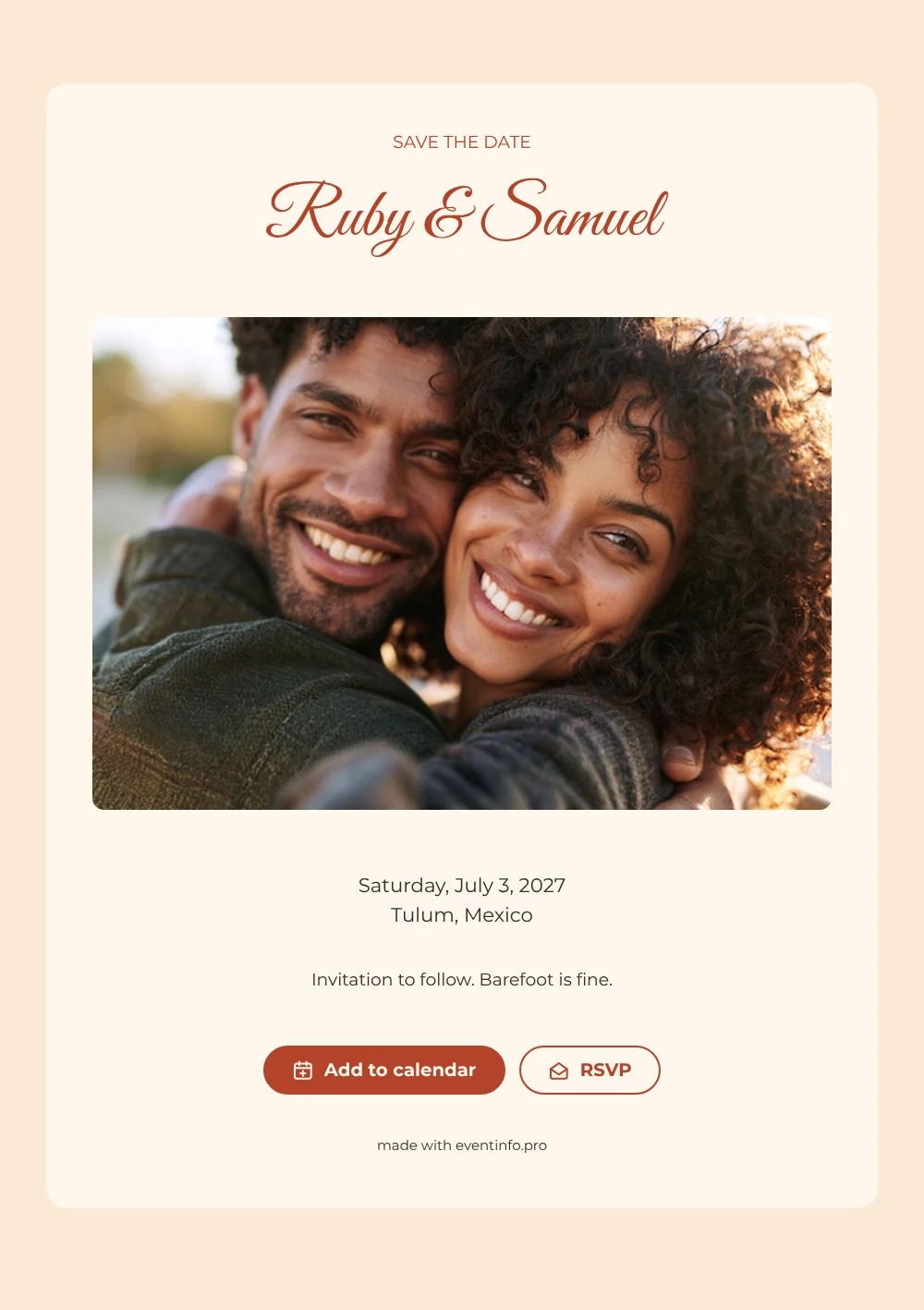
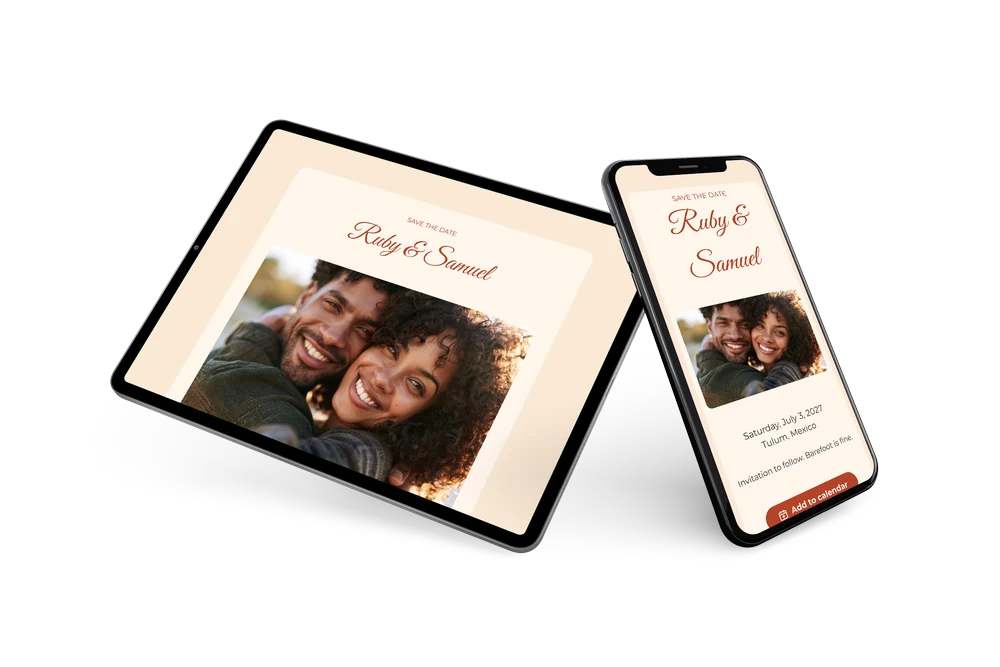
A digital save the date is a first message to your wedding guests, sent as a link instead of a printed card. It gives them the date and place early and lets them know the invitation will follow. Here a warm close-up of a smiling couple across the top gives the card a personal, sunlit feel. Underneath, coral capitals spell out “SAVE THE DATE”, the names follow in a soft script, and the weekday and date share one line with the location below.
It is a natural choice for a laid-back wedding where the dress code is light and the mood is easy, close to home or far away. Send it as soon as the venue is booked, especially if the date falls in high season. Guests can save the day in their calendar and reply early through RSVP online, which helps you estimate numbers for a venue that often has limited space. Because it is online, a change is made once and everyone sees it on the same link. The coral and cream colors also make a good base for the rest of your wedding communication online.
Create your own online save the date
Use this design as a starting point and create a fitting save the date within minutes.
Frequently asked questions
Can I send this today?
Yes. Fill in the details, check the preview and send the link by text, email or WhatsApp. Open the link yourself first to see how it looks for your guests.
Which options do guests have?
Guests can add the date to their own calendar and reply with RSVP. You follow all answers in your dashboard.
What does the line “Barefoot is fine” do?
It sets the tone for a relaxed beach wedding and gives guests a first hint about what to wear. You can keep it, change it or remove it, since the closing line is free text.
Can I edit the card after sending it?
Yes. Edits show up on the same link, and the date and place come from your details through placeholders. You can also change the photo and colors. Later you can follow up with an online wedding invitation.
What does the full invitation cost?
The save the date is free. For the full wedding invitation, see the pricing for the full invitation.
Design details: fonts and colors
Fonts
- Header 1 — Montserrat
- Header 2 — Great Vibes
- Text — Montserrat
Colors
- #B3442A — Header 1
- #B3442A — Header 2
- #3A2A22 — Text
- #FFF6EC — Card
- #FBE9D6 — Background
Use this design
Copy this design to your dashboard to use it as a starting point.