A cozy, festive save the date
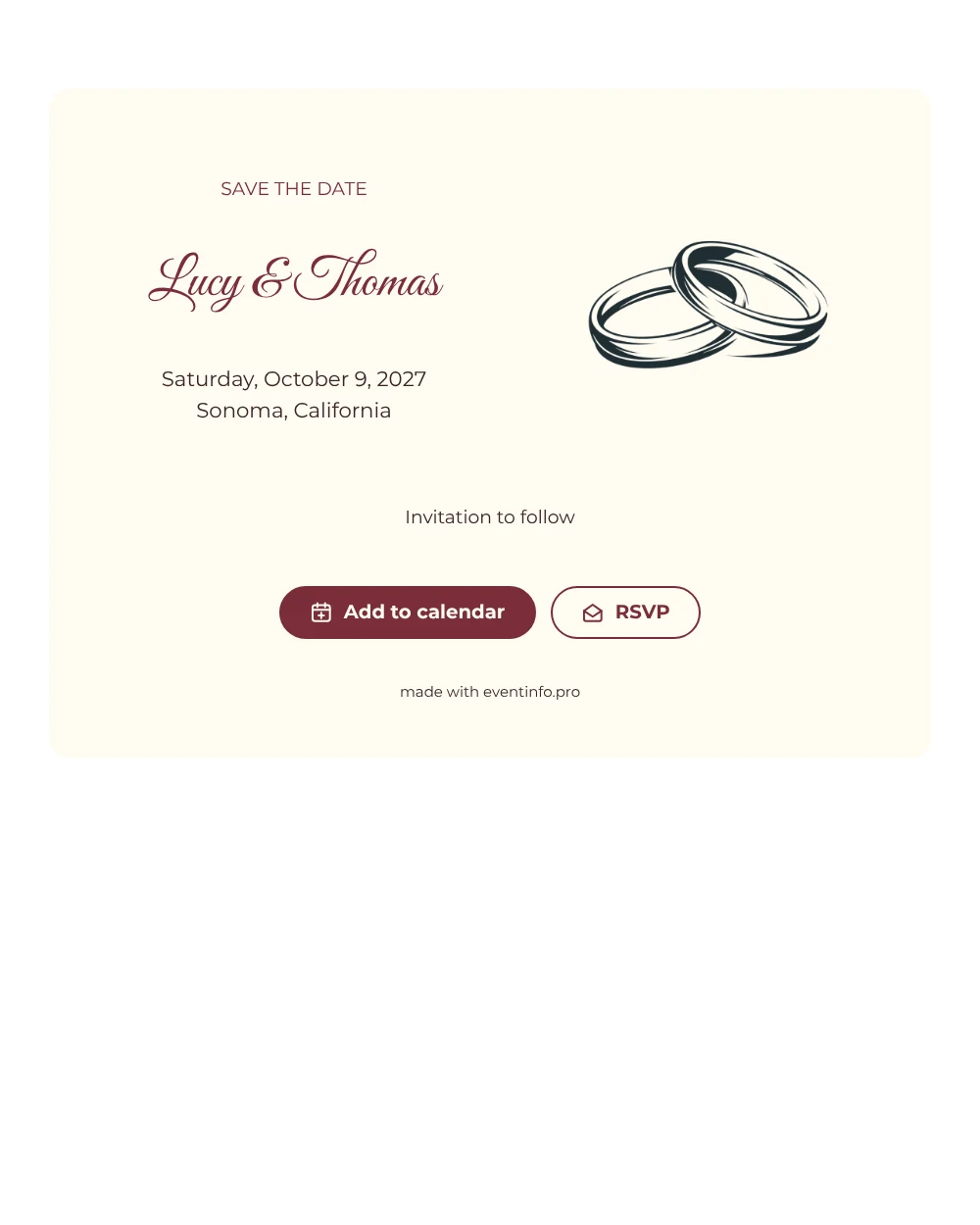
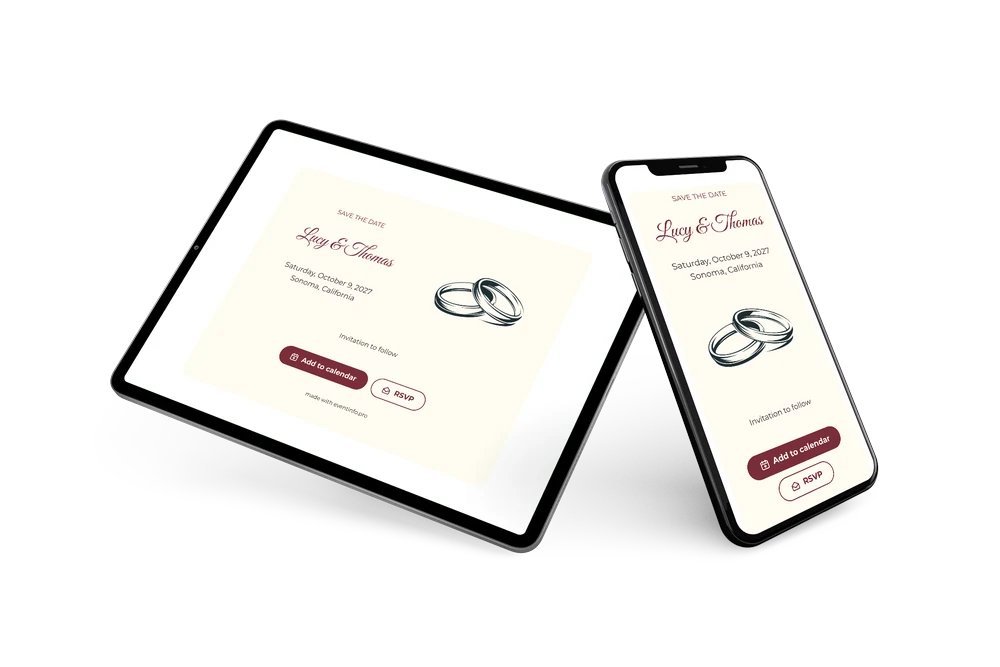
A digital save the date is a small web page you send by link to fix the wedding date in guests’ agendas before the invitation goes out. This one says “wedding” without a single word: the interlocking rings on the left are drawn in a fine, minimal line, and the wine red calligraphy names on the right tell guests whose day it is. A short “Invitation to follow” at the bottom completes the card.
Use it when you want a design that fits any venue and season, from an autumn winery wedding to a winter ceremony in town. Sending early helps guests book rooms before nearby hotels are full. They save the date with one tap and can reply early. If you later move the dinner to another venue, you update the card and everyone sees the change on the same link. In the full invitation you can also share the event location on a map.
Create your own online save the date
Use this design as a starting point and create a fitting save the date within minutes.
Frequently asked questions
Can I send this today?
Yes. Fill in your names, the date and the location, check the preview and share the link straight away.
Which options do guests have?
Guests can put the date in their calendar and send an RSVP. You follow all replies in your dashboard, which gives you an early idea of who will travel.
Why use an illustration instead of a photo?
A line drawing keeps the card calm and timeless, and it works for every couple without needing a photo shoot. If you would rather show yourselves, upload an upright photo in its place; the layout stays the same.
Can I edit the card after sending it?
Yes. You can change the text, colors and image at any time. Date and place come from your details, and guests always see the latest version on the same link.
What does the full invitation cost?
The save the date is free. For the full wedding invitation with more features, see the pricing for the full invitation.
Design details: fonts and colors
Fonts
- Header 1 — Montserrat
- Header 2 — Great Vibes
- Text — Montserrat
Colors
- #7B2D3A — Header 1
- #7B2D3A — Header 2
- #3A2427 — Text
- #FFFCF2 — Card
- #FFFFFF — Background
Use this design
Copy this design to your dashboard to use it as a starting point.