A quiet, dignified wedding invitation
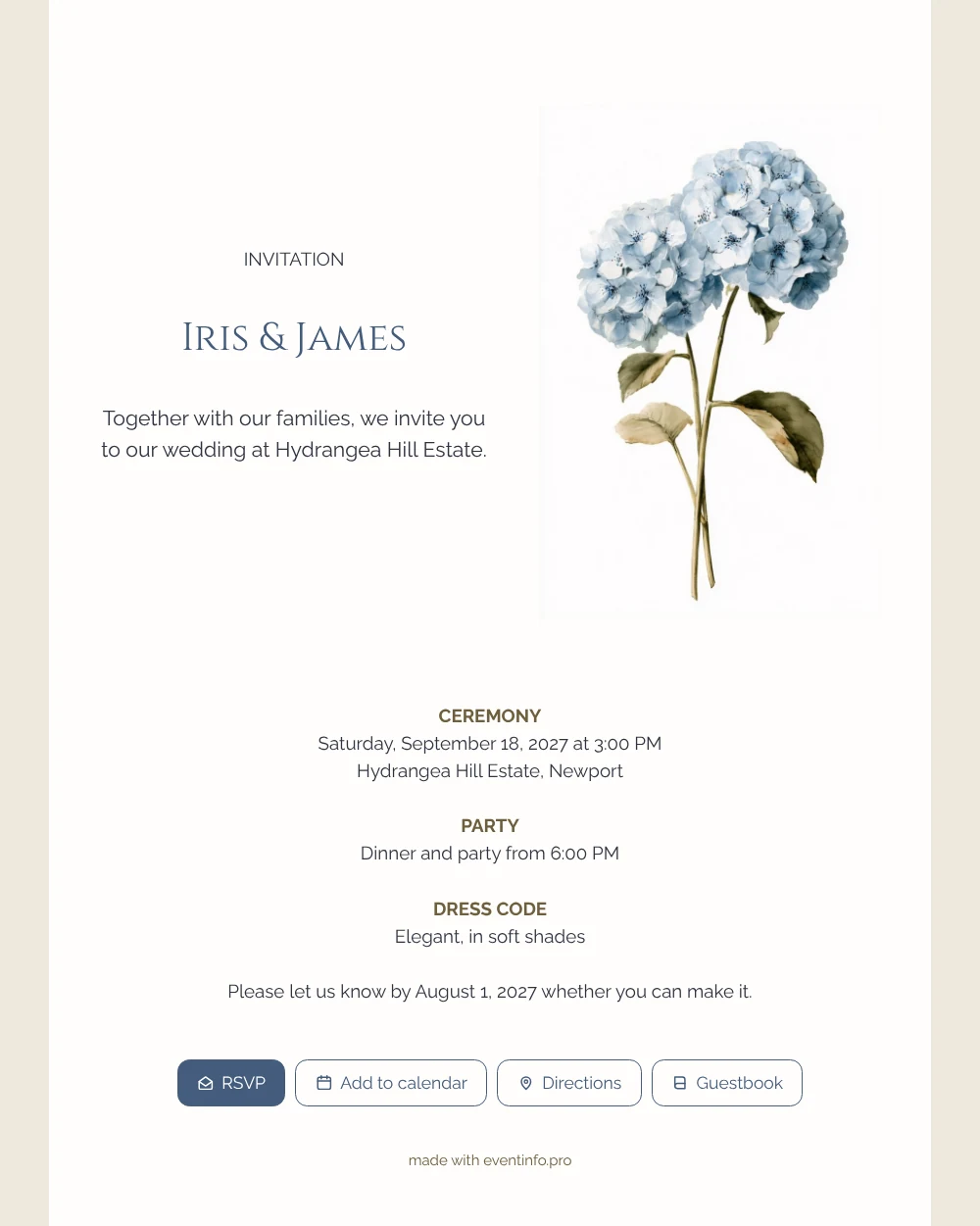
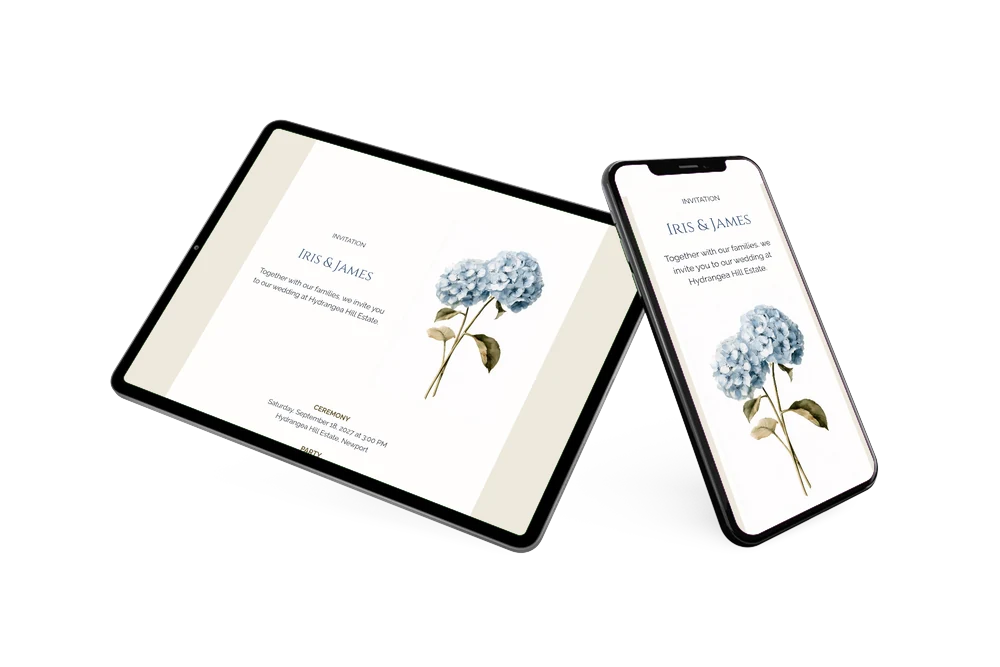
At its core, an online wedding invitation is a web page for your wedding that guests open from a message, with all the practical details and a way to respond. In this version the top of the page is split in two: the welcome text and the names Iris & James on one side, a tall watercolor hydrangea on the other. Below that, everything is centered and set in clear, light type. It is meant for couples who like a classic look and want an invitation that stays calm and readable on a small screen.
Share the link by WhatsApp, by email or with a QR code on a printed save-the-date. Your guests then reply, plan their route and put the wedding in their calendar. To read more about what guests can do with this kind of invitation, the online wedding invitation page gives an overview of all features.
Create your own online wedding invitation
Use this design as a starting point and create a fitting wedding invitation within minutes.
Frequently asked questions
Can I send this invitation the same day?
Yes. If you know your date, venue and reply deadline, you can fill them in, check the preview and publish within one evening. The link works immediately after publishing.
How do guests respond?
With the RSVP button they say whether they are coming. They can also tap Add to calendar, open Directions to the venue and write in the guestbook, before or after the wedding.
What makes this hydrangea design classic?
The structure. Each section has a small heading in capitals, the names are set in elegant serif capitals, and the hydrangea is painted in a botanical watercolor style rather than as a loose sketch. There are no extra ornaments, so the layout feels balanced and will still look good years from now.
Can I use a photo instead of the hydrangea?
Yes. You can upload a photo of the two of you, choose another illustration or keep the hydrangea and only change the text and colors. The help article on using an illustration instead of a photo shows how to switch.
What does it cost compared to paper?
You pay for the invitation, not for printing or postage, which usually makes it more affordable than a printed set. You see the result before you pay, and current options are on the pricing page.
Design details: fonts and colors
Fonts
- Header 1 — Raleway
- Header 2 — Cinzel
- Text — Raleway
Colors
- #2F3440 — Header 1
- #435C7C — Header 2
- #2F3440 — Text
- #FEFDFC — Card
- #EEE8DC — Background
Use this design
Copy this design to your dashboard to use it as a starting point.
All example invitations are fictional. Photos of people are AI-generated; illustrations are licensed or AI-generated.