An illustration instead of a photo
The builder doesn’t have a library of illustrations. If you’d like a drawing instead of a photo, there are two ways to do it, and a third if you want no image at all.
A design with an illustration
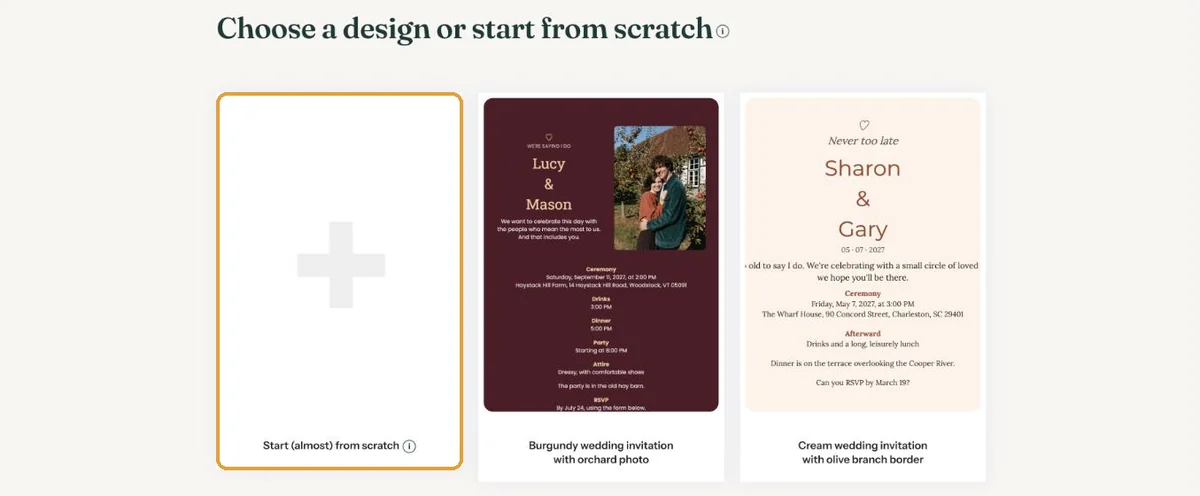
When you create your invitation, the Choose a design or start from scratch screen also includes designs with an illustration instead of a photo. The illustration sits where the photo would be. Keep it, or replace it later through the Image window.
Your own illustration
Do you have a drawing of your own, say a child’s drawing for a birth announcement or a logo for a business event? Save it as JPG, PNG or WEBP and place it the way you’d place a photo: click the image on your card and choose the file. The steps are in Add or replace a photo.
A drawing on paper can be photographed or scanned. Put it on a plain surface in daylight, and the colours stay calm.
No image at all
If you start (almost) from scratch, you can choose the Without image layout. Your invitation is then text on a card only. A pattern around or on the card still gives it some character (Adding a pattern).
Next step: Can I use a background image?
Last updated: October 23, 2026