A nostalgic, easygoing invitation
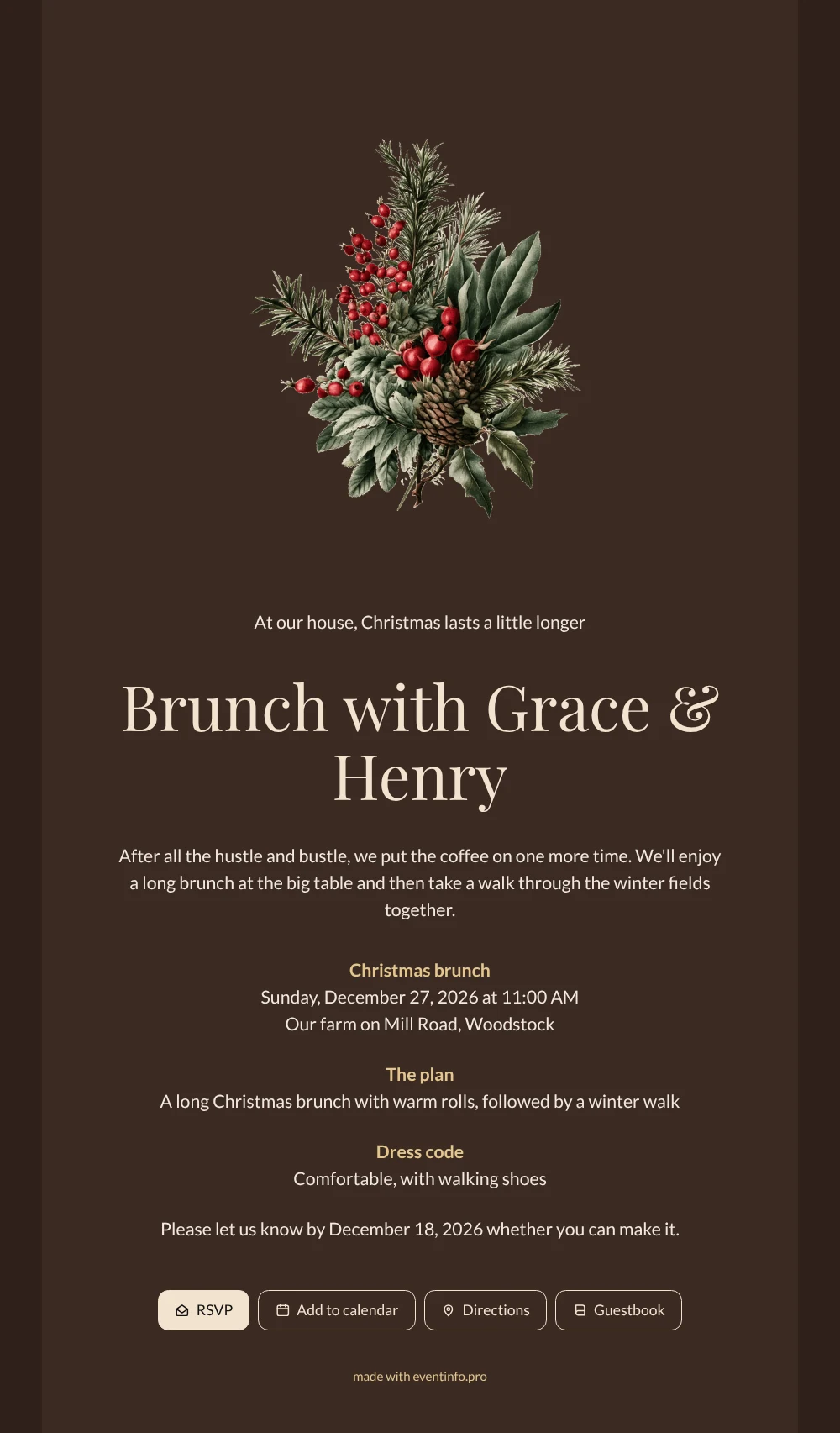
Put simply, an online party invitation is a single web page that combines the invitation, the practical details and a way to respond. Here that page is dressed for a Christmas brunch: the names in a cream script, a deep brown card on an even darker background and a horizontal sprig of rose hips in faded vintage tones. The wording is short and personal, with room for a small plan and a dress code. Choose it when you want something festive that does not shout, for a morning get-together in the last week of December.
Send the link by WhatsApp or email, or show the QR code to guests you see in person. Everyone answers through the same form, so you know how many rolls to warm up. From the invitation, guests open the route to the farm and can add the brunch to their calendar, which helps in a week when nobody is quite sure what day it is.
Create your own online Christmas invitation
Use this design as a starting point and create a fitting Christmas invitation within minutes.
Frequently asked questions
Can I send this Christmas brunch invitation today?
Yes, as long as you know the date, time and address. Replace the sample names and details, check the preview on your phone and publish. You can share the link straight away and invite more guests later.
Which buttons appear on the invitation?
RSVP for replies, Add to calendar to save the date, Directions to find the venue and Guestbook for a short message. After the brunch you can read those messages back at your leisure.
Does brown work for a Christmas invitation?
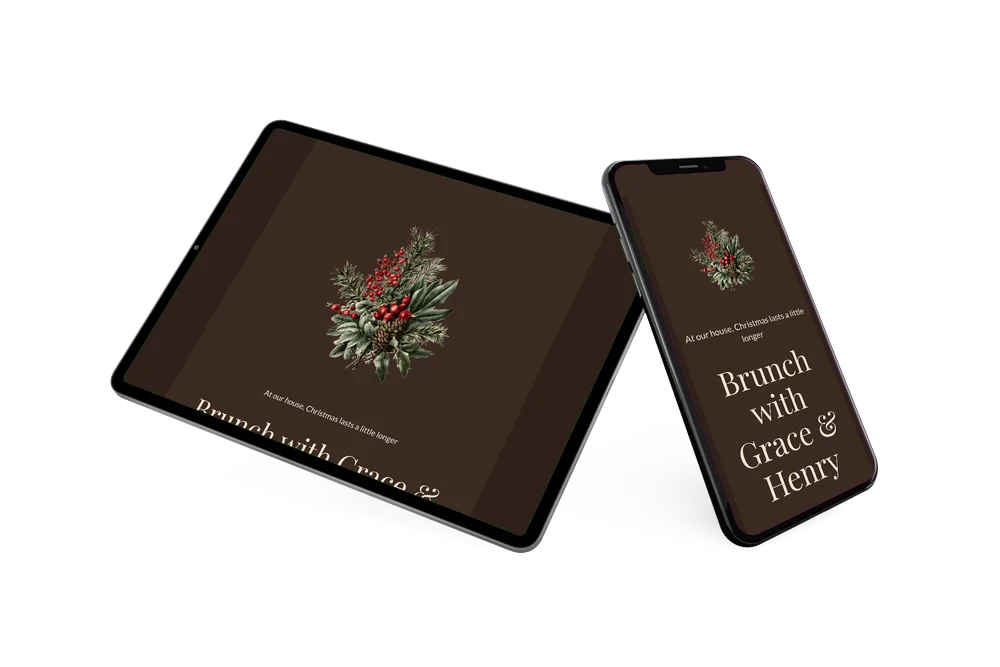
It does, precisely because it is unexpected. The deep brown and cream give the page a warm, wintry look that fits candlelight and a long table, and the dusty red of the rose hips is the only real Christmas color. The text stays easy to read on a phone, even in a dim room.
How do I replace the sample text?
Click any text block in the builder and type your own words; colors, the font and the image work the same way. The guide on how to replace the example text walks you through it.
How does the cost compare with printed cards?
There is no printing, no envelopes and no postage, so an online invitation is usually the more affordable choice. You can view everything before you pay, and the pricing page shows the current options.
Design details: fonts and colors
Fonts
- Header 1 — Lato
- Header 2 — Playfair Display
- Text — Lato
Colors
- #F1E9DF — Header 1
- #F3E3CF — Header 2
- #F1E9DF — Text
- #3B2A22 — Card
- #2F211B — Background
Use this design
Copy this design to your dashboard to use it as a starting point.
All example invitations are fictional. Photos of people are AI-generated; illustrations are licensed or AI-generated.