A gentle, wintry invitation
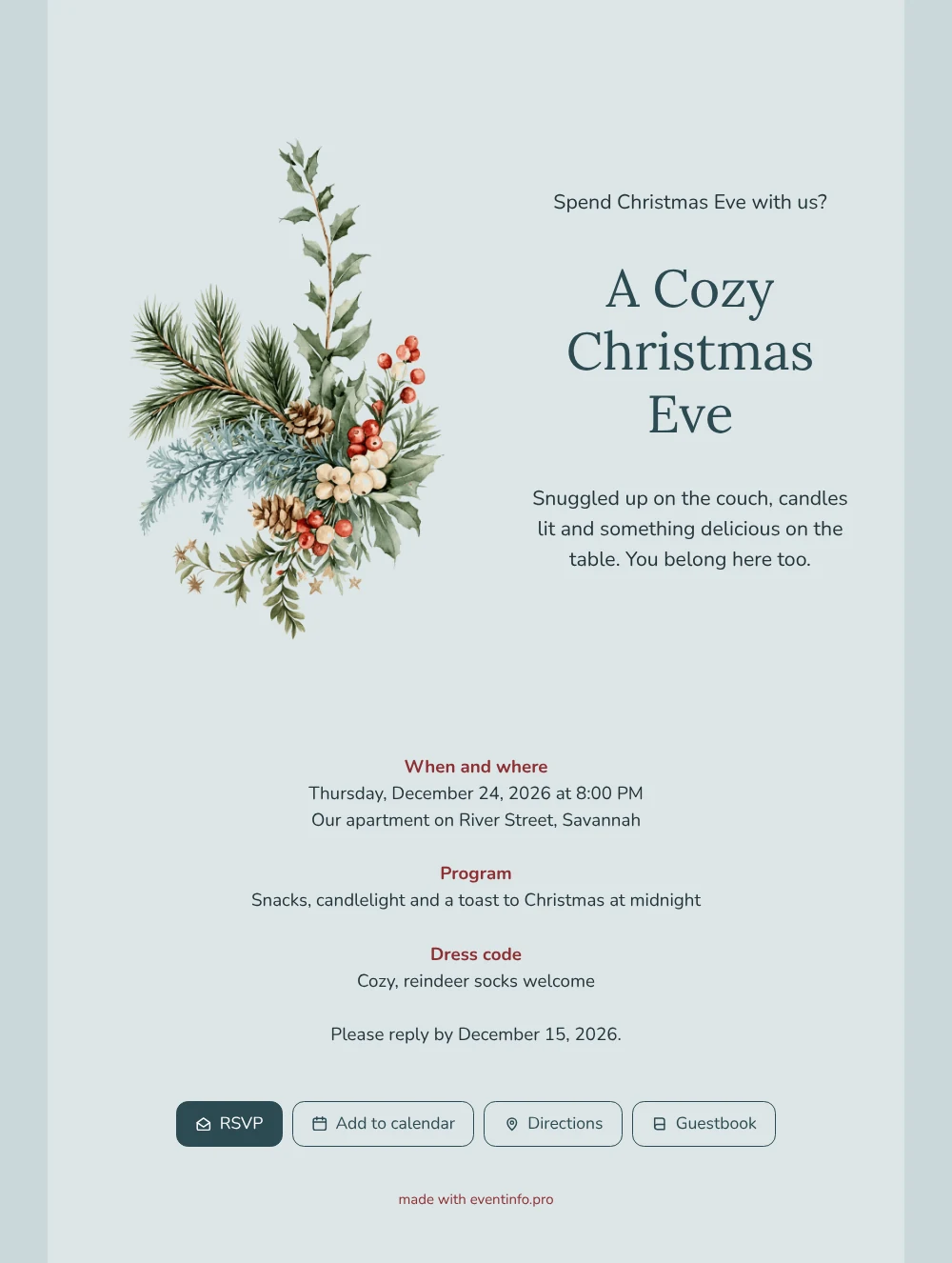
Put simply, an online Christmas invitation is a link that opens your invite on any phone or tablet, with the details, directions and a reply form built in. In Nora & Sam’s version, the illustration sits on the left and the text on the right, both on a soft blue that brings frost on a window to mind. The serif lettering and the red section headings add warmth, so the card feels wintry but welcoming. Choose it for a Christmas Eve where comfort comes first.
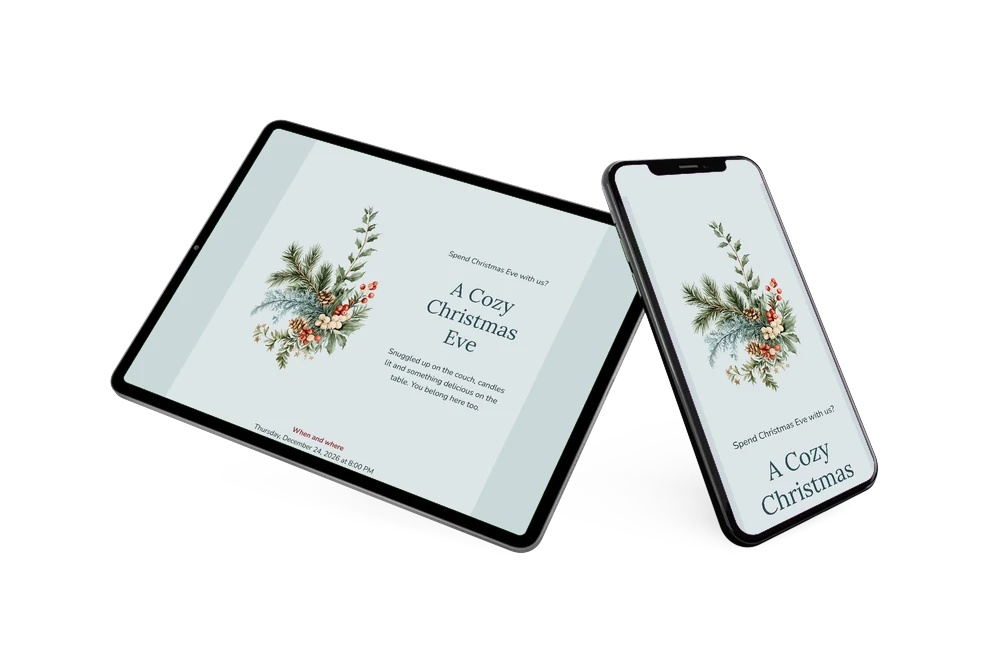
Send the link to a group chat or to each friend separately. Guests confirm through the online RSVP form, so you see at a glance who is coming and who is still thinking about it. With Directions they reach your door without asking for the address again, and Add to calendar keeps December 24 in their schedule. Should anything change, you update the invitation and the link stays the same.
Create your own online Christmas invitation
Use this design as a starting point and create a fitting Christmas invitation within minutes.
Frequently asked questions
How long does it take before I can send it?
Not long at all. Fill in the date, the time and the address, check the reply deadline and read the preview once. Most hosts send it the same evening they start.
Which buttons appear at the bottom?
RSVP, Add to calendar, Directions and Guestbook. Together they let your guests answer, plan, find their way and leave a few words, without extra messages back and forth.
Why combine ice blue with red headings?
The blue card and background set a quiet, wintry mood, and the small red headings pick up the berries in the bouquet. That contrast makes the page easy to scan: guests spot When and where, Program and Dress code at a glance, while the large slate title holds everything together.
What if I’d rather show a photo of our living room?
That works. Upload your own photo in place of the bouquet or pick another illustration; text and colors are just as easy to adjust. See how to use an illustration instead of a photo, or the reverse.
What does it cost next to cards and stamps?
Less, in most cases, because printing and postage fall away. You design the whole invitation and view it before you pay; the pricing overview has the details.
Design details: fonts and colors
Fonts
- Header 1 — Nunito
- Header 2 — Lora
- Text — Nunito
Colors
- #23343A — Header 1
- #2C4A52 — Header 2
- #23343A — Text
- #DCE5E6 — Card
- #CBD8DA — Background
Use this design
Copy this design to your dashboard to use it as a starting point.
All example invitations are fictional. Photos of people are AI-generated; illustrations are licensed or AI-generated.