A natural, informal party invitation
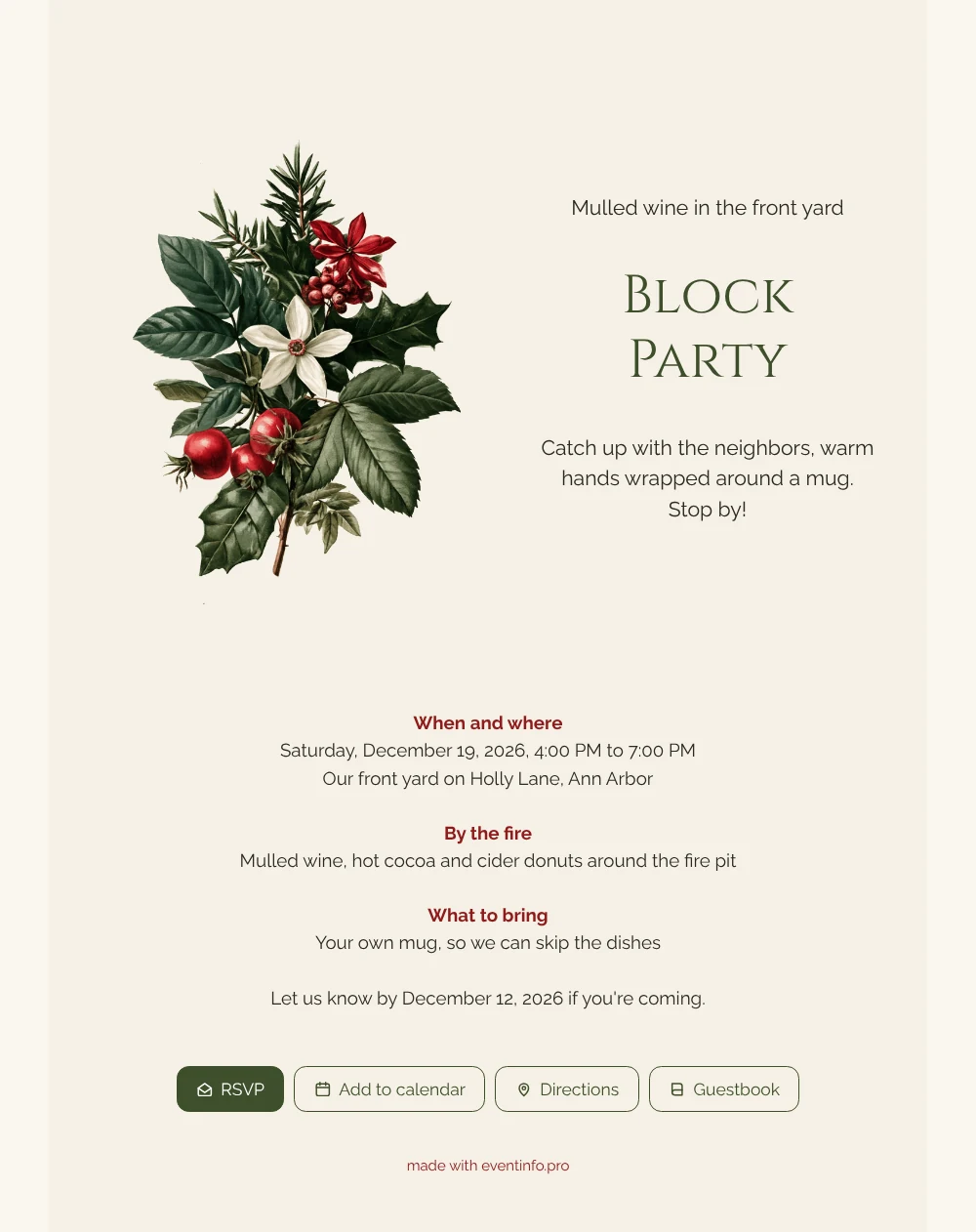
An online party invitation can be as informal as the party itself: a short page with the time, the spot and a reply button, shared in the neighborhood group chat. This design uses an ivory card on a warm, pale background, with a holly sprig and a white star at the top and the hosts’ names in olive green. Below that, the information is split into small blocks, from the time window to the snacks around the fire. Pick it when you want to invite the neighbors to something seasonal and easygoing.
Once the link is out, neighbors reply, save the date and find the address with the Directions button. Want to host something else this season, such as a holiday open house or a New Year’s get-together? The online event invitation page shows what you can create for other occasions. For people who have not replied yet, you can send a friendly reminder.
Create your own online Christmas invitation
Use this design as a starting point and create a fitting Christmas invitation within minutes.
Frequently asked questions
Is it possible to share the invitation within the hour?
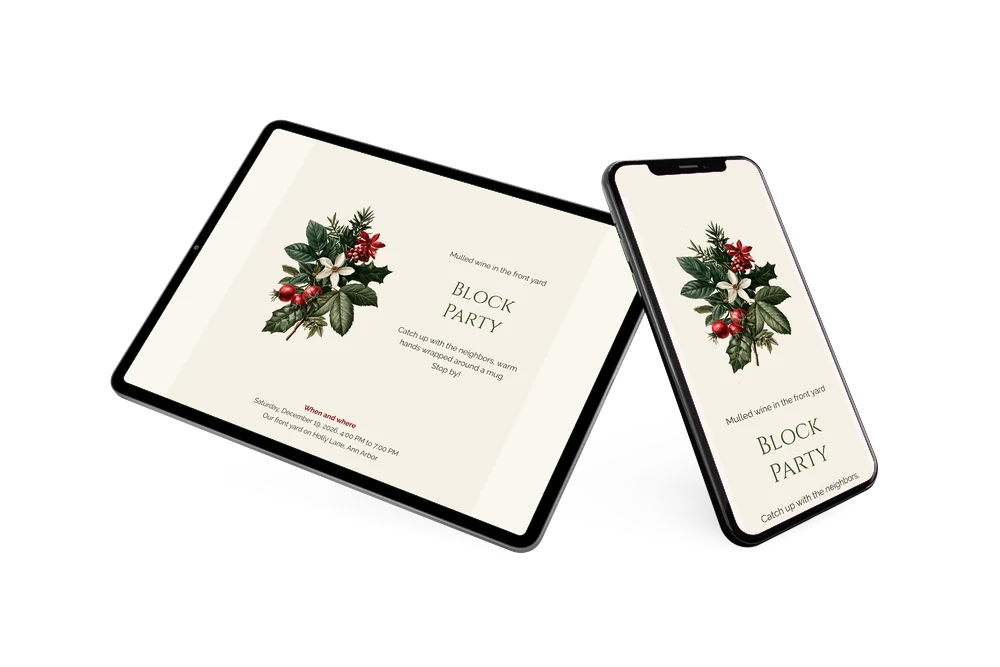
Yes, if you know the date, the time and the address. Fill them in, adjust the snacks and the reply date, check the preview on your phone and publish. The link is ready to share right away.
Which buttons are there for guests?
RSVP for a quick yes or no, Add to calendar to save the afternoon, Directions to your front yard and Guestbook for a message. You can read those messages again after the holidays.
What makes the holly illustration stand out?
It is drawn in a fine botanical style, with dark green leaves and a small white star, so it looks more like a print from an old field guide than a cartoon. On the ivory card it adds color without crowding the page. The olive green of the names picks up the leaves, which keeps the whole design calm and wintry.
Where do I change the wording and the snacks?
Open the design in the builder, click a block and type your own text, for example your own menu or a different time slot. Colors, the font and the illustration change the same way. The guide on how to replace the example text explains every step.
Is it cheaper than paper invitations?
Usually, since there is no printing and no postage involved. You see the result before you pay, and the pricing page lists the options.
Design details: fonts and colors
Fonts
- Header 1 — Raleway
- Header 2 — Cinzel
- Text — Raleway
Colors
- #2B2A24 — Header 1
- #3E4F2B — Header 2
- #2B2A24 — Text
- #F6F1E6 — Card
- #FAF7F0 — Background
Use this design
Copy this design to your dashboard to use it as a starting point.
All example invitations are fictional. Photos of people are AI-generated; illustrations are licensed or AI-generated.