A rich, welcoming Christmas card
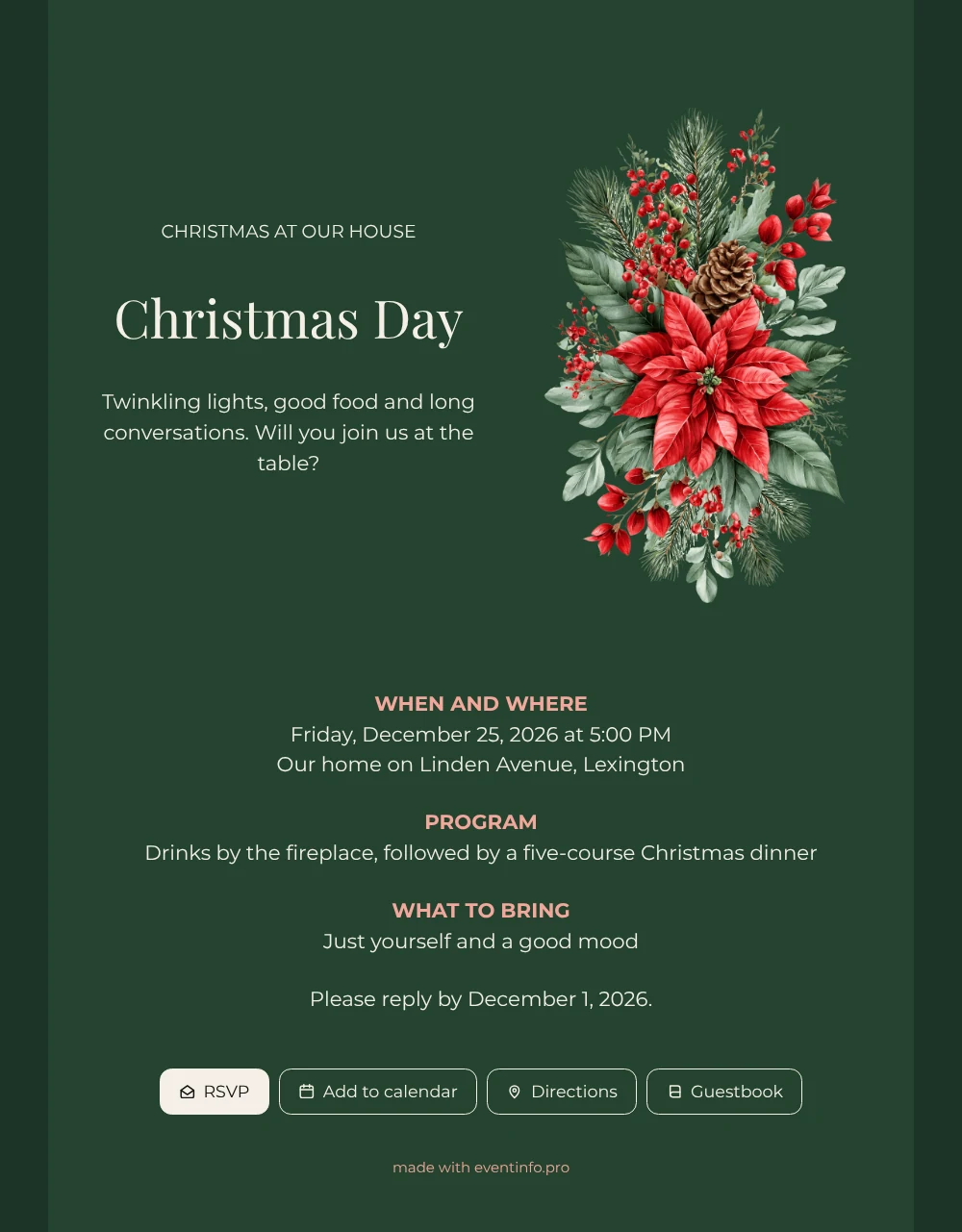
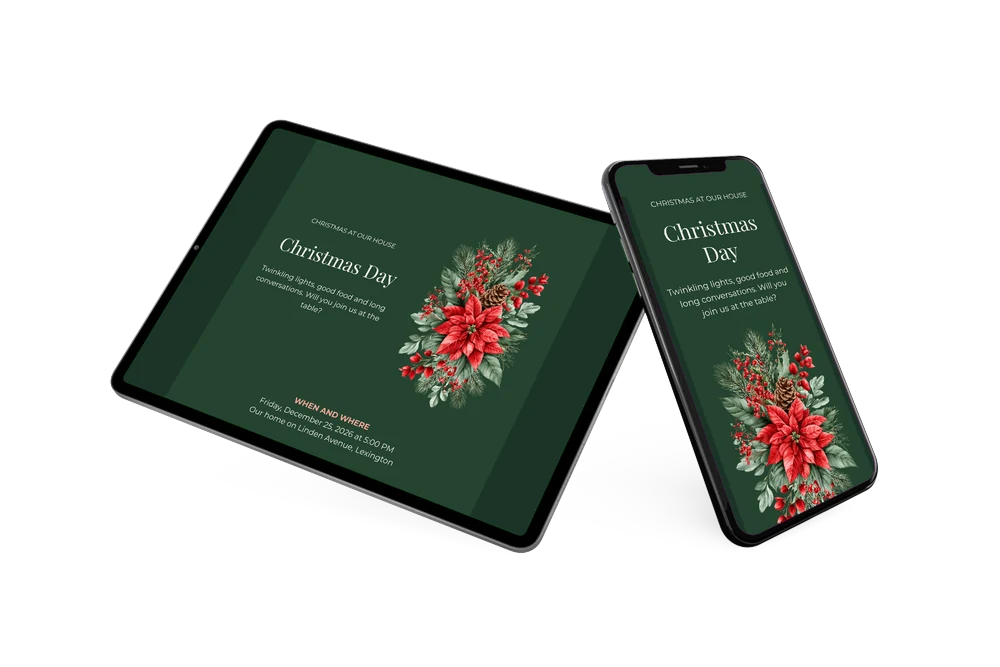
Instead of a card on the mantelpiece, an online Christmas invitation lives on your guests’ phones, with the address, the time and the reply form one tap away. In this design the page is pine green from top to bottom, the lettering is a soft cream and a bouquet of red poinsettias sits beside the opening lines. The layout is simple and well spaced: a heading, a short welcome, then when and where, the program and what to bring. It is meant for hosts who like a darker, more atmospheric look than the usual white Christmas card.
Share the link and your guests can reply, add the dinner to their calendar and find your home with the Directions button. During or after the evening, they can also leave a message in the online guestbook, a nice keepsake of the holidays. You see every reply and every message on one page.
Create your own online Christmas invitation
Use this design as a starting point and create a fitting Christmas invitation within minutes.
Frequently asked questions
Can I send this green invitation the same day?
Yes. Enter the date, the time and your address, adjust the program if needed, check the preview and publish. You can share the link right after.
Which options do guests have on the invitation?
RSVP to accept or decline, Add to calendar to save Christmas Day, Directions to find your home and Guestbook for a personal note. Those notes stay available after the holidays.
What kind of Christmas celebration does this design fit?
An evening at home with dinner, candles and a fire: the dark green and cream feel warm and a little more grown-up than red and white. The sample program, drinks by the fireplace followed by a five-course dinner, shows the mood. It also works for a smaller gathering on Christmas Eve once you change the date and the heading.
Can I add a schedule for the evening?
Yes. The Program block already holds drinks and dinner, and you can add more moments, such as dessert or a gift exchange. The guide on how to add a schedule explains it. Colors, the font and the picture can be changed as well.
Will I spend less than on printed cards?
Most likely, as printing, envelopes and stamps are not needed. You see the finished invitation before you pay, and the current options are on the pricing page.
Design details: fonts and colors
Fonts
- Header 1 — Montserrat
- Header 2 — Playfair Display
- Text — Montserrat
Colors
- #F1EEE6 — Header 1
- #F4EFE6 — Header 2
- #F1EEE6 — Text
- #24432F — Card
- #1B3427 — Background
Use this design
Copy this design to your dashboard to use it as a starting point.
All example invitations are fictional. Photos of people are AI-generated; illustrations are licensed or AI-generated.