A warm, dressy Christmas invitation
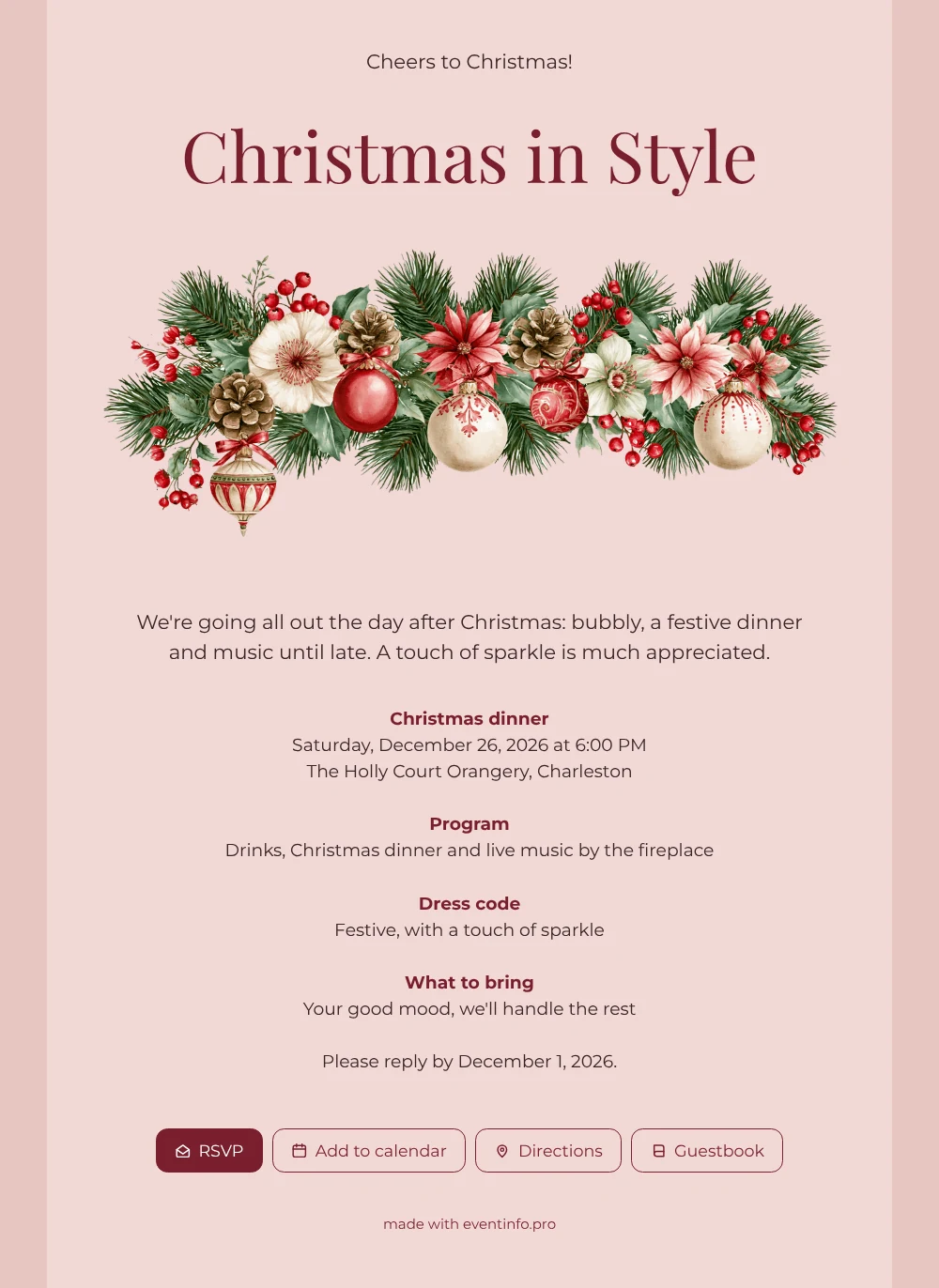
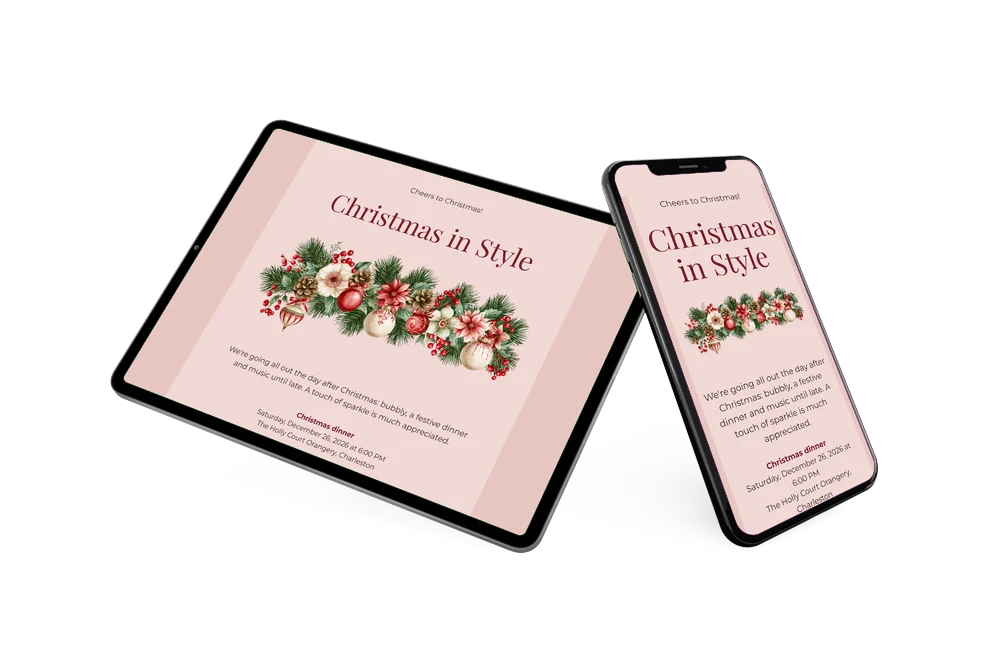
With an online Christmas invitation, your guests receive one link that holds everything: the occasion, the time, the address and a way to say yes or no. Here the occasion is a festive dinner the day after Christmas, announced under a poinsettia garland on a light pink background. The wine-red script for the names and the dark, warm text color keep the page readable on any screen. Choose it for a holiday dinner that should feel a little special, from an evening at a restaurant to a party at home.
Send the link through WhatsApp, email or a QR code. From the invitation, guests confirm whether they’re coming, add the dinner to their calendar and use the Directions button to reach the venue without searching for the address; this page explains how sharing your event location works. You see who has replied at a glance, so you know how many places to set long before the evening.
Create your own online Christmas invitation
Use this design as a starting point and create a fitting Christmas invitation within minutes.
Frequently asked questions
How long does it take to set up this design?
Not long. The example text already covers the welcome, the dinner, the program, the dress code and the reply date, so you are not starting from scratch. Change what differs for your evening, publish, and you’re done.
What does the invitation let guests do?
Guests RSVP in a few taps, save the date in their calendar, open directions to the venue and write a note in the guestbook. You receive every answer without having to send reminders one by one.
Does the invitation suit a more casual get-together?
It does. The design leans toward a dressy dinner, with bubbly and a sparkly dress code, but the soft pink and the poinsettias work just as well for a relaxed meal with friends. Simply rewrite the welcome text and the dress code, and the card takes on the tone of your own evening.
How do I replace the sample text?
Open the design in the builder, click a text block and type your own words. The same goes for colors, fonts and the illustration. The guide to replacing the example text walks you through it.
Do I pay before I can see the result?
No. You build the invitation first and can preview all of it before you pay. The current prices are listed on the website.
Design details: fonts and colors
Fonts
- Header 1 — Montserrat
- Header 2 — Playfair Display
- Text — Montserrat
Colors
- #3A2427 — Header 1
- #7A1F2E — Header 2
- #3A2427 — Text
- #F1D9D6 — Card
- #E8C6C2 — Background
Use this design
Copy this design to your dashboard to use it as a starting point.
All example invitations are fictional. Photos of people are AI-generated; illustrations are licensed or AI-generated.