A fresh, natural invitation
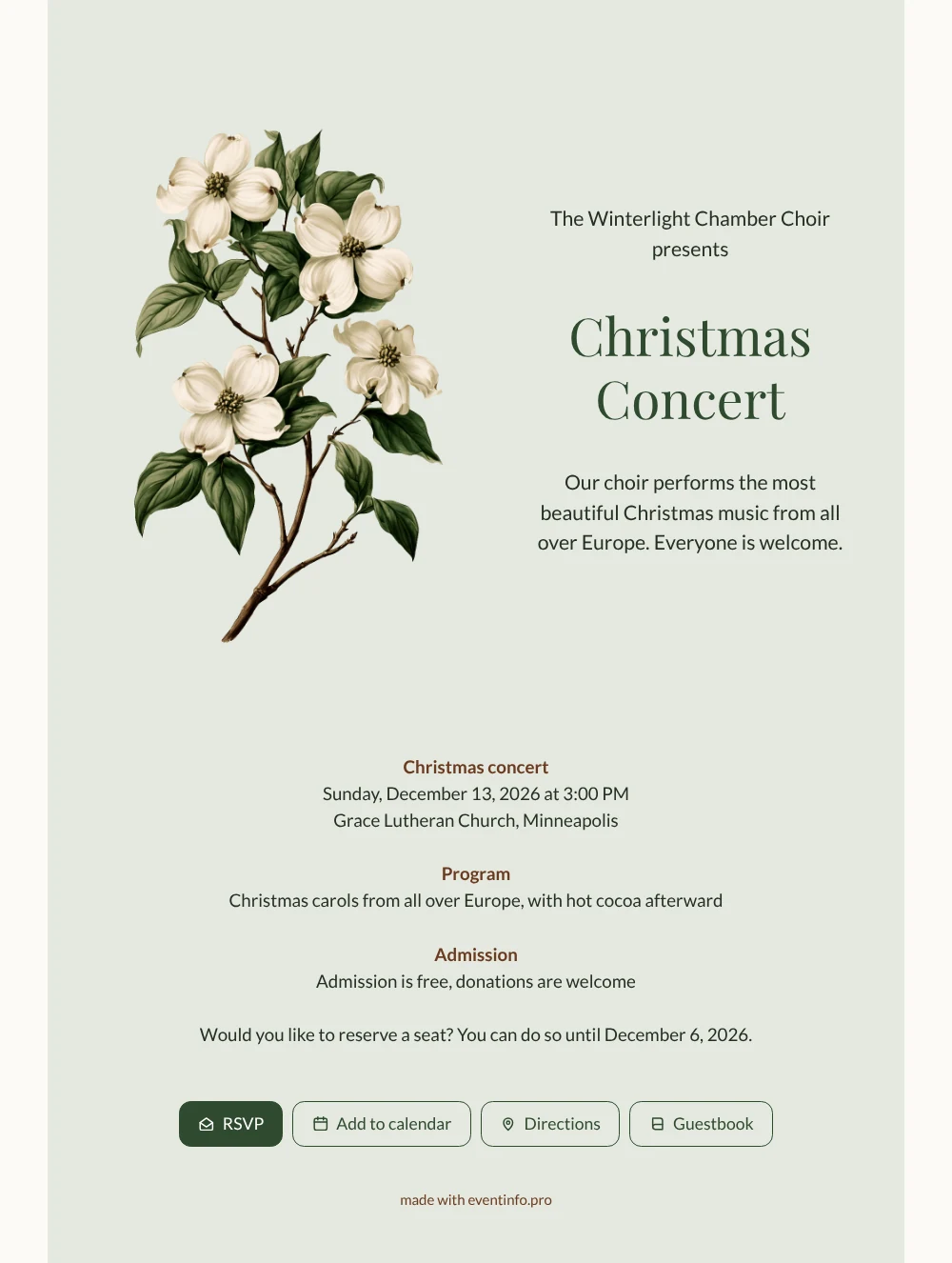
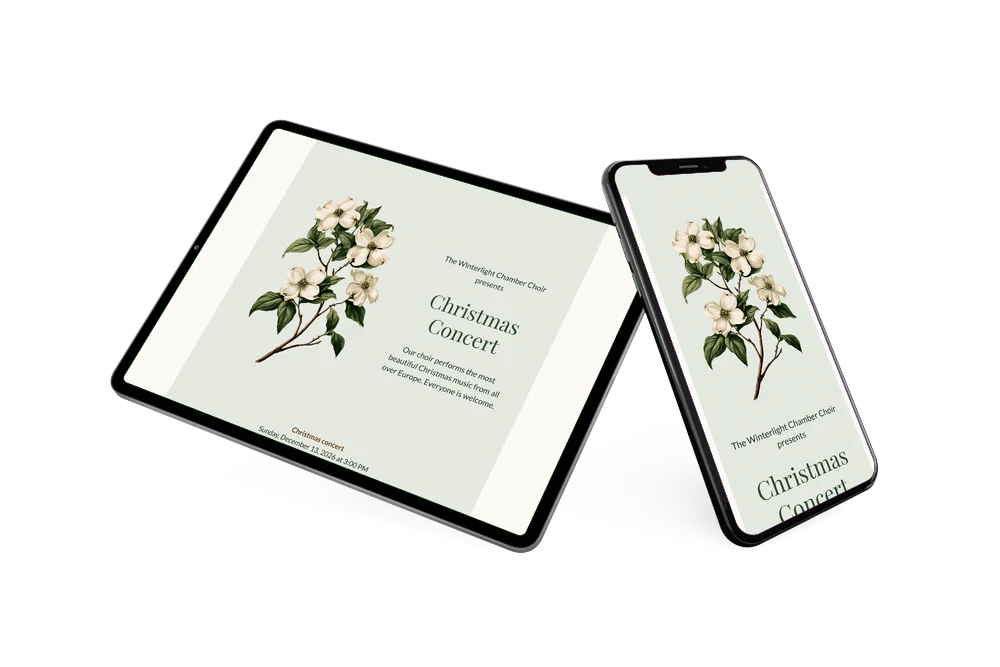
With an online Christmas invitation, you send one link that holds everything people need: the occasion, the time, the address and a reservation button. In this case the occasion is a Christmas concert by a chamber choir, announced on a soft sage green card with a branch of white dogwood. Deep green lettering for the choir name and plenty of open space keep the page calm and easy to read on a small screen. Choose it when your concert should feel welcoming and low-key rather than flashy.
Share the link through WhatsApp, email, your website or social media. From the invitation, people reserve a seat, add the concert to their calendar with one tap and find their way to the venue; the page on adding an event to a calendar shows how that works for your guests. With reservations open until a week before the concert, you have time to plan the seating and the cocoa afterward.
Create your own online Christmas invitation
Use this design as a starting point and create a fitting Christmas invitation within minutes.
Frequently asked questions
How long does it take to fill in this concert design?
Not long. The sample text already includes an introduction, the date, the program, the admission and a reservation deadline. Change what differs for your concert, publish, and the invitation is ready to share.
What does the invitation let people do?
They reserve a seat through RSVP, save the date in their calendar, open directions to the venue and write a note in the guestbook. Each response reaches you directly, so there’s no separate sign-up list to manage.
Who is this concert invitation meant for?
Choirs, orchestras, music schools and churches that announce a Christmas or Advent concert and want to know how many people to expect. The program line is written for carols from several countries, and the warm welcome to everyone makes it suitable for a concert open to the public.
Can I add a photo of our choir?
Yes. You can keep the dogwood, choose another illustration or upload a photo of your choir, and you can change texts and colors as well. The help article on using an illustration instead of a photo explains how to switch.
Do we pay before we see the result?
No. You can view the whole invitation before you pay. The current prices are on the website.
Design details: fonts and colors
Fonts
- Header 1 — Lato
- Header 2 — Playfair Display
- Text — Lato
Colors
- #253023 — Header 1
- #2F4A2E — Header 2
- #253023 — Text
- #E4E9E0 — Card
- #FBFAF6 — Background
Use this design
Copy this design to your dashboard to use it as a starting point.
All example invitations are fictional. Photos of people are AI-generated; illustrations are licensed or AI-generated.