A playful vintage wedding invitation
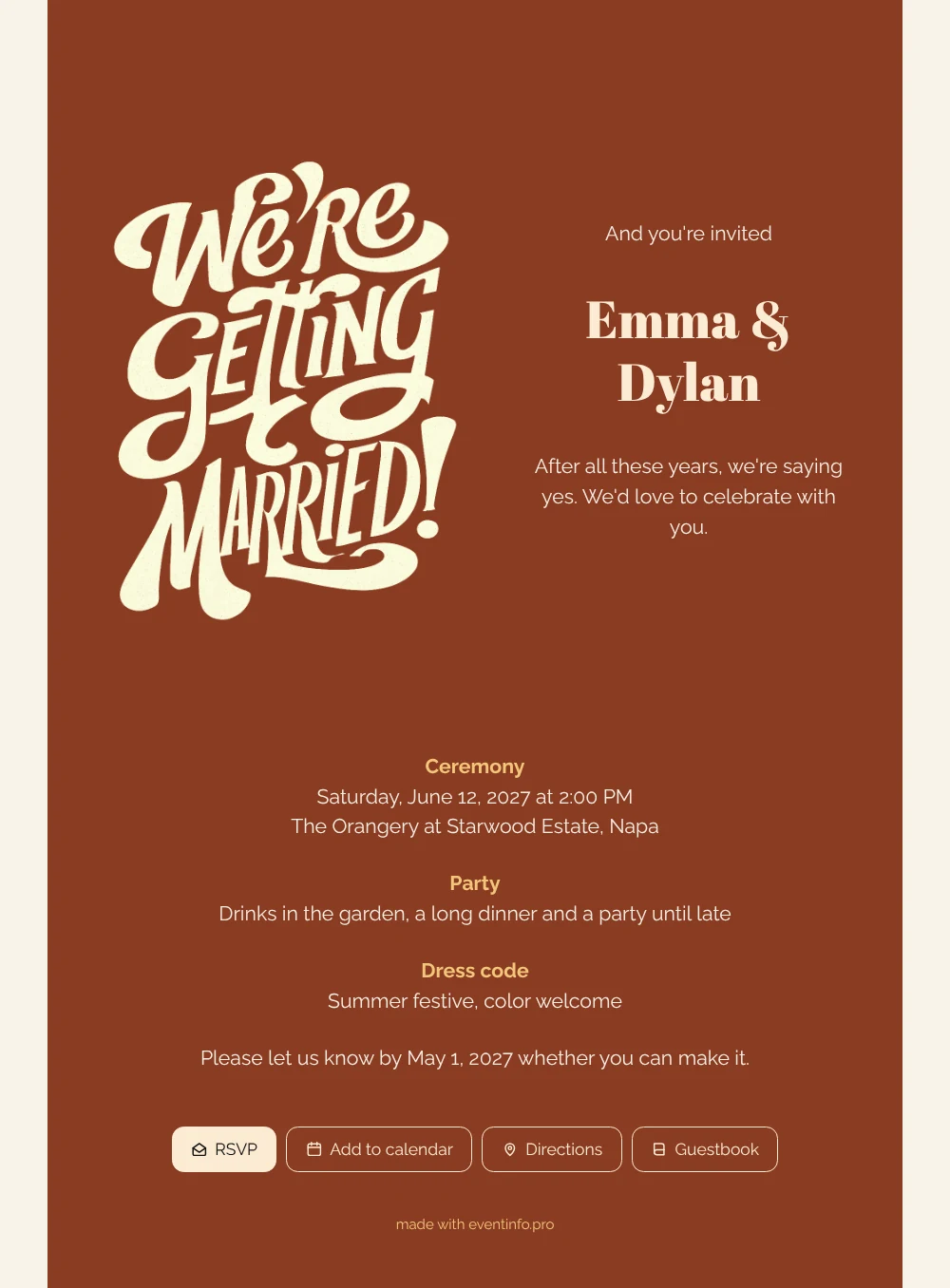
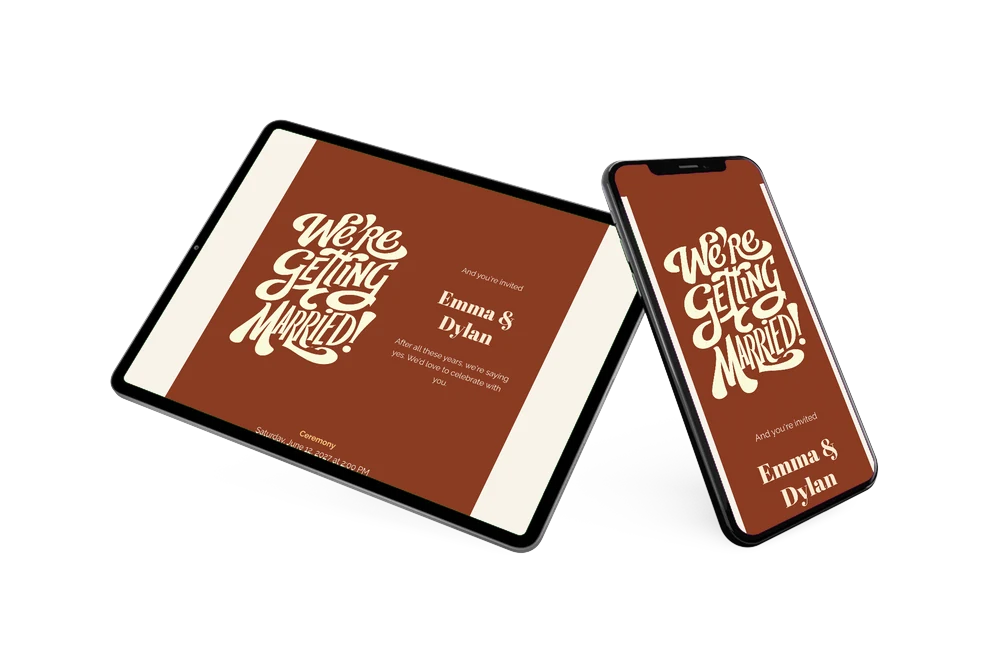
Put simply, an online wedding invitation combines the invitation and the practical information in one link: date, venue, schedule and an RSVP form. This design pairs a terracotta card with cream text and a large piece of retro lettering, “We’re getting married!”, set next to the names Emma & Dylan. Because the lettering and the opener “And you’re invited” are in English, the same look works for an international guest list. Choose it if you want an invitation that looks like a party from the very first glance.
Send the link through WhatsApp or email, or add a QR code to a printed note for older relatives. Guests then use the online RSVP form to answer, tap Directions to get to the orangery and add the ceremony to their calendar with one tap. Because changes go live right away, a new start time or an extra detail never means sending a second invitation.
Create your own online wedding invitation
Use this design as a starting point and create a fitting wedding invitation within minutes.
Frequently asked questions
Can I send this wedding invitation today?
Yes, if your plans are settled. Fill in your names, date, venue and RSVP deadline, check the preview on your phone and publish. You can share the link immediately afterward.
What happens when a guest taps the link?
The full invitation opens in their browser, with no app needed. From there they reply via RSVP, open directions, save the date in their calendar and sign the guestbook. You collect every answer in one place.
Which colors are used in this design?
A deep terracotta card sits on a light cream background. The lettering and most of the text are in warm off-white, the subheadings in a soft golden yellow, and the names are set in a heavy, high-contrast serif. Together it feels warm and slightly retro without becoming busy.
How do I change the sample text?
Click any text block in the builder and type your own words; colors, fonts and the image are edited the same way. The guide on how to replace the example text takes you through it step by step.
Do I pay before I can see the result?
No. You design and preview the invitation first and only pay when you want to publish it. The current options are on the pricing page, and skipping printing and postage usually makes it the more affordable choice.
Design details: fonts and colors
Fonts
- Header 1 — Raleway
- Header 2 — Abril Fatface
- Text — Raleway
Colors
- #F7EEE3 — Header 1
- #FBEBD3 — Header 2
- #F7EEE3 — Text
- #8A3B22 — Card
- #F7F3EA — Background
Use this design
Copy this design to your dashboard to use it as a starting point.
All example invitations are fictional. Photos of people are AI-generated; illustrations are licensed or AI-generated.