A quiet, refined invitation
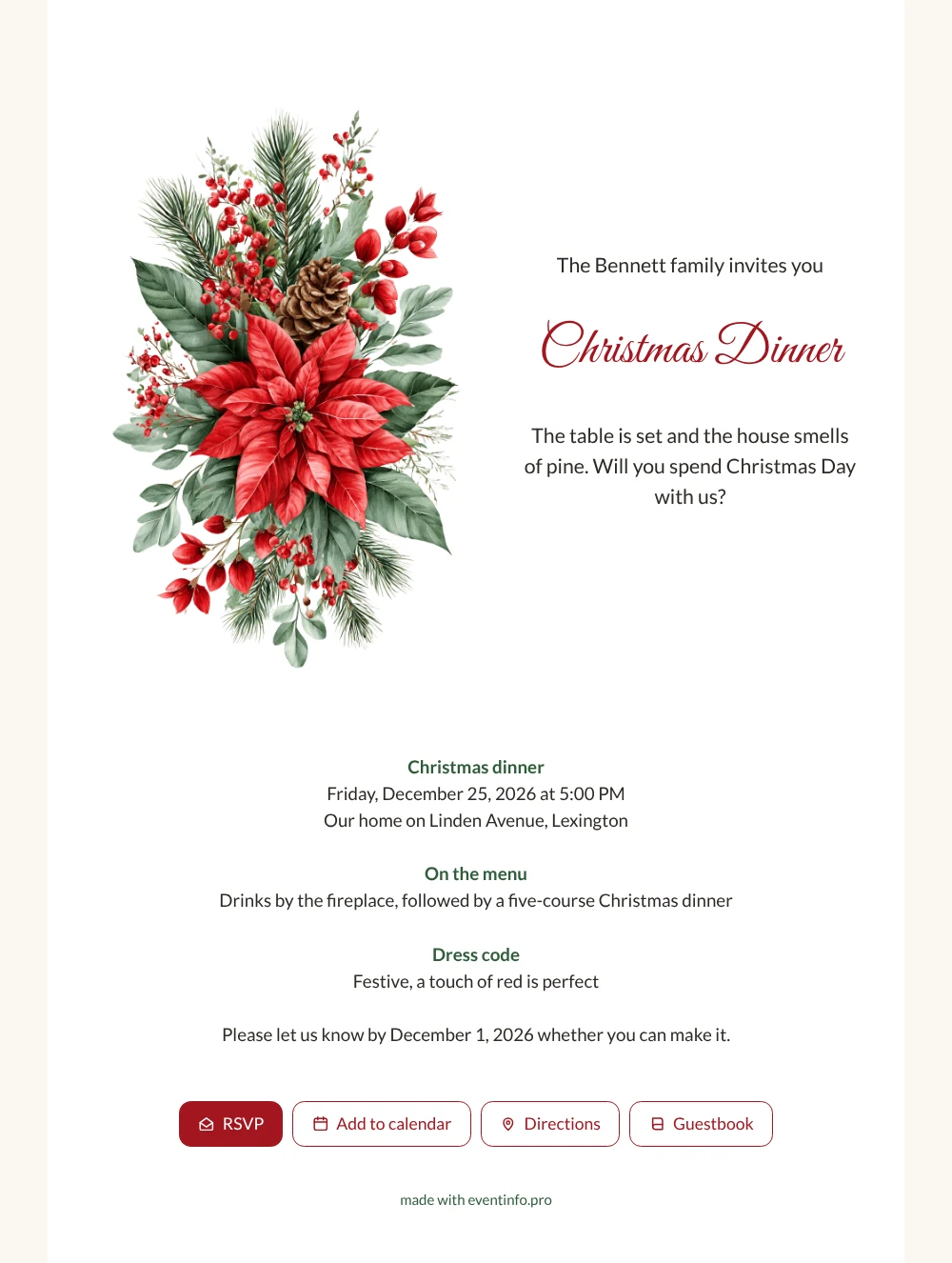
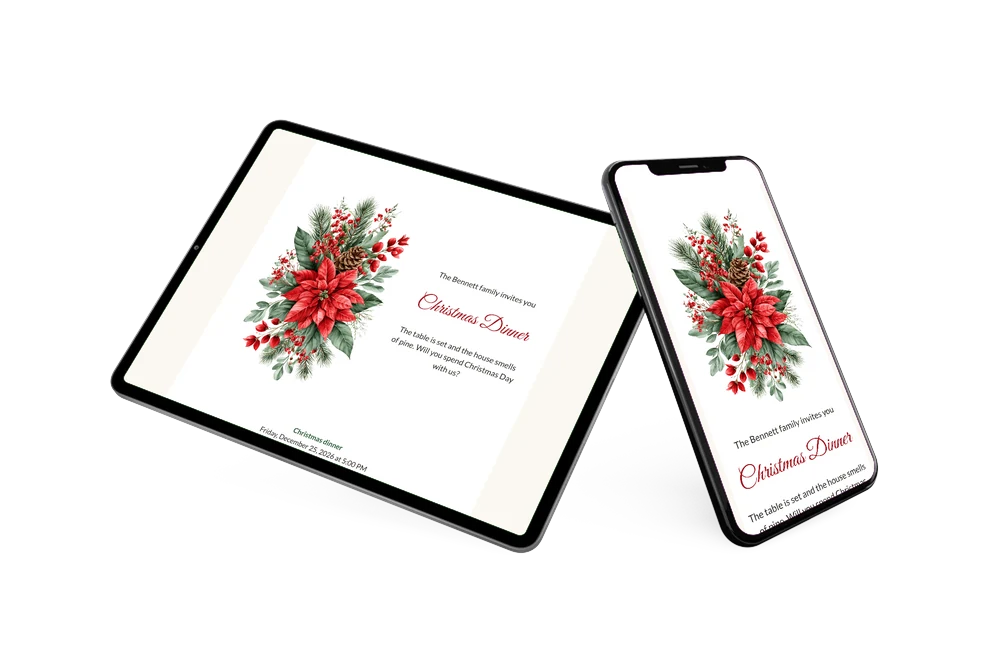
Behind the link of an online Christmas invitation, your guests find the date, the address, the menu and a reply button, on a page sized for their phone. The layout here is simple: a white card on a warm off-white background, a bouquet of red poinsettias and dark, easy-to-read text. Only the family name and the flowers are red, so the page looks festive without feeling busy. Choose this design when you want guests to know at once that a real Christmas dinner is waiting for them.
Send the link by WhatsApp or email, or print a QR code for a relative who prefers something on paper. Guests answer with the RSVP button and tap Directions to find your door. With one more tap they can add the dinner to their calendar, so the evening is blocked before the holidays fill up. You follow all replies in one place.
Create your own online Christmas invitation
Use this design as a starting point and create a fitting Christmas invitation within minutes.
Frequently asked questions
Can this invitation go out tonight?
Yes, as long as you know the date, the time and the address. Fill those in, adjust the menu line if you like, check the preview and publish. The link works right away.
What buttons are on the invitation?
Four: RSVP to say yes or no, Add to calendar to save the evening, Directions to find your home and Guestbook to leave a Christmas message. You can read those messages again after the holidays.
Where does the red come back in the design?
In three places: the poinsettia, the script for your family name and the dress code, which asks guests for a touch of red. The rest of the text is a soft charcoal on white, so the red stands out without taking over. It gives the card a classic Christmas look that also reads well on a small screen.
Where do I type my own menu and wording?
Open the design in the builder, click a text block and type your own words. You change the colors, the font and the image the same way. The guide on how to replace the example text walks you through it.
Does it cost less than sending cards by mail?
In most cases, yes, since printing, envelopes and postage drop out. You see the invitation before you pay, and the pricing page shows the current options.
Design details: fonts and colors
Fonts
- Header 1 — Lato
- Header 2 — Great Vibes
- Text — Lato
Colors
- #2E2A26 — Header 1
- #A3161F — Header 2
- #2E2A26 — Text
- #FFFFFF — Card
- #FBF8F2 — Background
Use this design
Copy this design to your dashboard to use it as a starting point.
All example invitations are fictional. Photos of people are AI-generated; illustrations are licensed or AI-generated.