A simple, natural wedding invitation
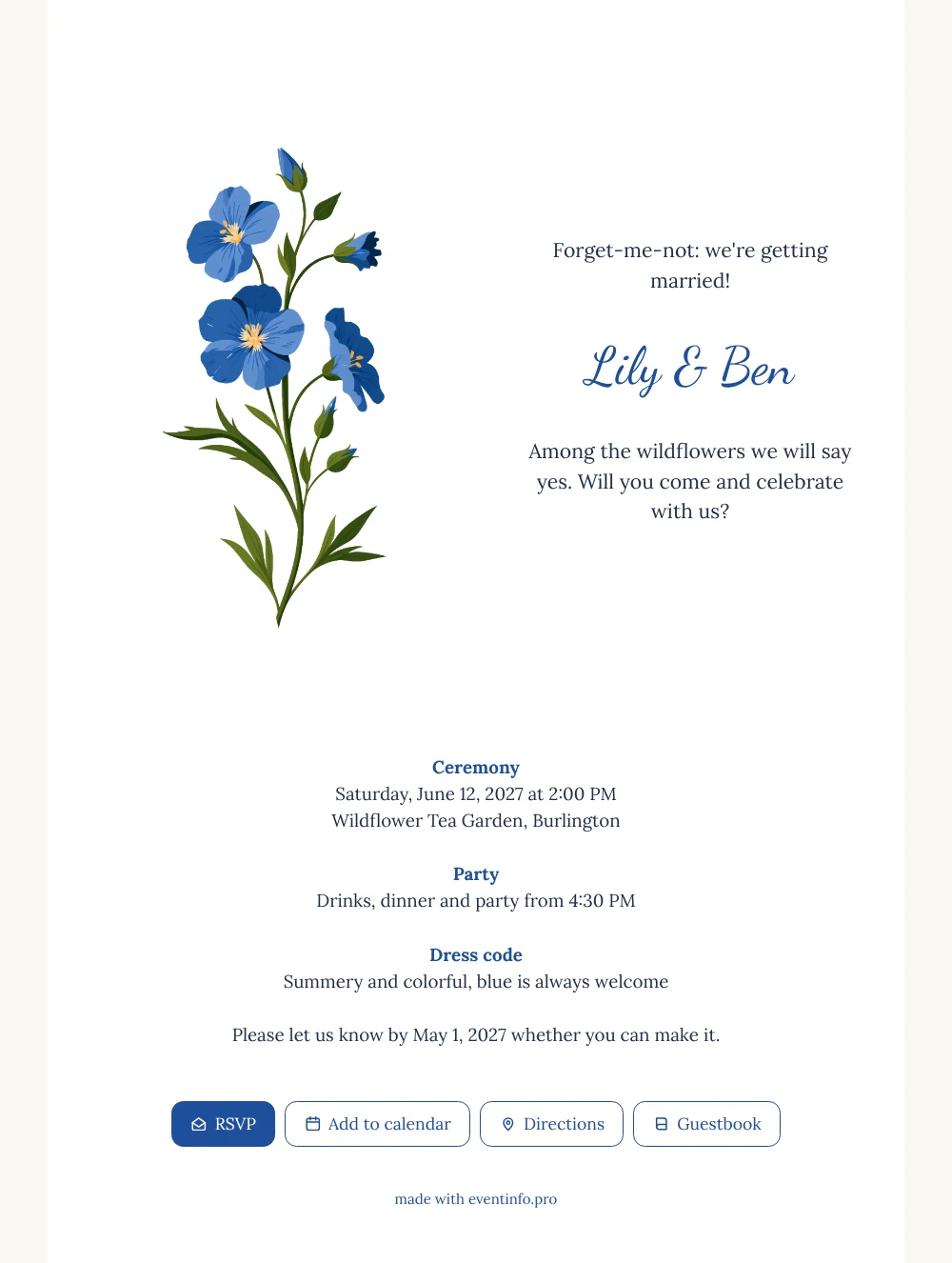
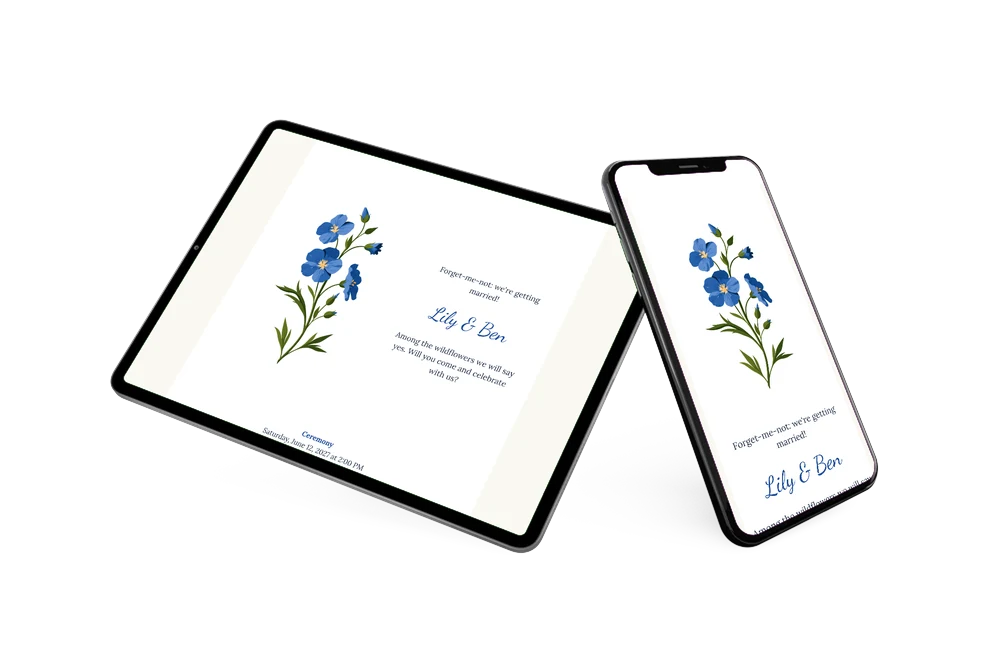
Think of an online wedding invitation as an invitation and an info page in one: a single link with the date, the venue, the schedule and a reply form. This version is built around white space and one illustration, a sprig of blue forget-me-nots above the names Lily & Ben, so everything stays easy to read on a small screen. It is meant for couples who want a fresh, floral invitation that they can adapt to their own day in a few steps.
Share the link by WhatsApp or email, or print a QR code for guests who prefer something on paper. Each guest then answers through the online RSVP form, taps Directions to find the tea garden and adds the ceremony and the party to their calendar. You receive all replies in one place, so you always know where you stand.
Create your own online wedding invitation
Use this design as a starting point and create a fitting wedding invitation within minutes.
Frequently asked questions
Can I send this invitation today?
Yes, if your details are ready. Fill in the names, date, venue and reply deadline, look at the preview on your phone and publish. You can share the link right after that.
Which buttons do guests see?
Four: RSVP to say whether they are coming, Add to calendar to save the date, Directions to find the venue and Guestbook for a personal message. After the wedding you can read those messages at your leisure.
Does the blue of the flowers appear anywhere else?
Yes. The names are set in the same bright blue as the forget-me-nots, while the rest of the text uses a deep navy that is easy on the eyes. The card itself is white on a warm off-white background. The sample text even asks guests to dress summery and colorful, with blue always welcome.
How do I replace the sample text?
In the builder, click a text block and type your own words. Colors, the font and the illustration can be changed the same way. The guide on how to replace the example text walks you through each step.
Is it more affordable than printed invitations?
Usually, because printing, envelopes and postage drop out. You can view the invitation before you pay, and the pricing page shows the current options.
Design details: fonts and colors
Fonts
- Header 1 — Lora
- Header 2 — Dancing Script
- Text — Lora
Colors
- #22304A — Header 1
- #1F4E9C — Header 2
- #22304A — Text
- #FFFFFF — Card
- #FAF8F3 — Background
Use this design
Copy this design to your dashboard to use it as a starting point.
All example invitations are fictional. Photos of people are AI-generated; illustrations are licensed or AI-generated.