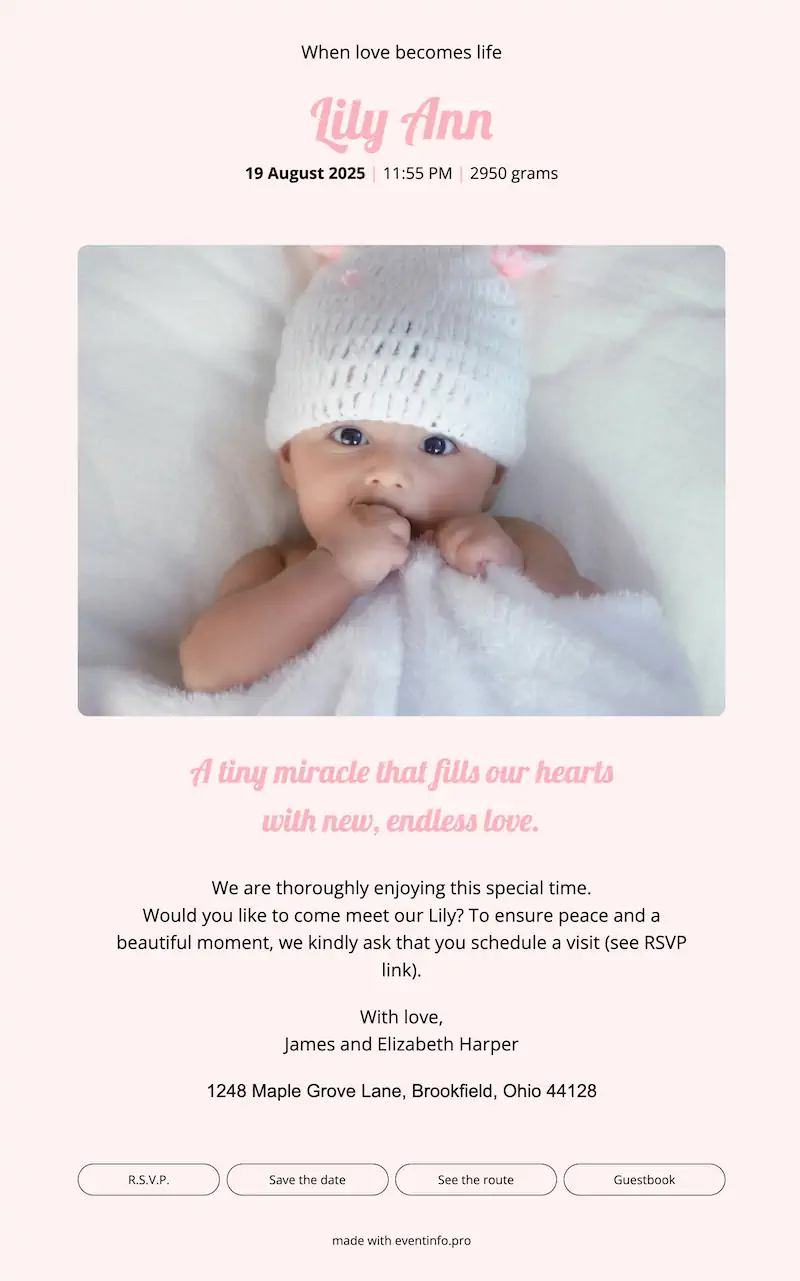
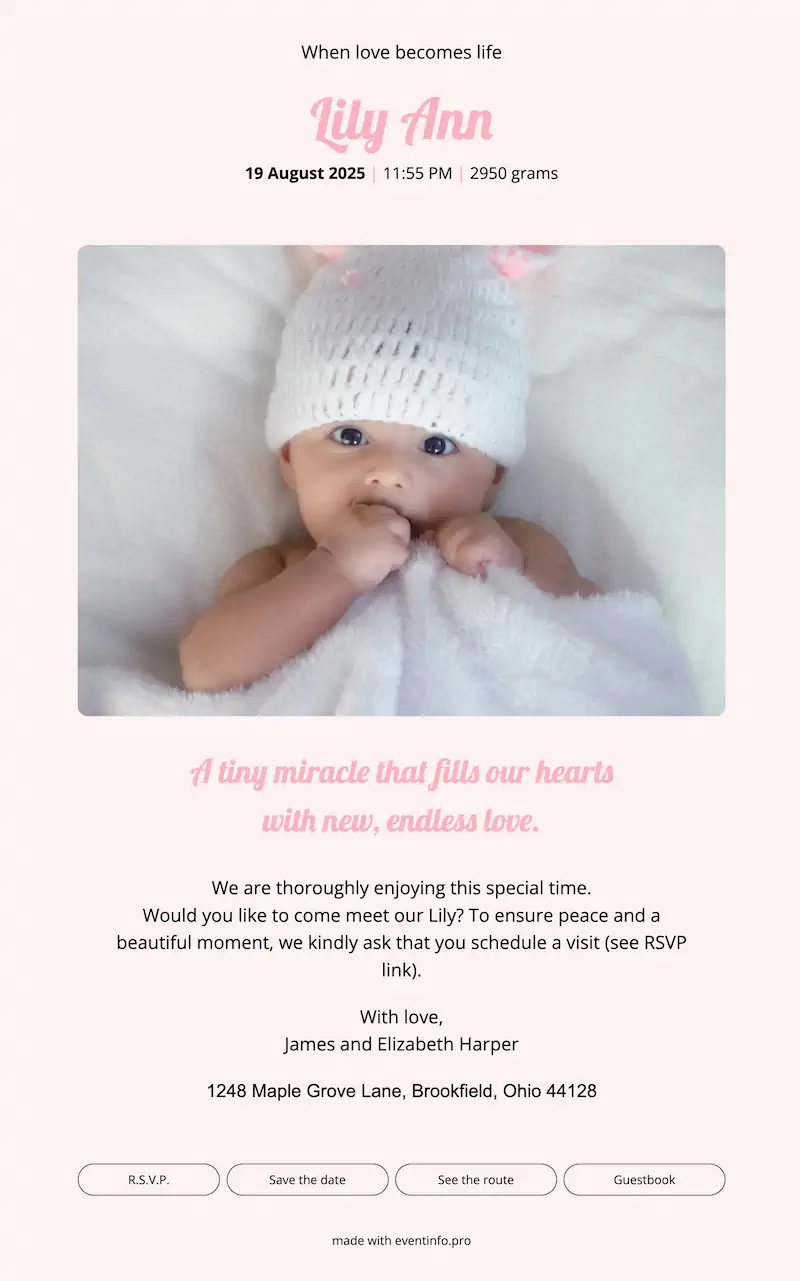
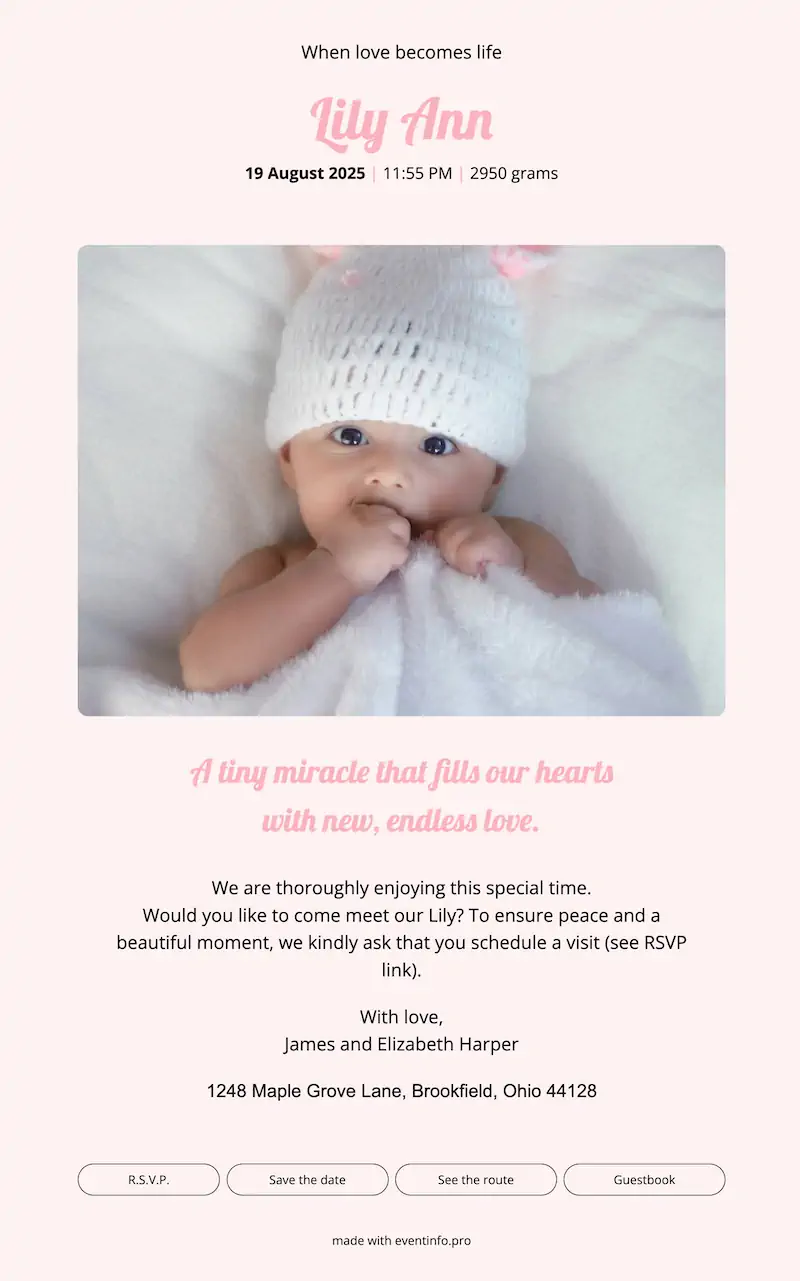
Share your baby's arrival with an online card. Choose a template, add a photo and write a short message. Share the link via WhatsApp, email or social media in minutes.
Create your card in a few easy steps or start with one of our examples.
Start with a clean layout that fits your baby's story. Add the name, date of birth and a short message for your friends and family. Links for RSVP, calendar, route and an online guestbook are added in a few clicks. No design skills or coding needed.
Send the announcement by email with a matching design, ready-made for you. Post the social images on Instagram, Facebook or in your family chat. Or simply share the short URL or QR code. However your circle stays in touch, your card is easy to open.
Log in to your dashboard to keep everything in one place. See who responded, update details if plans change and keep track of visits. In the guestbook, loved ones can leave messages and photos so your birth announcement becomes a memory to look back on.
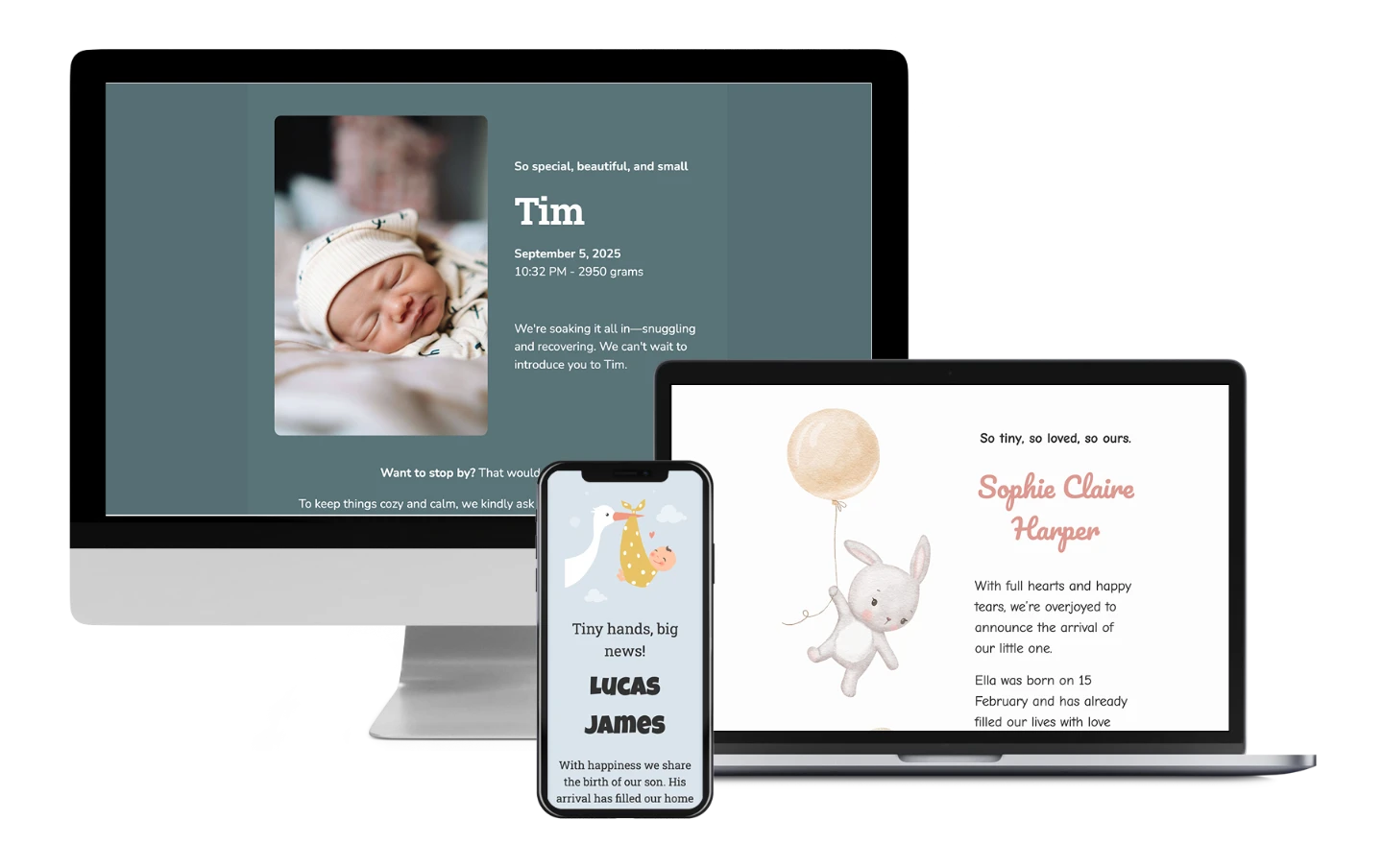
Complete your online birth announcement with add-ons that make things easier for your guests. They get quick directions, save the date fast, reply in one click and share a warm message.
Thousands of families have shared their news with Eventinfo.pro. Here's what some of them told us.
Here are the answers to the things parents ask us most. Want to try it yourself? You can design an online birth announcement for free — no strings attached.
Here are the answers to the things parents ask us most.
An online birth announcement is a digital card you share with a simple link. It opens as a clean webpage with your baby's photo, name and message — easy to read on any phone or computer.
You pick a birth announcement template, add your text and photo, and publish. Eventinfo.pro creates your webpage, a matching email and social images. You share the link, and everything opens beautifully on any device.
Not exactly. Your online birth announcement lives on a webpage. The birth announcement email is automatically generated for you and links to that page, so everyone sees the full card and all details in one place.
No skills needed. You choose a template you like and simply update the text, colours and photo. All layout and links are ready for you, so your online birth announcement looks great right away.
Start by choosing a birth announcement template. Add your baby's details, upload a photo and write a short message. Then publish the card and share your link by WhatsApp, email or social media.
Yes. You can browse our ready-made birth announcement ideas and templates. Use them as inspiration or copy one directly to your dashboard and make it your own.
After publishing, you get a simple link. You can send it by WhatsApp, email, SMS or social media. You also receive a matching birth announcement email and social images, ready to share.
Yes. You can turn on the RSVP option so guests can reply in seconds. You'll see all responses in your dashboard, which makes planning visits or a baby shower much easier.
Yes. You can update your text, times, photo or any details at any moment. The link stays the same, so your friends and family always see the latest version of your online birth announcement.
Yes. You choose what you share and who gets the link. Eventinfo.pro stores your online birth announcement securely, and you can edit or remove it at any time.
Still wondering about something? Email us at help@eventinfo.pro. We're here to help and celebrate with you!