A soft, romantic wedding invitation
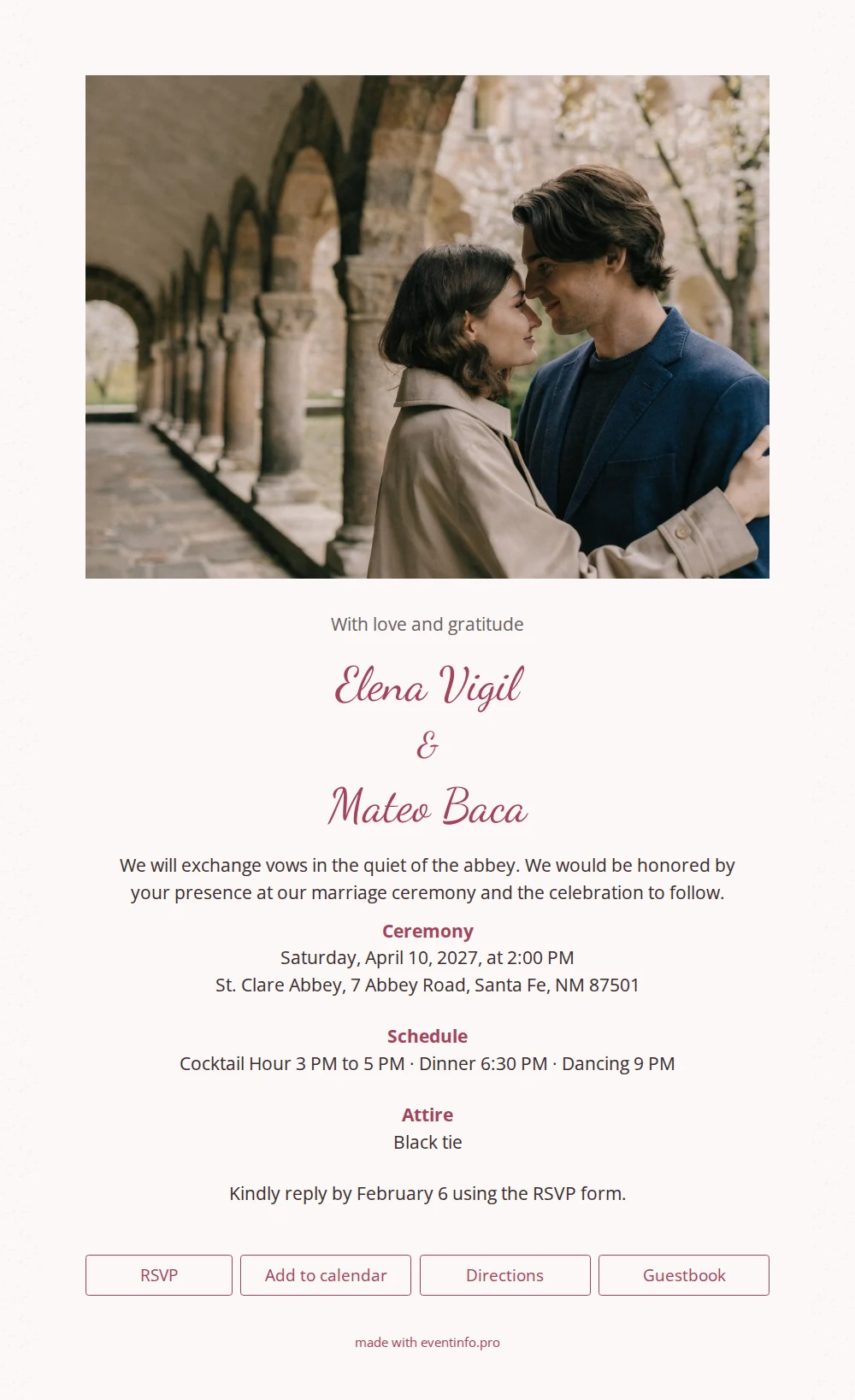
An online wedding invitation is a digital page that works as your wedding invitation, complete with RSVP, directions and a calendar button, and that you can send to everyone in minutes. With EventInfo you build it yourself in the editor. This design pairs a romantic photo beneath cloister arches with a light, formal look for a big wedding day.
The card has a gentle rosy white tone that flows into the background, framed by a grey handmade paper pattern. Your names appear in a flowing script in deep rose red; the schedule and practical details sit in a plain sans serif in dark taupe. The landscape photo at the top shows the couple under the abbey arches and sets the scene immediately. Below it come a short, dignified invitation text and a tidy block with the ceremony, cocktail hour, dinner, dancing and dress code. A good fit for an official wedding with a wide circle of family, friends and colleagues.
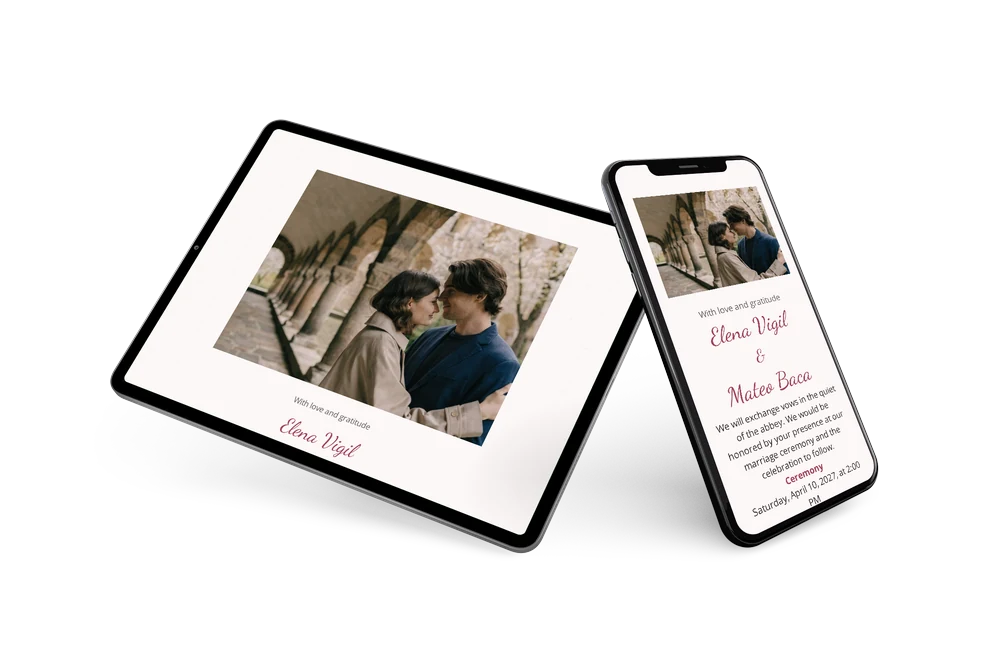
Share the invitation by email or messaging app; the link works on any device. Guests reply through the built-in form, open directions to the venue, add the date to their calendar and sign the guestbook. The add to calendar button helps make sure nobody forgets the date.
Create your own online wedding invitation
Use this design as a starting point and create a fitting online wedding invitation within minutes.
Frequently asked questions
How fast can I create and send it?
Pick this design, fill in names, date and schedule, and upload your own photo if you like. Then share the link immediately; there is no printing or shipping time.
What do guests see when they open the link?
They see the photo, the invitation text and the schedule, and they can reply, open directions and add the day to their calendar. The guestbook stays available after the wedding for congratulations.
Is the text easy to read on the pale background?
Yes. The dark text color contrasts clearly with the blush background, and the sans serif is calm and legible on small screens. Only your names use the decorative script.
Can I swap the abbey photo for our own venue?
Certainly. Replace the photo, adjust colors and wording, and enter your address. For more ideas, browse the design portfolio.
Is an online invitation expensive?
Compared with printed cards and postage it is usually much more affordable. See the pricing for details.
Design details: fonts and colors
Fonts
- Header 1 — Open Sans
- Header 2 — Dancing Script
- Text — Open Sans
Colors
- #6a6061 — Header 1
- #a2445a — Header 2
- #3a2d2f — Text
- #fcf7f7 — Card
- #fcf7f7 — Background
Use this design
Copy this design to your dashboard to use it as a starting point.