A bright, informal wedding invitation
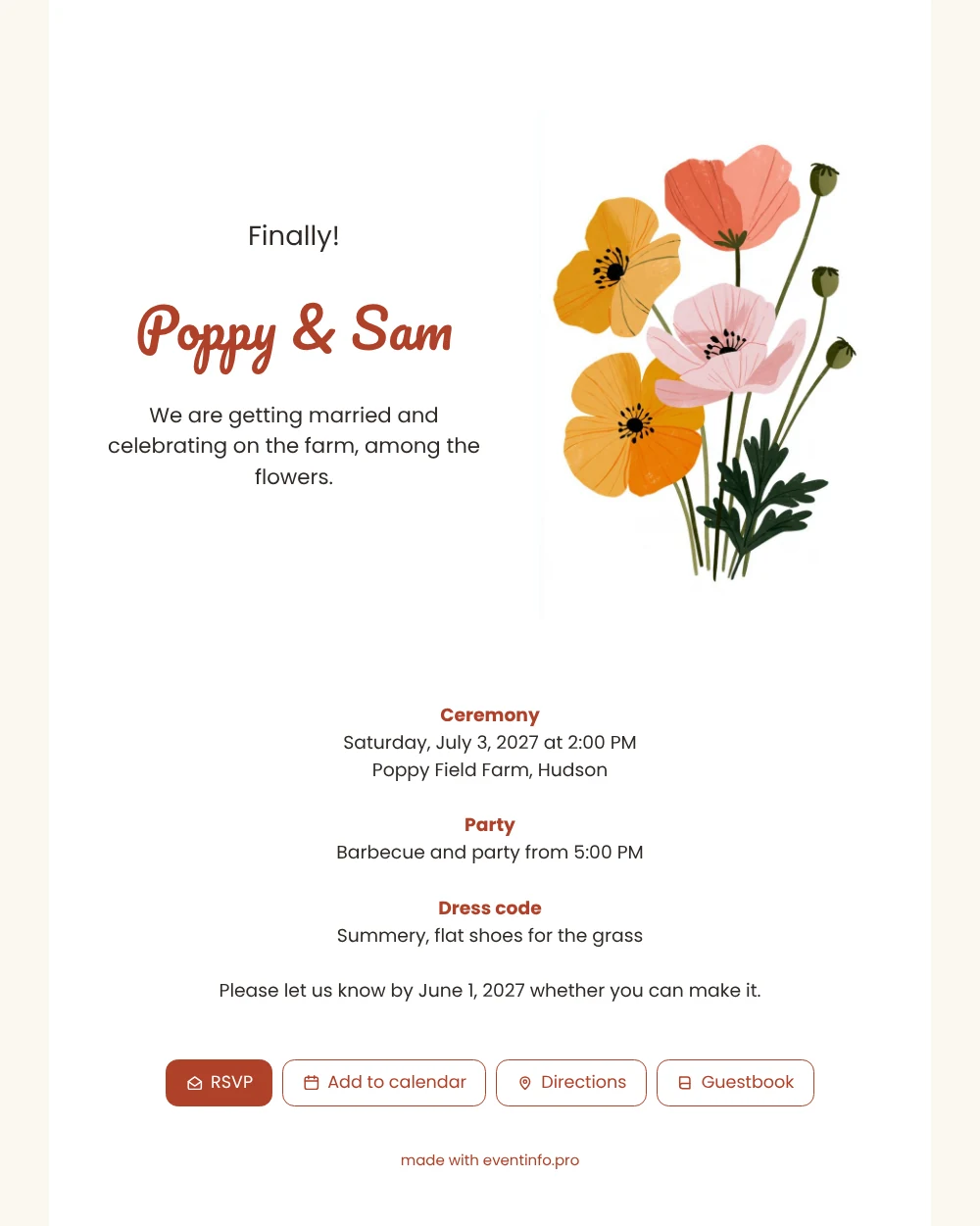
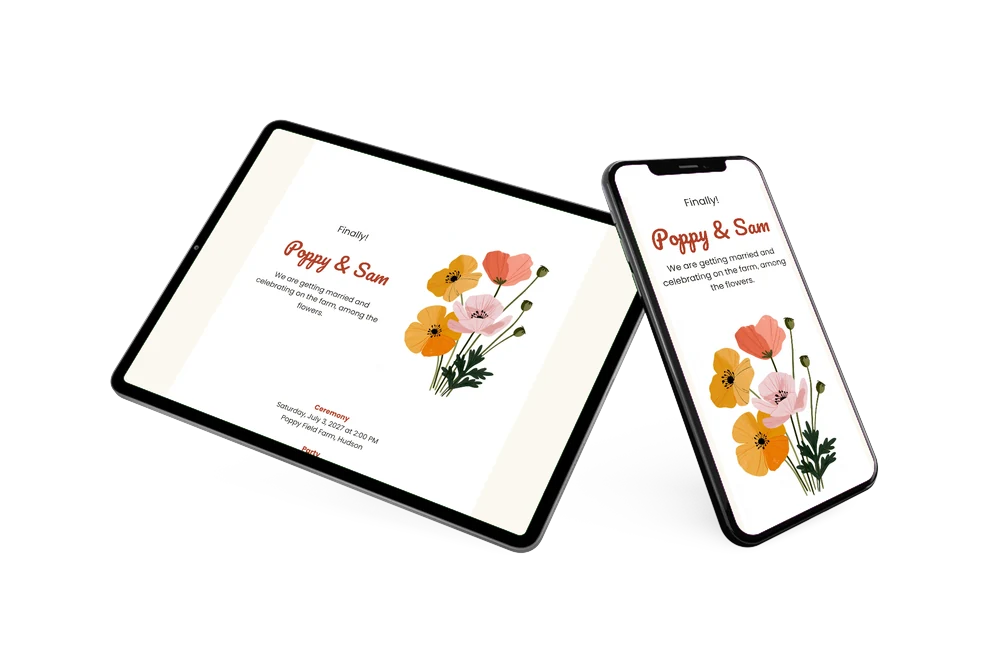
In short, an online wedding invitation is a small website for your wedding: guests open it from a message, read the details and reply right away. The top of this design is divided into two columns, with the cheerful opening line and the names on the left and a bunch of painted poppies on the right. Below that, the ceremony, party and dress code follow in clear, rounded type with red headings. It suits couples who want a colorful invitation that still looks tidy on a small screen.
You can send the link by WhatsApp or email, or print an invitation QR code for relatives who like to have something on the fridge. Guests then reply, add the date to their calendar and tap Directions to find the farm. All responses come to you, so you know how much food to order for the barbecue.
Create your own online wedding invitation
Use this design as a starting point and create a fitting wedding invitation within minutes.
Frequently asked questions
Can the poppy invitation go out tonight?
Yes, if your details are ready. Enter the names, date, venue and reply deadline, look at the preview and publish. The link works right away. If something changes later, you update the invitation instead of sending a new card.
How do guests reply?
Through the RSVP button on the invitation. They can also add the wedding to their calendar, open directions to the venue and sign the guestbook, before or after the big day. You see all answers together in your overview.
Why does the invitation open with “Finally!”?
Because many couples have been together for years before they marry, and the word says that with a smile. It sets a cheerful tone that matches the bright poppies and the barbecue. If it does not suit your story, replace it with a classic “We are getting married” or something of your own.
Can I adjust colors and fonts?
Yes. You can change the red accents, choose another font, rewrite all texts and replace the poppies. The guide on how to customize a ready-made design shows each step.
Is it more affordable than printed cards?
Usually, since you skip printing and postage. You see the finished invitation before you pay, and the pricing page has the current options.
Design details: fonts and colors
Fonts
- Header 1 — Poppins
- Header 2 — Pacifico
- Text — Poppins
Colors
- #2F2A26 — Header 1
- #B0412A — Header 2
- #2F2A26 — Text
- #FFFFFF — Card
- #FBF8F1 — Background
Use this design
Copy this design to your dashboard to use it as a starting point.
All example invitations are fictional. Photos of people are AI-generated; illustrations are licensed or AI-generated.