A dark, dignified funeral card
In short, an online funeral card is a digital death announcement: a personal page with the name, the dates and the arrangements, sent as a link and available afterwards for anyone who wants to read it again. It combines the dignity of a traditional card with the convenience of a message. This design gives that page a warm, dark character.
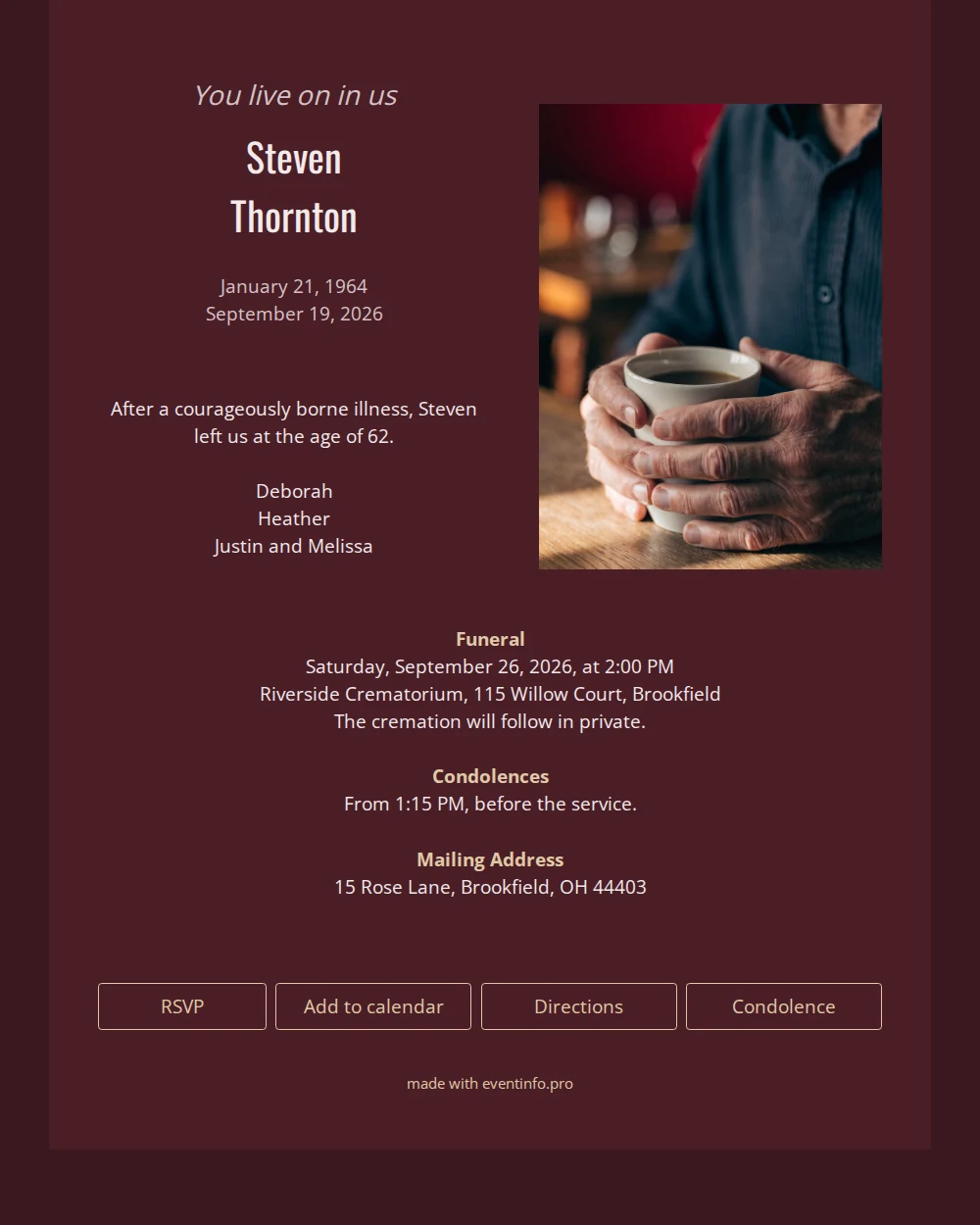
Deep wine red forms the ground, a shade darker around the edges, and every word is set in light tones that stand out clearly. The tall, narrow letters of the name give it an upright, almost architectural quality, balanced by the soft italic line of remembrance above it. On the right, the photograph of work-worn hands around a coffee cup adds warmth and a sense of daily life. Below, the funeral, condolences and mailing address each receive a small heading in a sandy tone.
Send the link by email, in the family chat or through a notice as soon as the funeral has been arranged. Those who cannot be there can still leave a word of comfort in the online guestbook that serves as the card’s condolence register.
Create your own online funeral card
Use this design as a starting point and create a fitting online funeral card within minutes.
Frequently asked questions
Can the card be ready at short notice?
Yes. The design is complete, so only the words, the dates and the photograph need to be yours. Most families have the card ready within an afternoon, including a second pair of eyes to check it.
How do recipients respond to the announcement?
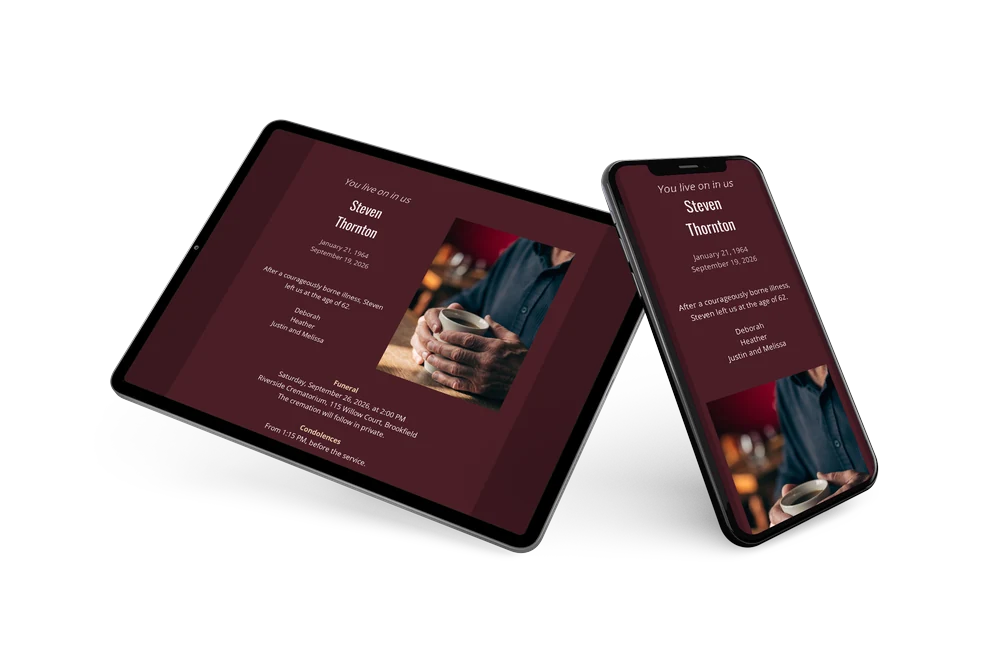
Through the condolence register on the card, where every message is kept. They can also open the route to the funeral and add it to their calendar, all from the same page.
Why does the name use such a tall, narrow letter?
A condensed typeface lets a name stand upright and strong without taking up much width, which works well next to the photograph and on small screens. Together with the light colour on dark red, it gives the card a modern yet dignified look.
What can I change in this template?
The opening line, the photograph, the names, the dates and the length of each block, and headings can be added or removed. If you would like to compare this card with other styles first, the portfolio shows the full collection.
Are there costs beyond the card itself?
No paper, no postage and no charge per recipient, so sharing widely costs nothing extra. The pricing page explains what belongs to a card.
Design details: fonts and colors
Fonts
- Header 1 — Open Sans
- Header 2 — Oswald
- Text — Open Sans
Colors
- #d5c3c6 — Header 1
- #f2e9ea — Header 2
- #f1e9eb — Text
- #4a1e26 — Card
- #3b181f — Background
Use this design
Copy this design to your dashboard to use it as a starting point.