Space on the page instead of a heavy border
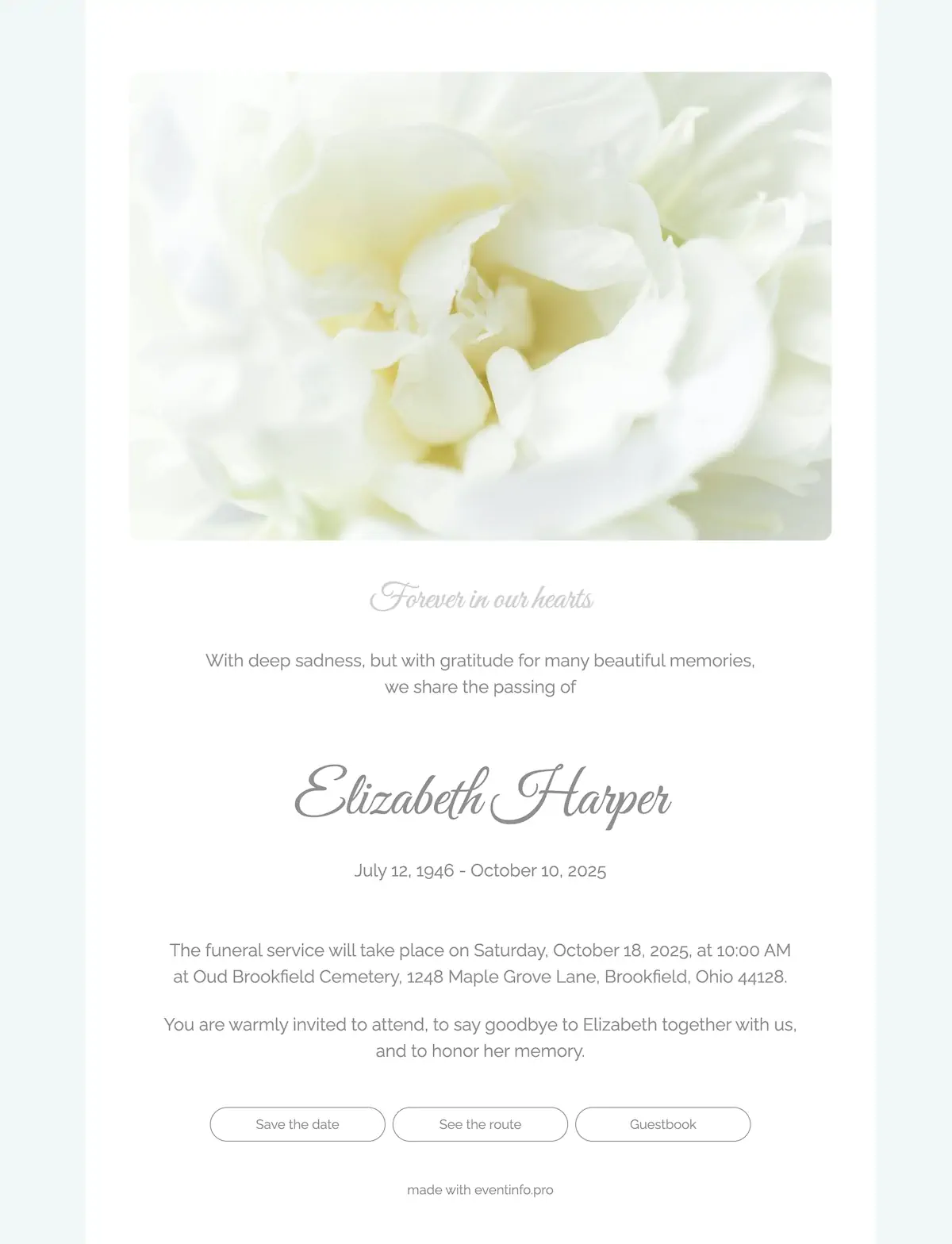
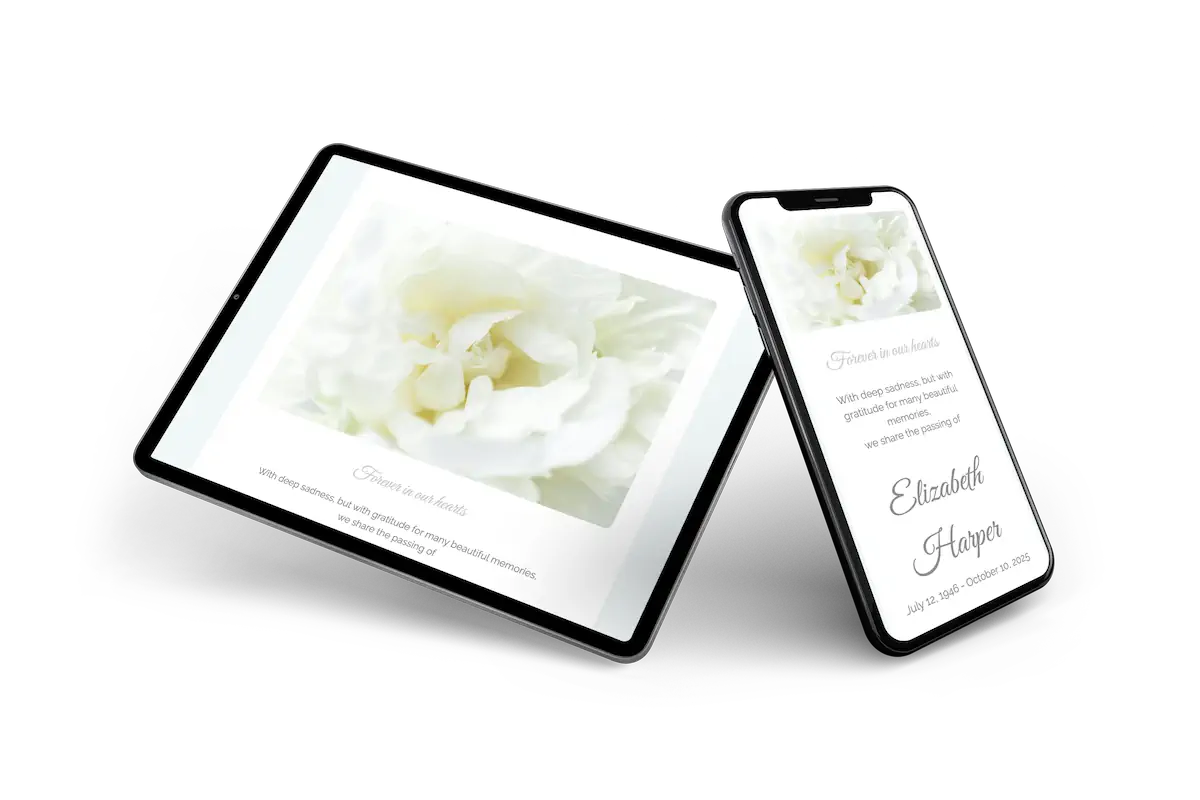
An online funeral card for a quiet service, where little needs to be said. The top half belongs to a large, soft photograph of a white flower, which sets a calm mood before anyone reads the name. Below it, the name is written in a flowing grey script and the rest follows in a light, open letter. Pale tones and generous space do the work a heavy black border used to do, only more gently.
Guests find the route to the service and can add the date to their calendar with one tap. Those who cannot attend leave a few words in the online condolence register instead. If you are looking for something warmer, there are more online funeral cards to choose from.
Create your own online funeral card
Use this design as a starting point and create a fitting funeral card within minutes.
Frequently asked questions
How quickly can we send it?
Twenty minutes. Name, dates and whatever is already known go in, and the rest can follow later without a new link.
What can recipients do with it?
They leave a message in the online guestbook, open directions to the service and note the date. The family reads the messages in one place instead of across four phones.
Is a page this light still easy to read?
The contrast between text and background was kept deliberately firm, and the pale greys are used only as accompaniment. The name and the times stay the most visible things on the page.
Can the design be changed?
Colours, typefaces, the photograph and all wording are yours to alter. The portfolio shows the alternatives if this one is not right.
How does the cost compare with printing?
No print run and no postage. More to the point, a change to the time of the service costs nothing, because the same link shows the corrected page.
Design details: fonts and colors
Fonts
- Header 1 — Great Vibes
- Header 2 — Raleway
- Text — Raleway
Colors
- #cfcfcf — Header 1
- #8f8f8f — Header 2
- #8f8f8f — Text
- #ffffff — Card
- #f1f7f7 — Background
Use this design
Copy this design to your dashboard to use it as a starting point.
All example invitations are fictional. Photos of people are AI-generated; illustrations are licensed or AI-generated.