A colorful, upbeat city wedding
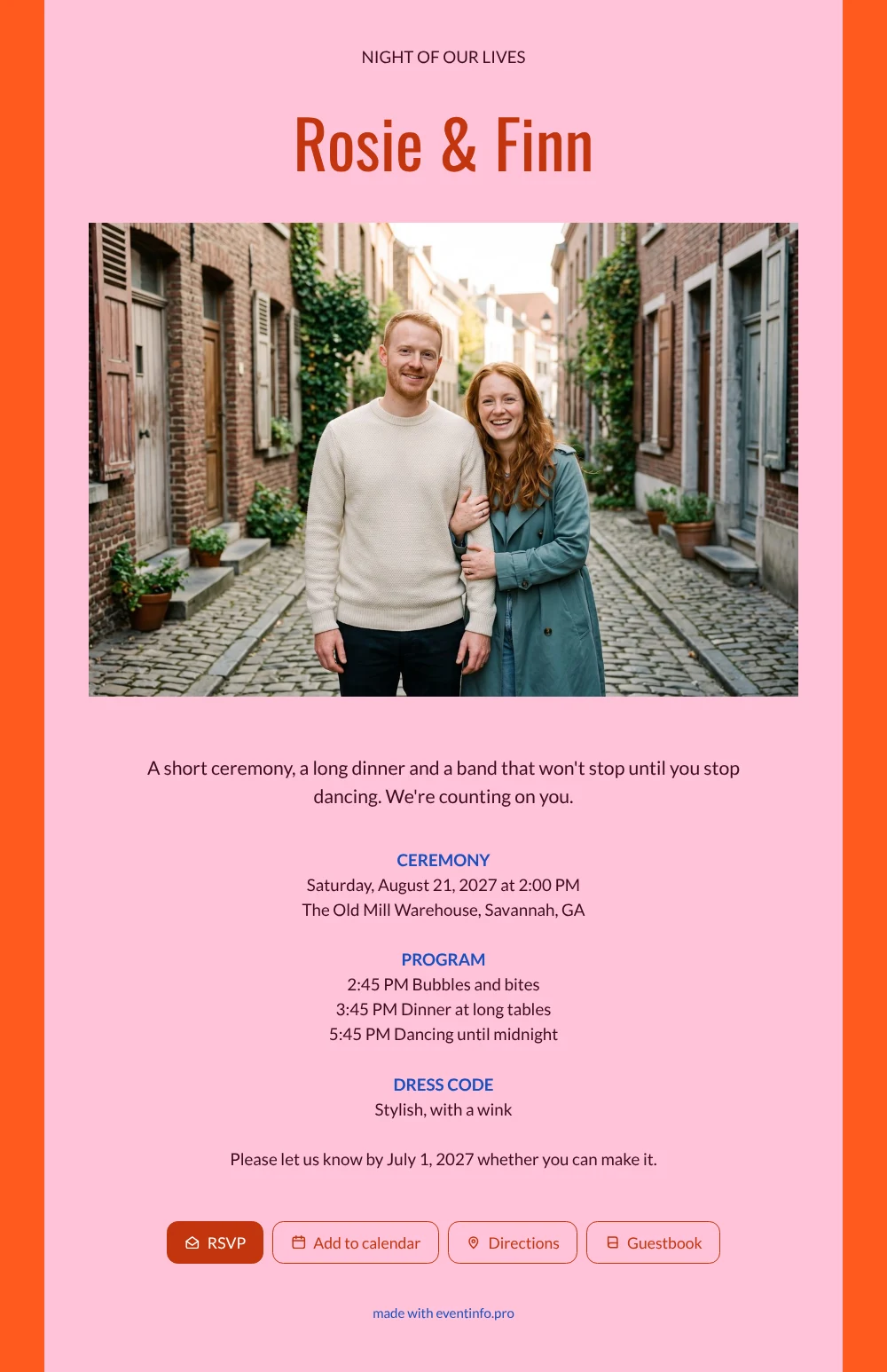
For guests, an online wedding invitation is the link they open on their phone, look at three times before the wedding and once more on the way to the party. This one grabs their attention right away: bold pink and orange, a laughing red-haired couple in an old brick street and a headline that leaves no doubt this will be a night to remember. Friends know at a glance that comfortable dancing shoes are a good idea.
Guests see the whole evening laid out, from the ceremony at two to dancing until midnight, and they can add the date to their calendar with one tap. Afterwards, their messages and memories end up in the online guestbook, a fun read the morning after. Wondering what all this costs? The pricing page shows the options for your number of guests.
Create your own online wedding invitation
Use this design as a starting point and create a fitting wedding invitation within minutes.
Frequently asked questions
How fast can guests have the invitation?
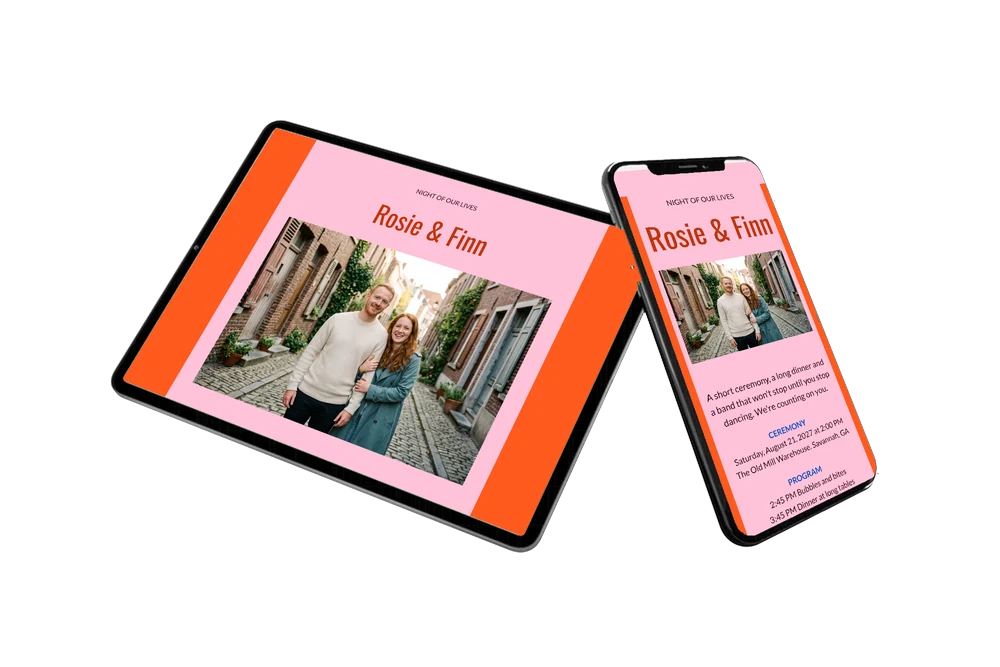
The same day. Fill in your names, date and venue, upload your own photo and share the link by message, email or QR code. Guests open it straight away on their phone.
How do guests reply?
With the RSVP button on the card. They can also open the route to the venue, add the date to their calendar and leave a message in the guestbook for you both.
Is this design too loud for older guests?
Not at all. The text is clear and the program with times helps everyone plan their day, including grandparents who prefer to leave after dinner. The bright colors only set the mood; the information is easy to read for everyone.
Can I add more information for guests?
Yes. Add blocks for parking, a hotel nearby, a gift tip or a note about the after party. Text, colors and photo are all adjustable in the editor.
Can I change details once guests have the link?
Yes. Any change appears on the same link, so guests always see the latest program. You never have to send a second invitation.
Design details: fonts and colors
Fonts
- Header 1 — Lato
- Header 2 — Oswald
- Text — Lato
Colors
- #3A0E1E — Header 1
- #C2350F — Header 2
- #3A0E1E — Text
- #FFC2D9 — Card
- #FF5A1F — Background
Use this design
Copy this design to your dashboard to use it as a starting point.
All example invitations are fictional. Photos of people are AI-generated; illustrations are licensed or AI-generated.