A refined, timeless wedding invitation
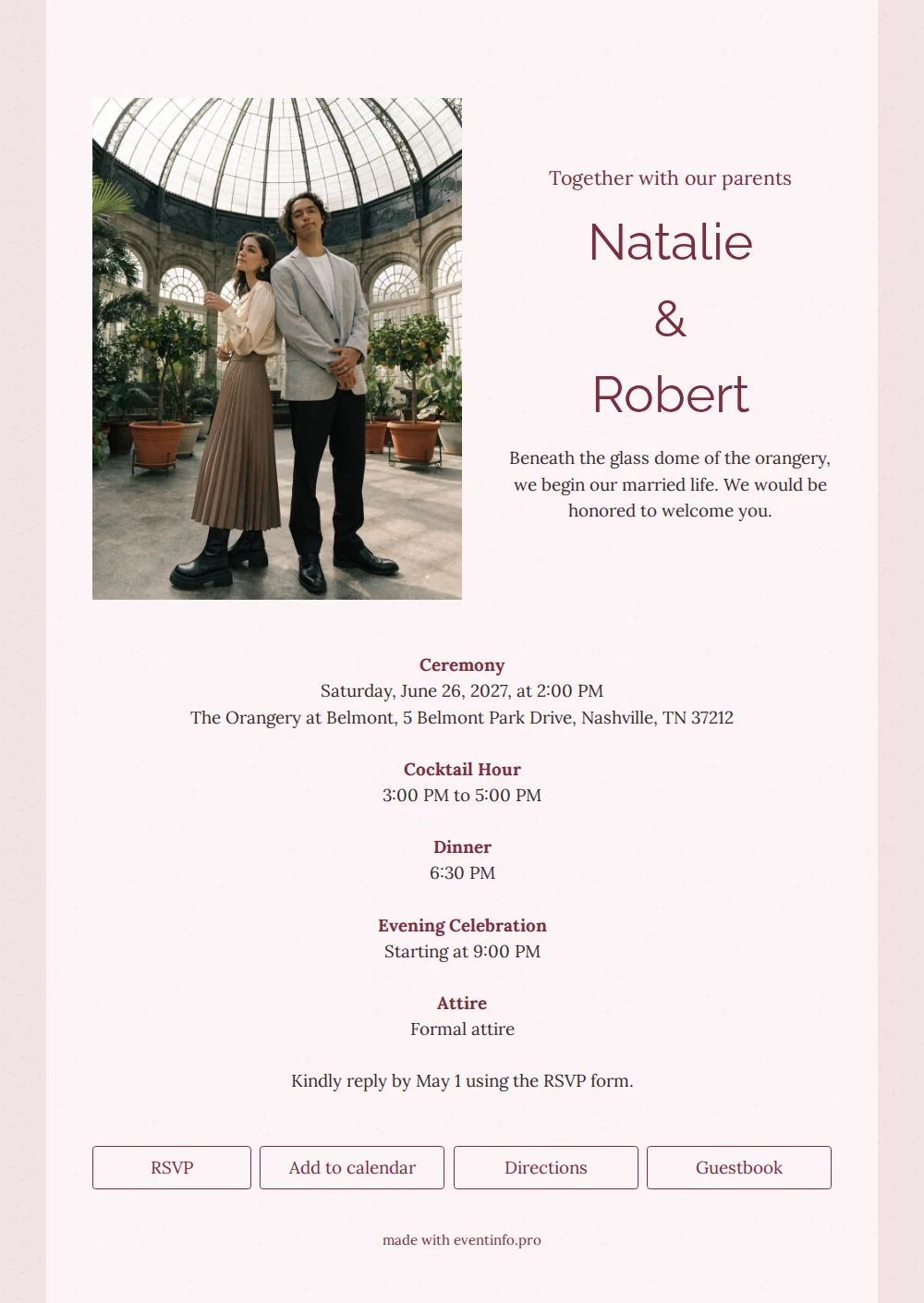
At EventInfo, an online wedding invitation is more than a picture: it is a page of its own with the invitation, the schedule and buttons to reply, open directions and save the date. This design belongs to the formal wedding collection, with a photo in an orangery and a background that recalls handmade paper.
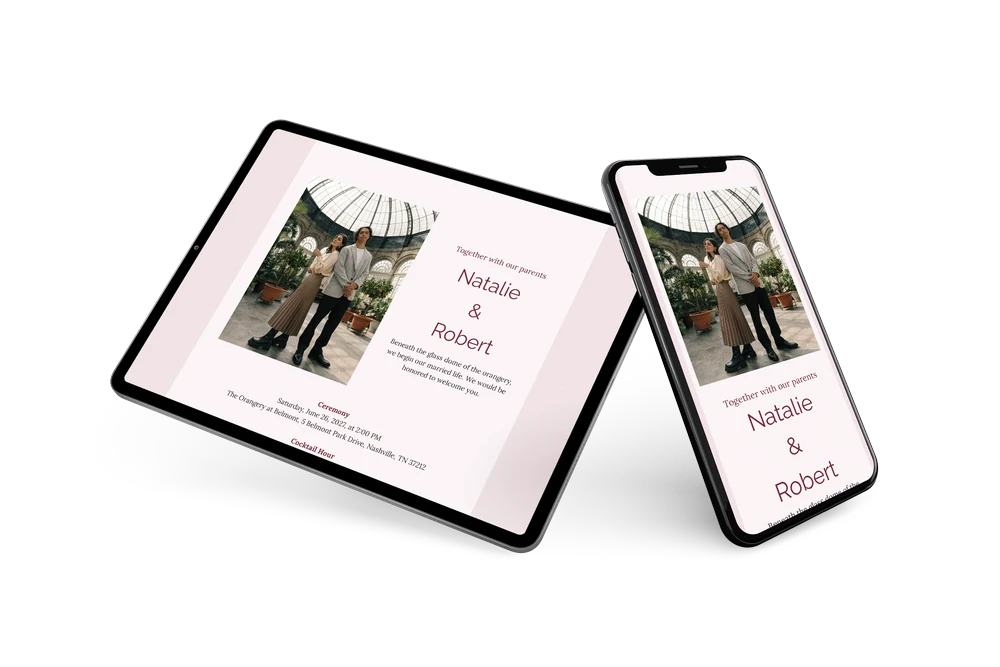
The card is light and calm. A pale pink panel sits on a slightly deeper pink background with a paper texture, and the names, headings and buttons are burgundy. The photo on the left shows a couple standing back to back under a glass dome, surrounded by potted citrus trees. Beside the photo, the names are stacked in large letters with an ampersand between them, followed by a short invitation in a serif. The schedule is centered below, its headings in burgundy. The design suits a wedding in an orangery, on a country estate or in a historic hall, and couples who prefer a classic approach.
The card fits a wedding day with ceremony, cocktail hour, dinner and an evening celebration. With the Add to calendar button guests save the day in one tap; read how it works on the add event to calendar page. They can also RSVP, open directions and leave a message in the guestbook.
Create your own online wedding invitation
Use this design as a starting point and create a fitting online wedding invitation within minutes.
Frequently asked questions
How soon is the invitation online?
Right after you fill it in. Adjust the names, schedule and reply date, check the preview and share the link with your guests.
What can guests do with the link?
RSVP, open directions, add the date to their calendar and write a message. Read more about that last feature on the online guestbook page.
Is the formal wording already included?
Yes, the example is written in a formal register, with lines such as ‘We would be honored to welcome you’ and a request to reply using the RSVP form. For a more personal feel, simply rewrite the text in your own words.
Can I adjust the paper texture or the colors?
Yes, background, colors, fonts and photo can all be changed. For guests arriving from out of town, the share location feature shows them the way.
Design details: fonts and colors
Fonts
- Header 1 — Lora
- Header 2 — Raleway
- Text — Lora
Colors
- #7a2e3e — Header 1
- #7a2e3e — Header 2
- #3a2a2e — Text
- #fbf5f6 — Card
- #f1e3e6 — Background
Use this design
Copy this design to your dashboard to use it as a starting point.