Sending word while the house is upside down
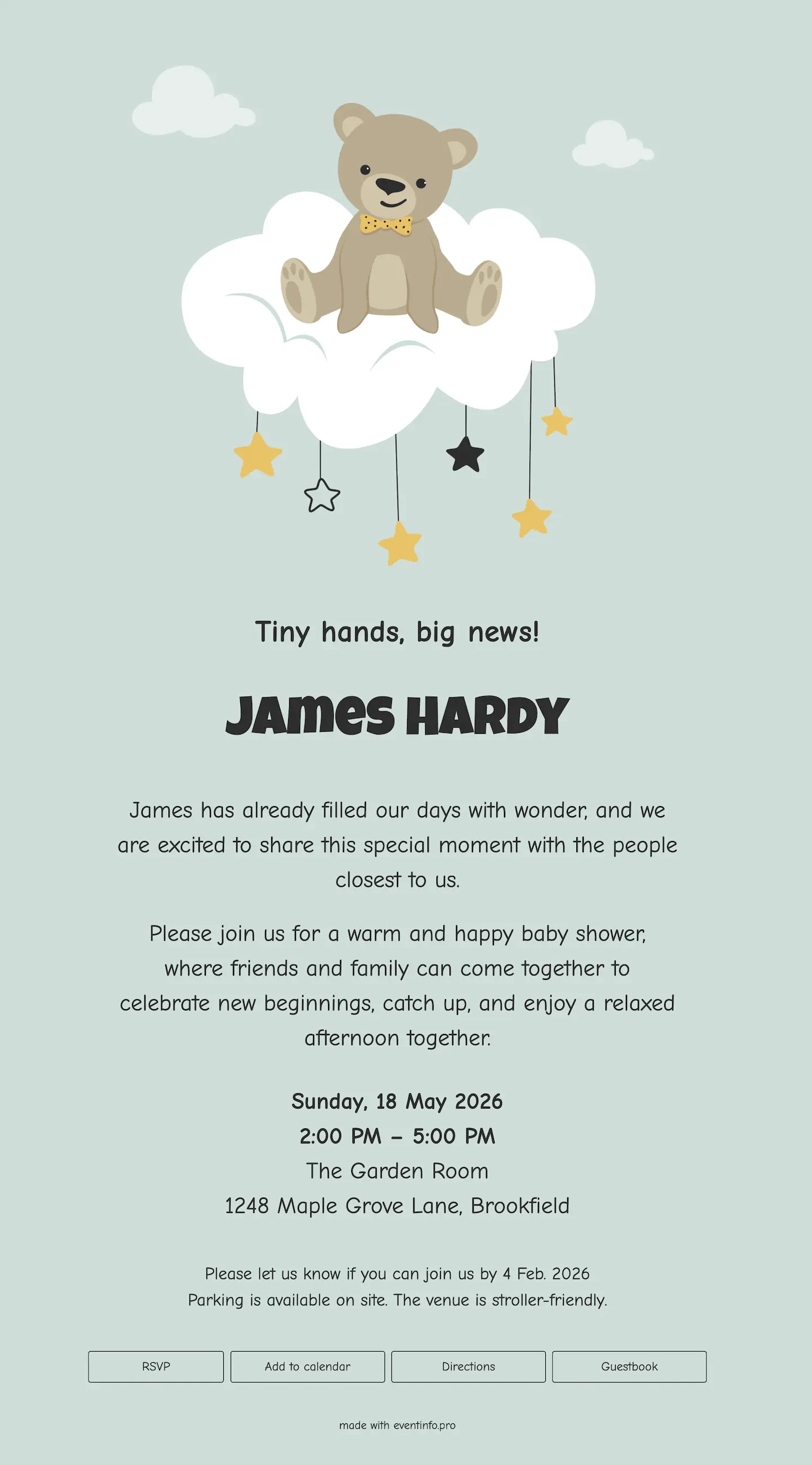
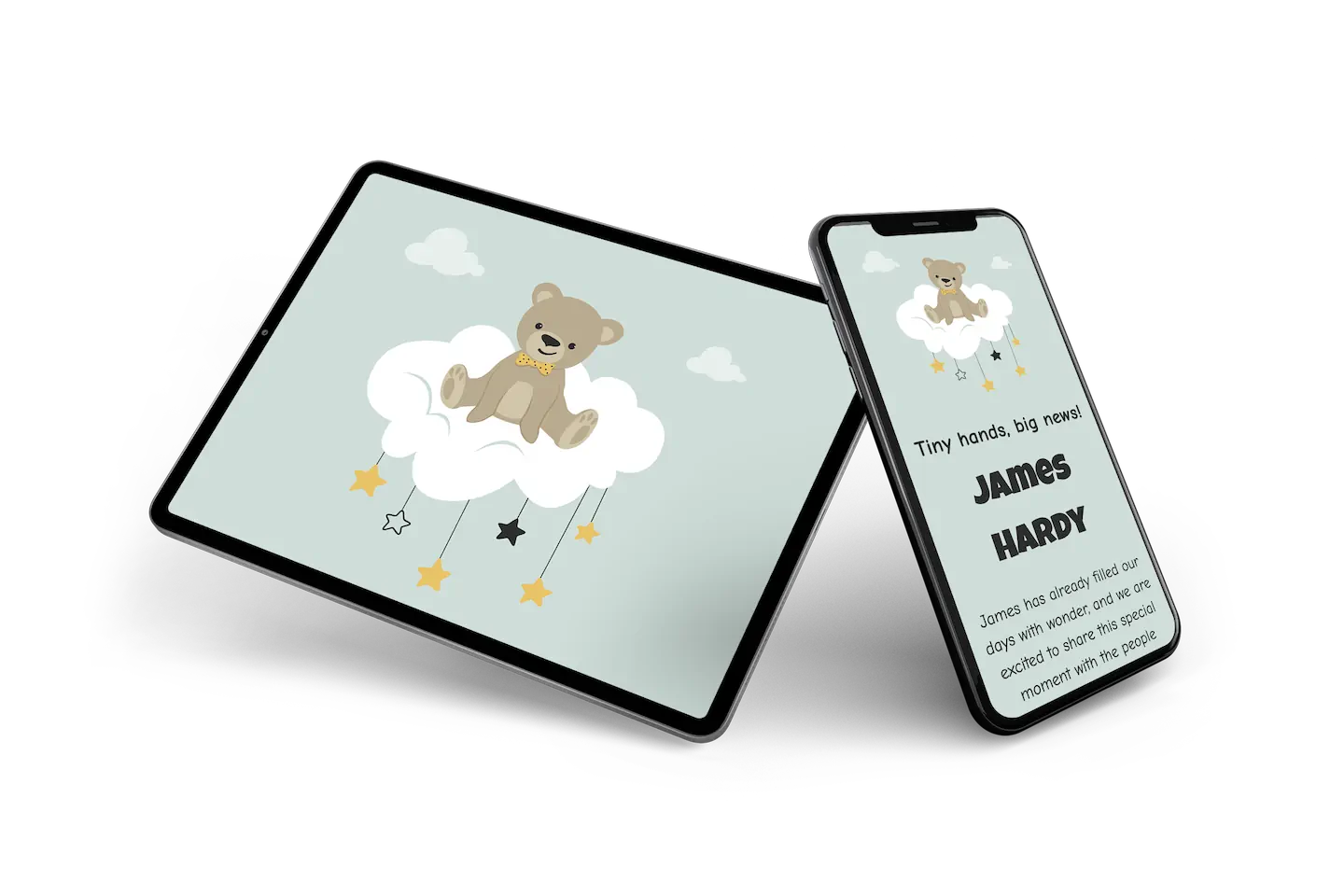
An online birth card for parents who want something calm, neither blue nor pink. The background is a soft sage green. At the top, an illustrated teddy bear sits on a fluffy cloud with little stars dangling below, a gentle nod to the nursery mobile. The baby’s name is set in a chunky, rounded letter that feels cheerful and a little cheeky, while the rest of the text stays light and friendly, almost handwritten.
Family and friends send their congratulations through the guestbook, so you can read them all later in one quiet moment. Visitors also let you know with a single button when they would like to come by. Prefer more colour? Our other online birth cards have it.
Create your own online birth card
Use this design as a starting point and create a fitting birth card within minutes.
Frequently asked questions
How long does it take to make?
Ten minutes. You enter the name, the date, the weight and a photograph, and everything else is already in place.
What can the recipients do?
They leave a message of congratulation, look through the photographs and read when visits are welcome. Their messages land in one place, which is far easier to read back than a hundred separate texts.
Is a neutral colour a safe choice?
It sidesteps the blue-or-pink question entirely, which is why a lot of parents land here. The tone is warm enough that it never reads as a compromise, and it suits a boy and a girl equally.
Can we adjust the design?
Colours, typefaces, photographs and all wording are adjustable. The portfolio shows the alternatives if this one is not right.
Is it cheaper than printing?
No print run, no envelopes, no stamps. What tends to matter more is that you can add photographs in the following weeks without sending a second card.
Design details: fonts and colors
Fonts
- Header 1 — Comic Neue
- Header 2 — Luckiest Guy
- Text — Comic Neue
Colors
- #2d2e2e — Header 1
- #2d2e2e — Header 2
- #2d2e2e — Text
- #cfded9 — Card
- #cfded9 — Background
Use this design
Copy this design to your dashboard to use it as a starting point.
All example invitations are fictional. Photos of people are AI-generated; illustrations are licensed or AI-generated.