A soft, stately wedding invitation
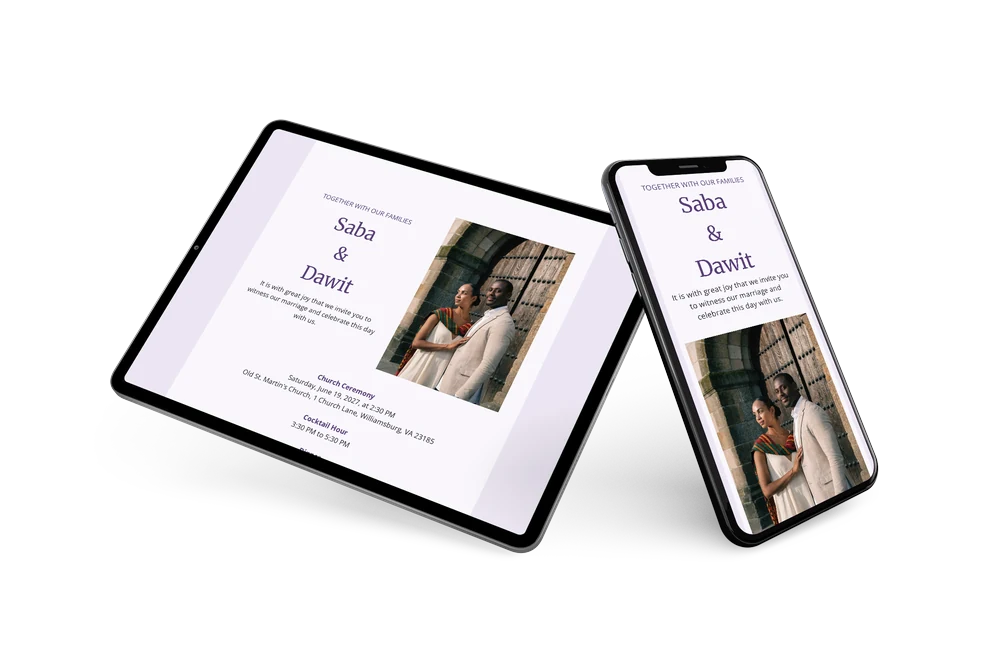
An online wedding invitation is shared as a link, so family and friends open it on their phone or computer and reply straight away. Guests abroad receive it instantly too, and any change you make is visible to everyone at once. For a wedding with a church ceremony and a full-day schedule, this lilac design is a classic choice.
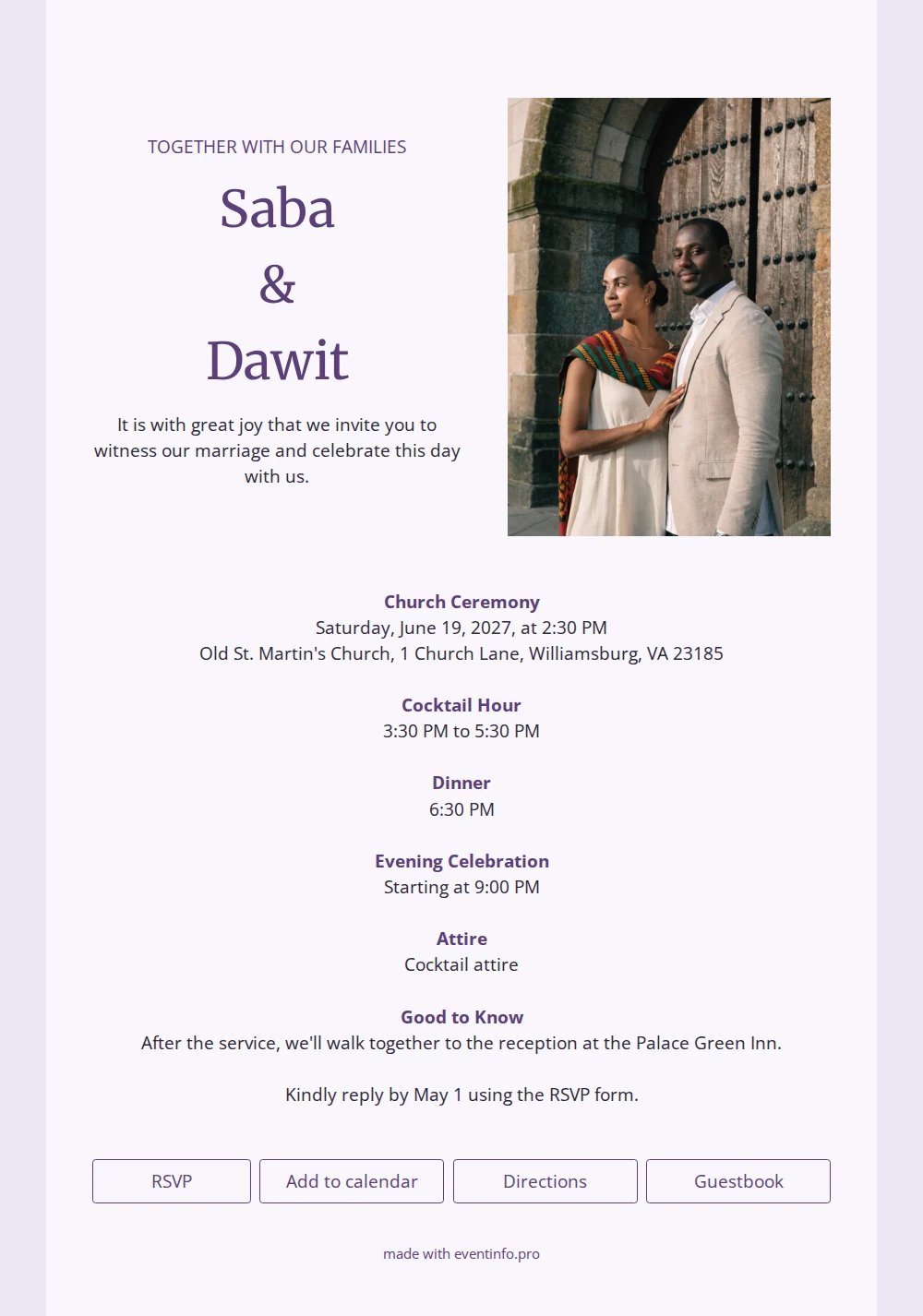
Lavender, off-white and deep purple give the card a soft yet refined atmosphere. The couple’s names appear large and stacked in a classic serif, topped by “Together with our families” in capitals. Beside them sits a portrait photo, perhaps of the two of you at an old church door. Below the columns you’ll find the times for ceremony, cocktail hour, dinner and evening celebration, the dress code and a note about walking to the reception. Ideal for couples who value tradition and a well-dressed invitation.
Use it for day guests and evening guests alike, so everyone knows exactly which parts they’re invited to. Guests reply via the form, open directions to the church and add the event to their calendar. After the wedding, you can read their wishes in the guestbook, a lovely keepsake to look back on.
Create your own online wedding invitation
Use this design as a starting point and create a fitting wedding invitation within minutes.
Frequently asked questions
Can I send it today?
Yes. Pick this design, fill in names, date and address, and upload a photo. Within fifteen minutes your invitation is ready to share.
What can my guests do?
They RSVP, open directions, save the date to their calendar and leave a message in the guestbook. All replies arrive in your dashboard.
Where do I add practical details, like walking to the reception?
That’s what the “Good to know” block is for. Mention that you’ll walk together to the reception after the service, where guests can park, or whether the church has step-free access.
Can I adjust the photo layout?
Yes, choose your own photo, change colors and wording, and add or remove sections. Explore more designs in our collection of wedding invitation designs.
How much does it cost?
Less than printing and postage. Check the pricing page for the options.
Design details: fonts and colors
Fonts
- Header 1 — Open Sans
- Header 2 — Merriweather
- Text — Open Sans
Colors
- #5b3f7a — Header 1
- #5b3f7a — Header 2
- #2e2838 — Text
- #f9f7fc — Card
- #ece6f3 — Background
Use this design
Copy this design to your dashboard to use it as a starting point.