Warm colour where most cards stay pale
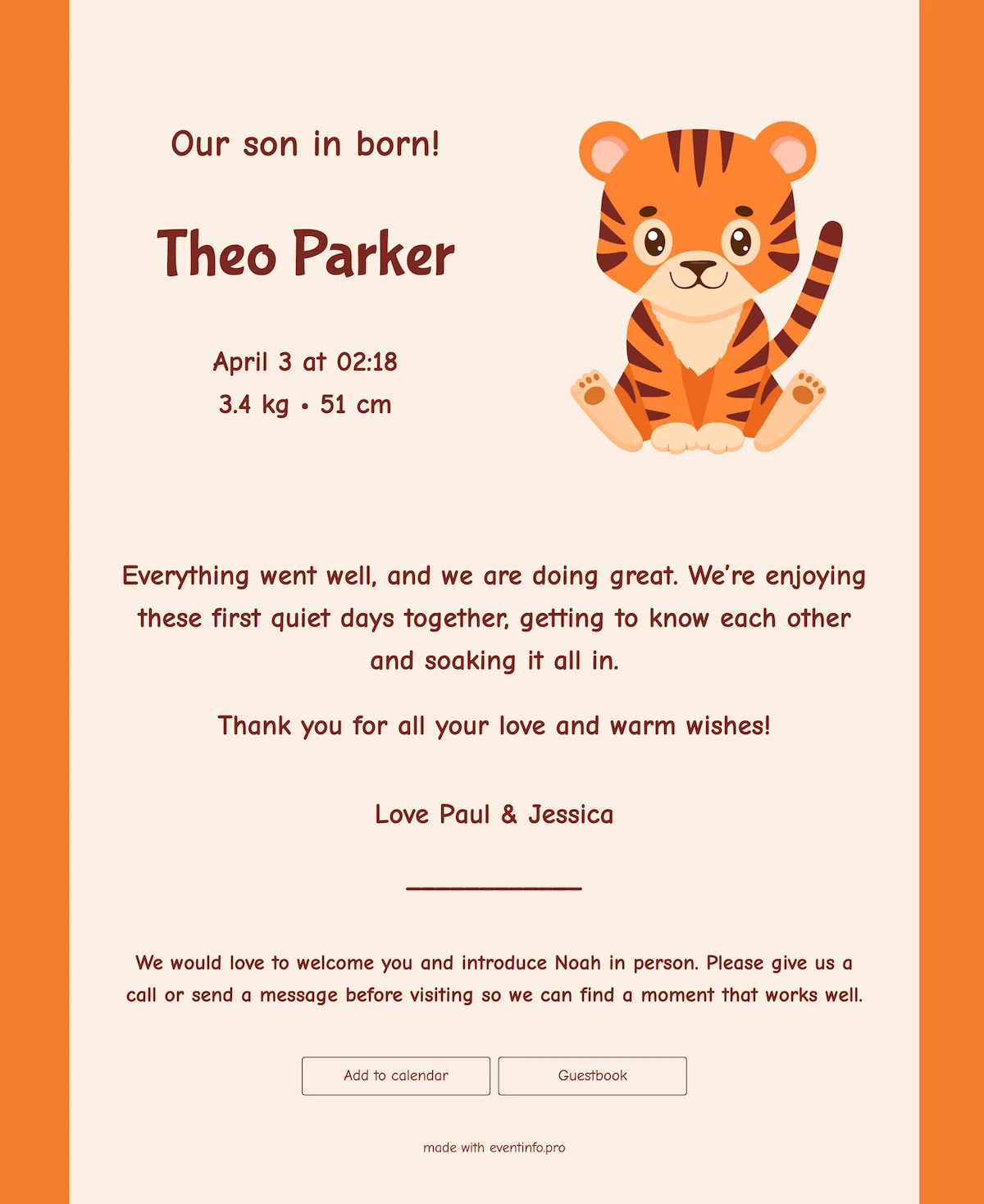
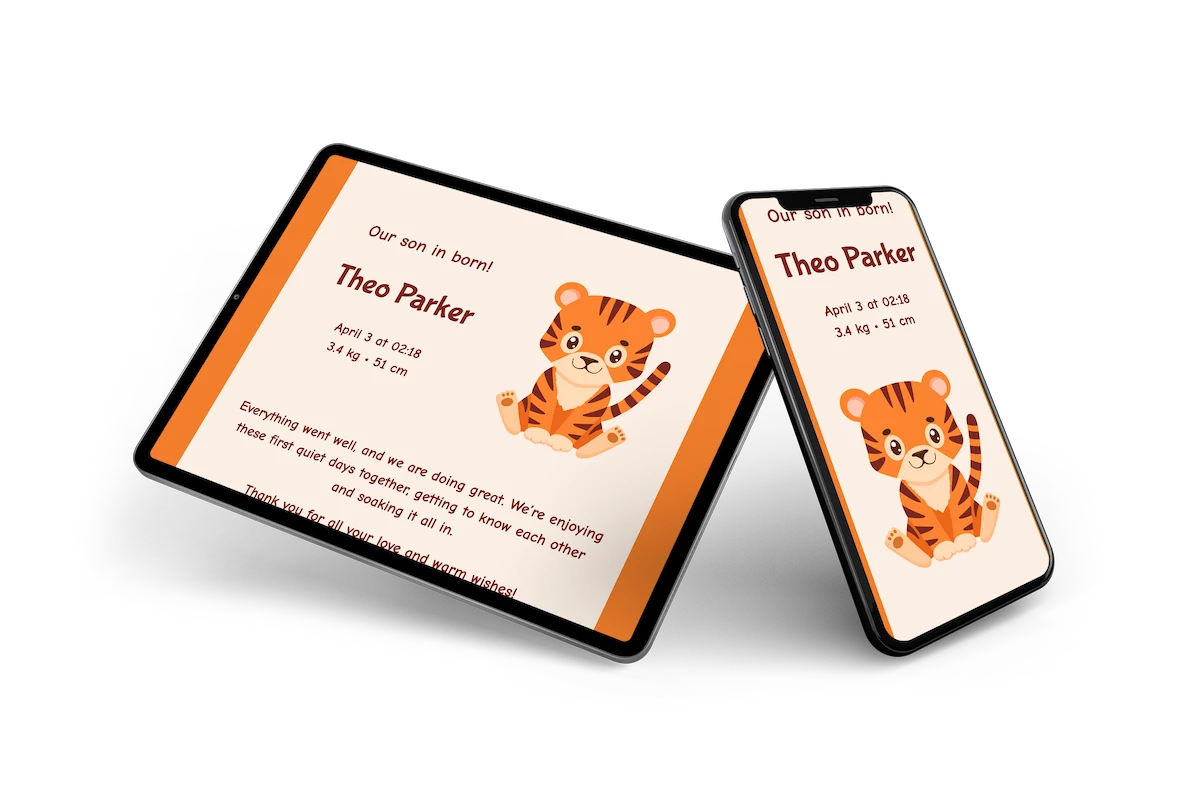
A small tiger cub, all stripes and round cheeks, keeps watch over the name on this online birth card. The middle of the page is a soft cream, framed by wide bands of warm orange that give it a cheerful edge. Text in a deep reddish brown picks up the colour of the tiger’s stripes. For the name there’s a chunky, rounded letter that looks almost hand-drawn, which keeps the whole card sweet and a little cheeky.
Everyone you send it to can leave congratulations in the guestbook, and you can read them back in the quiet hours. Forward the link on WhatsApp or by email; there’s nothing to print and no stamps to buy. For a different mood, take a look at our other online birth cards.
Create your own online birth card
Use this design as a starting point and create a fitting birth card within minutes.
Frequently asked questions
How long does it take to prepare?
Ten minutes. Name, date, weight and a photograph go in, and the layout is finished before you start.
What can the recipients do?
They leave a message of congratulation, look through the photographs and read when a visit would suit. Everything arrives in one place, which is much easier than reading back several group chats.
Will the tiger suit a girl as well as a boy?
Nothing about the drawing is aimed at one or the other, which is part of why parents choose it. The colour does the work, and the animal simply gives the card something to be about.
Can we change the palette?
Colours, typefaces, photographs and every line can be adjusted. The portfolio holds the softer designs if this is not the right register.
Is it cheaper than printing?
No print run, no envelopes and no stamps. More usefully, a better photograph goes on later and everybody sees it at the same link.
Design details: fonts and colors
Fonts
- Header 1 — Comic Neue
- Header 2 — Bubblegum Sans
- Text — Comic Neue
Colors
- #ffffff — Header 1
- #ffffff — Header 2
- #ffffff — Text
- #c44f1c — Card
- #ba4818 — Background
Use this design
Copy this design to your dashboard to use it as a starting point.
All example invitations are fictional. Photos of people are AI-generated; illustrations are licensed or AI-generated.