A refined, summery wedding invitation
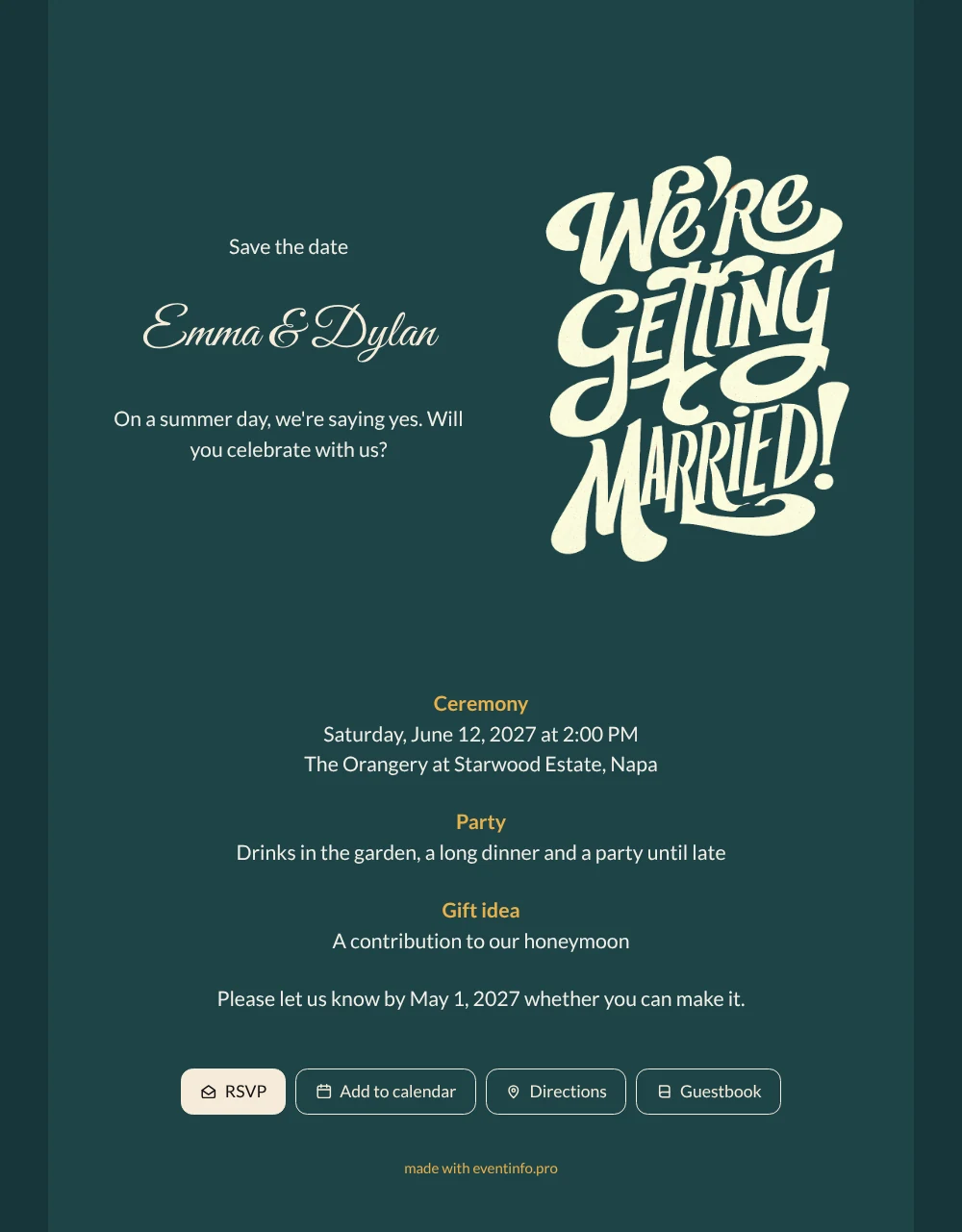
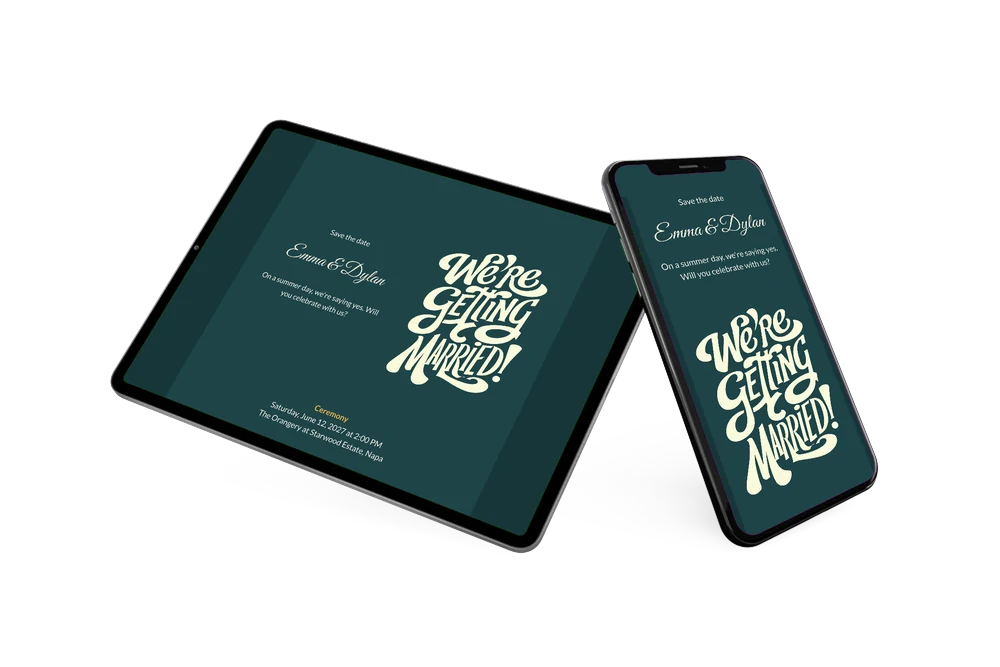
At its core, an online wedding invitation is a personal web page for your wedding: one link with the date, the venue, the schedule and a button to reply. Here the page opens with “Save the date” and the names Emma & Dylan in an elegant script, next to large cream letters that read “We’re getting married!” on a petrol blue background. Below that, ochre subheadings guide guests through the ceremony, the party and a gift idea. Choose this design if you want to announce your date early and keep all the details in one place as your plans take shape.
Send the link through WhatsApp, by email or with a QR code on your invitation, so guests who prefer paper can still scan it. They answer through the RSVP form, tap Directions to reach the orangery and save the ceremony in their calendar. Whenever you add a detail later, it appears on the same page.
Create your own online wedding invitation
Use this design as a starting point and create a fitting wedding invitation within minutes.
Frequently asked questions
Can I send this save the date right away?
Yes. Fill in your names, date and venue, and add the rest as soon as you know it. Publish, share the link and update the page whenever your plans change.
Which buttons appear on the invitation?
RSVP to reply, Add to calendar to keep the date, Directions to find the venue and Guestbook for a personal note. You see all answers in your dashboard.
Why are the names in script and the details in a plain font?
The flowing script gives the names a festive, handwritten feel, while the clean sans-serif below keeps times and addresses easy to read on a phone. Together with the ochre headings, it creates a clear order: first the names, then the facts. You can swap either font in the builder.
How do I put my own text in?
Click a text block in the builder and type. The guide on how to replace the example text shows each step, and you can change the colors and the lettering in the same way.
Do I have to pay before publishing?
You only pay when you publish, so you can build the whole invitation first. Without printing and postage, it is usually the more affordable choice; the pricing page has the details.
Design details: fonts and colors
Fonts
- Header 1 — Lato
- Header 2 — Great Vibes
- Text — Lato
Colors
- #F1EEE6 — Header 1
- #F6EBD9 — Header 2
- #F1EEE6 — Text
- #1E4448 — Card
- #173638 — Background
Use this design
Copy this design to your dashboard to use it as a starting point.
All example invitations are fictional. Photos of people are AI-generated; illustrations are licensed or AI-generated.